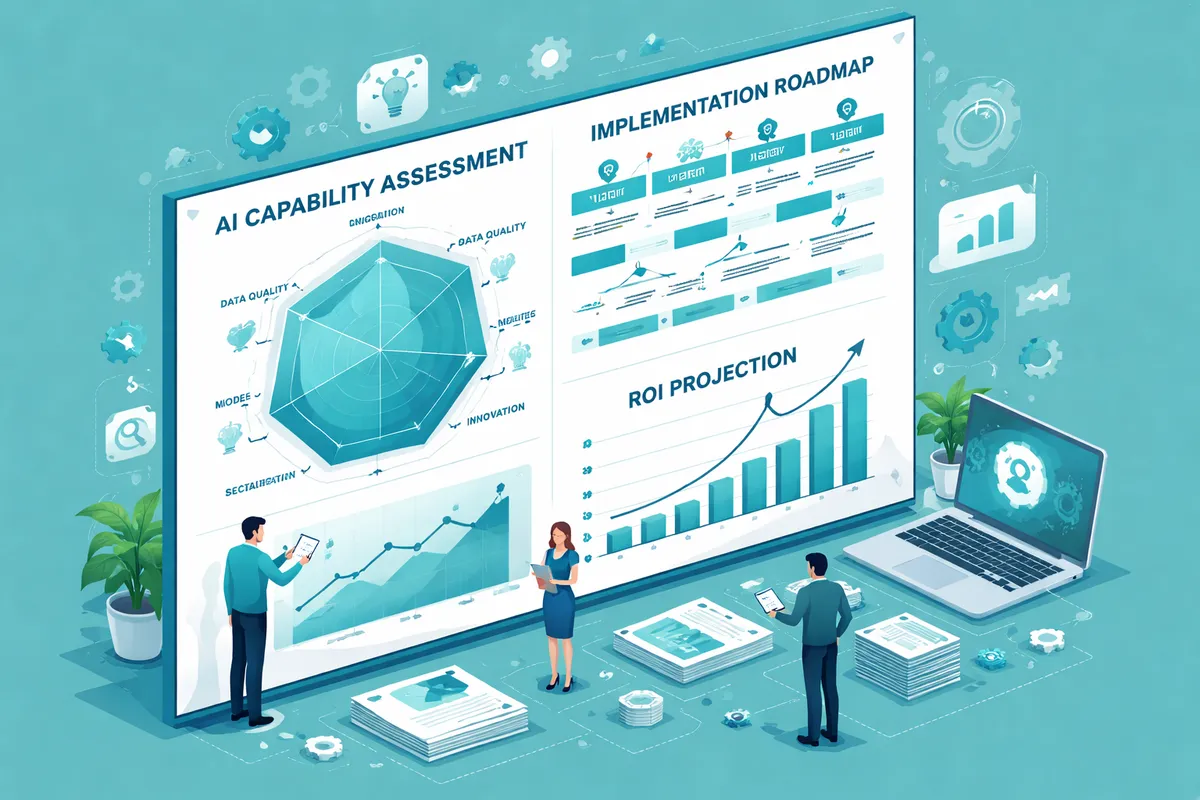
Step 1: Identify Your Highest-Impact Opportunities
Start by mapping your business processes. Write down every repetitive task your team performs daily and weekly. Look for patterns in three categories.
Time-intensive tasks. What eats the most hours each week? Data entry, appointment scheduling, invoice processing, customer inquiry responses, report generation, and social media management are common candidates. If your team spends more than 5 hours per week on a repetitive task, AI can likely reduce that time by 60 to 80 percent. A bookkeeper entering 200 transactions per week manually could cut that to 40 minutes with AI-assisted categorization.
Error-prone processes. Where do mistakes happen most often? Manual data transfers between systems, inventory counts, financial reconciliation, and copy-paste workflows are areas where AI excels because it does not get tired, distracted, or inconsistent. One accounting firm reduced data entry errors by 94% after implementing AI-assisted document processing.
Customer-facing bottlenecks. Where do customers wait? Response times for inquiries, quote generation, appointment scheduling, and follow-up communications are all processes that AI can accelerate dramatically. If your average email response time is 4 hours, an AI assistant can bring that under 15 minutes for routine questions while routing complex inquiries to the right team member.
Rank each opportunity by two factors: business impact (time saved, errors prevented, revenue influenced) and implementation difficulty (cost, technical complexity, team disruption). Start with high-impact, low-difficulty wins. These build momentum, prove ROI to skeptics on your team, and fund more complex projects later.
Step 2: Choose the Right AI Approach
Once you have identified your target processes, decide on the right approach for each one. The wrong approach wastes money. The right one delivers returns within weeks.
Off-the-shelf AI tools. For common business processes like email marketing automation, customer service chatbots, social media scheduling, and content creation, existing tools already solve the problem well. Products like ChatGPT, Jasper, Intercom, and HubSpot AI features can be deployed in days. Monthly costs range from $20 to $500 depending on the tool and usage volume. This is the right starting point for 80% of small businesses.
Custom integrations. When your process is unique to your business or requires connecting multiple systems, you need custom work. This might mean building API connections between your CRM and an AI service, creating automated workflows that match your specific processes, or building custom prompt templates that produce outputs tailored to your industry. Custom integrations typically cost $2,000 to $15,000 and take two to six weeks to implement.
Custom AI models. This is the most expensive option and is only justified when off-the-shelf tools cannot handle your specific data or process requirements. Training custom models requires significant data, technical expertise, and ongoing maintenance. Most small businesses do not need this level of customization in their first year of AI adoption. When you do, working with a specialized AI solutions provider ensures the investment delivers results.
For most small businesses, the right answer is a combination of off-the-shelf tools and light custom integrations.
Step 3: Prepare Your Data
AI runs on data. Before you implement any AI solution, audit the data you have available. This step is where most failed AI projects went wrong. They skipped it.
Assess data quality. Pull a sample of 100 records from your main systems and check them manually. Are records complete? Are they consistent in format? Do you have duplicate entries or outdated information? If more than 10% of your sample has quality issues, you need a cleanup phase before feeding that data to AI tools. A customer database with inconsistent phone number formats, duplicate entries, and outdated email addresses will produce unreliable AI outputs regardless of how good the tool is.
Centralize your data. If customer information lives in spreadsheets, your CRM, email inboxes, and paper files, you need to consolidate. AI tools work best when they can access a single source of truth. This does not mean buying an expensive enterprise platform. It means choosing one system as your primary record and ensuring other systems sync to it. A well-configured CRM system serves as this central hub for most small businesses.
Establish data practices going forward. Set standards for how data gets entered and maintained. Define required fields, naming conventions, and update frequencies. Train your team on these standards. This discipline pays dividends long after your initial AI implementation because every future AI project benefits from clean, consistent data.
Step 4: Start With a Pilot Project
Never roll out AI across your entire business at once. Pick one process, one team, and one clear success metric.
A good pilot project has four characteristics. It affects a process your team already finds painful. It has a measurable outcome like hours saved or errors reduced. It can be completed in 30 to 60 days. It does not require changing your core systems.
Example pilot projects by business type. A service business pilots AI-powered booking and scheduling to reduce phone tag and no-shows. A professional services firm pilots AI-assisted proposal generation to cut writing time from 6 hours to 90 minutes. A retailer pilots an AI chatbot to handle the 15 most common customer questions automatically. A real estate agency pilots AI document processing to extract key terms from contracts in seconds instead of hours.
Set your baseline first. Measure the current state of whatever you are improving. How many hours does the process take now? What is the error rate? What is the customer satisfaction score? What does it cost in labor? Without a baseline, you cannot prove ROI. Spend one to two weeks tracking the current process before implementing the AI solution.
Assign an owner. Someone on your team needs to own the pilot. They coordinate with any vendors, track progress, gather feedback from users, and report results. AI projects without clear ownership drift into "we will get to that" territory and fail.
Define success criteria before you start. What result would make this pilot worth expanding? Be specific. "Save 10 hours per week on invoice processing" is a good success criterion. "Make things better" is not. Set a minimum acceptable result and a target result. If you hit the minimum, the project is viable. If you hit the target, you scale immediately.
Step 5: Implement and Iterate
With your pilot scoped, move into implementation using a phased approach that builds confidence while catching problems early.
Week 1 to 2: Setup and configuration. Get the tool installed, connected to your data, and configured for your use case. Train the AI on your specific terminology, processes, and preferences if applicable. For a customer service chatbot, this means loading your FAQ database, configuring escalation rules, and setting response tone guidelines. For an AI document processing tool, this means uploading sample documents and validating extraction accuracy.
Week 3 to 4: Supervised operation. Run the AI alongside your existing process. Let it make recommendations or generate outputs, but have humans review everything before it goes live. This parallel running period catches errors, identifies edge cases the AI handles poorly, and builds trust with your team. Track accuracy rates during this phase. Most AI tools need fine-tuning after initial deployment, and this is when you do it.
Week 5 to 8: Gradual autonomy. As confidence grows, let the AI handle more independently. Shift human review from every item to spot checks. For a customer service bot, move from reviewing every response to reviewing only flagged or escalated conversations. Monitor your success metrics closely. If accuracy drops below your threshold, pull back and investigate.
Week 9 to 12: Measure and decide. Compare your results against your baseline. Did you hit your success criteria? What worked well? What did not? Document everything for your next project. Calculate actual ROI: time saved multiplied by labor cost, minus the cost of the tool and implementation time.
Step 6: Scale What Works
Once your pilot proves successful, expand strategically using the playbook you just developed.
Apply the same process to your next highest-priority opportunity. Use the lessons from your pilot to move faster. Your team now understands how AI implementation works, what questions to ask, and what to watch for. The second project typically takes 40% less time than the first.
Build an AI roadmap for the next 12 months. Prioritize projects that build on each other. For example, if your first project automated customer inquiry responses with a chatbot, your next project might use predictive analytics to analyze those conversations and identify product improvement opportunities or upsell signals.
Consider how AI tools connect across your business. The data generated by one AI system becomes input for another. Customer service conversation data feeds content marketing insights. Sales automation data informs lead generation strategies. Scheduling data reveals operational patterns. The compounding effect of connected AI systems delivers far more value than isolated tools.
Common Mistakes to Avoid
Starting too big. The most common failure is trying to transform everything at once. A restaurant owner who simultaneously implements AI ordering, inventory management, staff scheduling, and marketing automation overwhelms their team and budget. Start with one process. Prove value. Then expand.
Ignoring your team. AI implementation fails when employees feel threatened or excluded. Involve your team from day one. Show them how AI makes their work easier and more interesting, not how it replaces them. The bookkeeper who spends 20 hours on data entry would rather spend 4 hours reviewing AI-processed entries and 16 hours on advisory work. Frame AI as a promotion, not a replacement.
Chasing trends instead of solving problems. Just because a new AI tool is generating buzz does not mean it solves your specific problem. Stay focused on your identified opportunities. Every AI investment should tie directly to a measurable business outcome. If you cannot name the metric it will improve, do not implement it yet.
Skipping the data step. Businesses that rush to implement AI without cleaning and organizing their data waste months troubleshooting problems that two weeks of data preparation would have prevented. An AI tool trained on messy data produces messy outputs. No amount of prompt engineering fixes fundamentally flawed input data.
No measurement plan. If you cannot measure the impact, you cannot justify the investment or improve the process. Always establish baselines and track metrics from day one. The businesses that scale AI successfully are the ones that can point to specific numbers: "This tool saves us $2,400 per month in labor costs" beats "it feels like things are faster."
How Running Start Digital Can Help
We guide small businesses through every step of AI implementation, from identifying your highest-value opportunities to deploying solutions and measuring ROI. Our approach combines AI marketing automation expertise with practical business strategy to ensure every AI investment delivers measurable returns.
Whether you need help selecting the right tools, building custom integrations, or training your team, we provide the guidance that turns AI from a buzzword into a business advantage. Contact us to start with a free assessment of your AI readiness.
Frequently Asked Questions
How much does it cost to implement AI in a small business?
Initial costs range from $0 to $500 per month for off-the-shelf tools like ChatGPT Plus ($20/month), Jasper ($49/month), or HubSpot AI features (included in existing plans). Custom integrations that connect your existing systems to AI services typically run $2,000 to $15,000 depending on complexity. Most small businesses start with affordable subscription tools and invest in custom work only after proving value with their pilot project. A reasonable first-year AI budget for a 10-person company is $3,000 to $8,000 including tools and implementation support.
How long does AI implementation take for a small business?
A single pilot project takes 30 to 90 days from planning to measurable results. The first two weeks cover tool selection and setup, weeks three and four run supervised operation, and weeks five through twelve measure results and optimize. Building a comprehensive AI strategy across multiple business functions typically takes 6 to 12 months of phased rollouts, with each subsequent project moving faster as your team gains experience.
Do I need technical staff to implement AI?
Not for most off-the-shelf tools. Modern AI platforms are designed for non-technical users with guided setup wizards, templates, and customer support. Custom integrations and more complex implementations may require a technical partner for API connections, data pipeline setup, and workflow configuration. This is where working with an agency that understands both business operations and AI technology adds the most value.
What is the first AI tool a small business should implement?
It depends entirely on your biggest pain point. Customer service chatbots deliver quick ROI for businesses that handle high volumes of routine inquiries. Email marketing automation works well for businesses with existing customer lists that are not being nurtured. AI-powered scheduling tools save immediate time for service businesses that spend hours coordinating appointments. Start with whatever process wastes the most time or money in your specific business.
How do I know if AI is actually saving my business money?
Track three metrics before and after implementation. Time saved: multiply hours saved per week by the hourly labor cost of the person who previously did that work. Error reduction: calculate the cost of errors before AI (rework time, refunds, lost customers) and compare to the rate after. Revenue impact: measure any improvements in conversion rates, customer retention, response times, or deal velocity that AI influenced. A simple spreadsheet tracking these numbers monthly gives you a clear picture of ROI.
What if the AI implementation does not work?
Pilot projects are designed to fail cheaply if they are going to fail. Set a budget cap and hard timeline before you start. If results do not meet your minimum success criteria after the measurement period, document the lessons learned and redirect those resources to your next-priority opportunity. Common reasons pilots underperform include poor data quality (fixable), wrong tool selection (swap it), or insufficient training time (extend the pilot). A failed pilot that teaches you something costs far less than a full-scale rollout that never delivers.