Common Accessibility Issues in Startup Websites
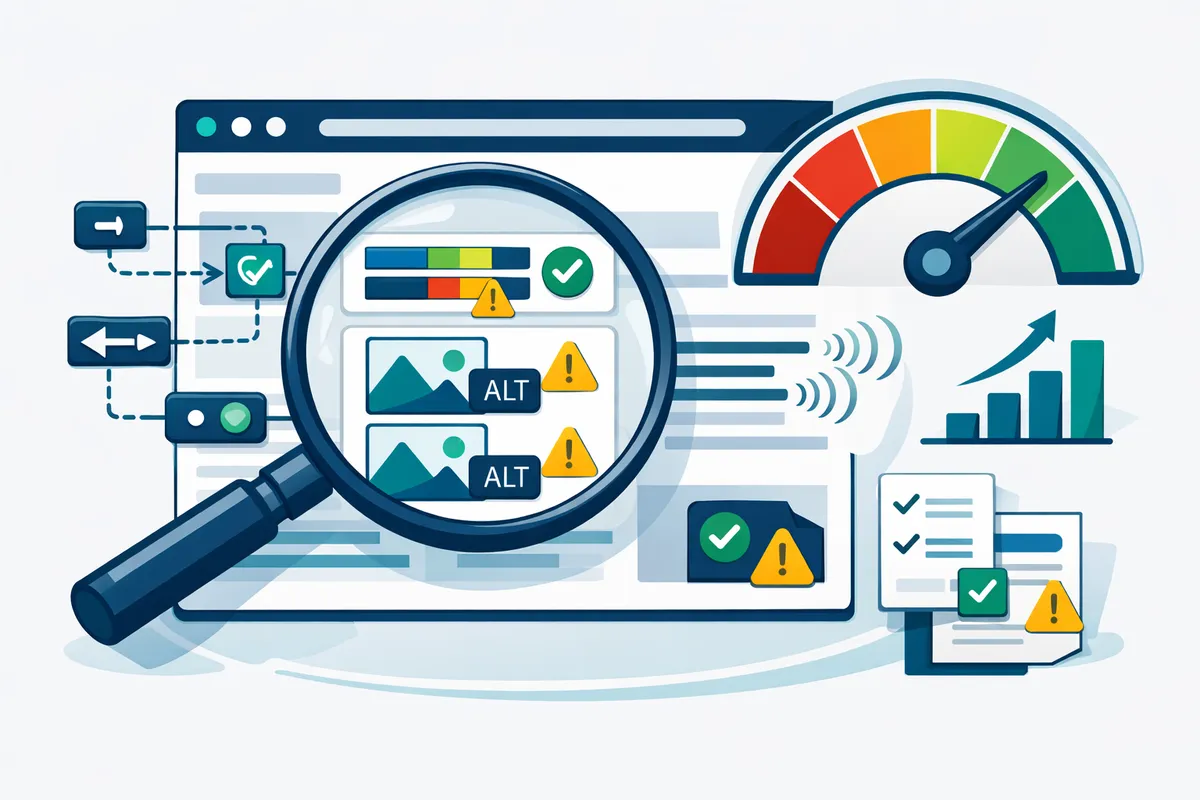
An automated scan catches approximately 30-40% of WCAG violations. The rest require manual testing with assistive technologies. Here are the issues we find most frequently when auditing startup websites:
Missing or decorative alt text on meaningful images. Every image that conveys information needs descriptive alt text. Logos, product photos, infographics, and screenshots all require alt attributes that describe what the image communicates. Stock photo decorations can use empty alt attributes (alt=""), but functional images cannot.
Insufficient color contrast. WCAG 2.1 AA requires a minimum contrast ratio of 4.5:1 for normal text and 3:1 for large text. Many startup brand palettes fail this test, particularly light grays on white backgrounds and colored text on colored backgrounds. Tools like the WebAIM Contrast Checker flag these issues instantly.
Forms without proper labels. Placeholder text inside input fields is not a label. Screen readers need explicit `` elements associated with each form control via the `for` attribute. Floating labels that disappear on focus create problems for users with cognitive disabilities who lose context about what the field requires.
Keyboard navigation dead ends. Custom dropdown menus, modal dialogs, and hamburger menus built without keyboard support trap users who cannot use a mouse. Every interactive element needs focus states, and focus order must follow a logical reading sequence. Tab through your entire site without touching your mouse. If you get stuck or lost, so do your users.
Missing skip navigation links. Screen reader users hear every navigation link on every page load unless you provide a "Skip to main content" link as the first focusable element. This is one of the simplest fixes and one of the most commonly missing.
Video and audio without captions or transcripts. Auto-generated captions from YouTube are approximately 70-80% accurate, which is not sufficient for compliance. Professional captions or verified auto-captions are necessary. Podcasts and audio content need full transcripts.
Dynamic content that fails to announce updates. Single-page applications that update content without a full page reload need ARIA live regions to alert screen readers when content changes. Toast notifications, form validation messages, and loading states all require proper announcement.
Building Accessibility Into Your Design System
Retrofitting accessibility onto a finished website is like installing plumbing after the walls are up. It works, but it costs three times as much and never feels quite right. The efficient approach is building accessibility into your component library from the start.
Start with semantic HTML. Use `
Automated Testing and Monitoring
Manual accessibility audits are essential but expensive at $2,000-$10,000 per audit depending on site complexity. Automated tools catch a subset of issues continuously between manual reviews.
Axe DevTools integrates into your browser and CI/CD pipeline. It catches approximately 57% of WCAG violations automatically and produces actionable error reports with severity ratings. Running Axe in your build pipeline prevents new violations from reaching production.
Lighthouse Accessibility Audit is built into Chrome DevTools and scores your pages on a 0-100 scale. Scores above 90 indicate strong automated compliance, though a perfect score does not guarantee full WCAG conformance because many criteria require human judgment.
Pa11y runs automated tests against a list of URLs and generates reports. It integrates with CI systems and can block deployments when accessibility scores drop below a threshold.
WAVE (Web Accessibility Evaluation Tool) provides a browser extension that overlays accessibility information directly on your page, highlighting errors, alerts, and structural elements visually.
For ongoing monitoring, combine automated scans running weekly or on every deployment with quarterly manual audits using real assistive technology. Our web hosting and maintenance plans include automated accessibility monitoring as a standard feature.
The Business Case Beyond Legal Risk
Accessibility improvements correlate with measurable business outcomes beyond lawsuit prevention.
SEO benefits. Many accessibility practices directly improve search rankings. Alt text helps Google understand images. Proper heading hierarchy helps crawlers parse content structure. Semantic HTML improves content indexability. Transcript text for videos creates additional keyword-rich content. Businesses that implement WCAG guidelines often see a 12-15% improvement in organic search traffic from the structural improvements alone, which complements a broader SEO strategy.
Conversion rate improvements. Clear form labels, logical navigation, readable text, and fast-loading pages benefit all users. A Forrester study found that accessible websites have an average of 50% lower bounce rates than comparable inaccessible sites. When every user can complete your conversion flow without friction, conversion rates rise.
Mobile performance. WCAG requirements around touch targets (minimum 44x44 CSS pixels), readable text without zooming, and logical content flow directly improve the mobile experience. Given that mobile traffic exceeds 60% for most startup websites, accessibility and mobile optimization share significant overlap.
Brand reputation. Companies that demonstrate accessibility commitment attract talent with disabilities, earn positive coverage in disability advocacy communities, and differentiate themselves in markets where competitors have not made the investment. For startups building their brand identity, accessibility signals maturity and social awareness.
Remediation Roadmap for Existing Startup Websites
If your site is already live with accessibility gaps, here is a prioritized remediation approach:
Week 1-2: Critical fixes. Address issues that completely block access. Missing form labels, keyboard traps, missing alt text on functional images, and color contrast failures on primary CTAs. These are the violations most likely to trigger legal complaints.
Week 3-4: Structural improvements. Add proper heading hierarchy, landmark regions, skip navigation, and language attributes. Fix focus management in modals and dynamic content. These changes improve the experience significantly for screen reader users.
Month 2: Content remediation. Add captions to all videos. Write alt text for remaining images. Review link text for clarity. Ensure PDFs and downloadable documents are accessible or provide HTML alternatives.
Month 3: Testing and documentation. Conduct a full manual audit with screen readers (test with both NVDA on Windows and VoiceOver on Mac). Document your accessibility statement. Establish ongoing testing processes and train your content team on accessibility requirements.
Ongoing: Run automated scans on every deployment. Schedule quarterly manual reviews. Update your accessibility statement annually. Train new team members during onboarding.
For startups that need expert guidance through this process, our website design and UI/UX design teams handle accessibility remediation as both standalone projects and as part of broader redesign engagements.
Frequently Asked Questions
How much does ADA compliance cost for a startup website?
For a new build, adding WCAG 2.1 AA compliance typically adds 1-3% to the total development cost, roughly $500-$3,000 on a $30,000-$100,000 project. Remediating an existing site ranges from $2,000 for a simple 5-page site to $15,000+ for complex web applications with dynamic content, custom forms, and multimedia. Ongoing monitoring and maintenance runs $100-$500 per month depending on site size and update frequency.
Can my startup get sued for an inaccessible website even if we are small?
Yes. ADA web accessibility lawsuits have targeted businesses of all sizes, including sole proprietors and early-stage startups. Plaintiffs' attorneys often use automated scanning tools to identify violations across thousands of websites, then file demand letters or lawsuits in bulk. Business size is not a defense. The law applies to any business that qualifies as a place of public accommodation, which includes virtually any business with a public-facing website.
Is WCAG 2.1 AA the only standard I need to meet?
WCAG 2.1 AA is the standard most courts and settlement agreements reference for private businesses. However, WCAG 2.2 was published in October 2023 and adds nine new success criteria. While courts have not yet widely adopted 2.2, building to the newer standard future-proofs your compliance. If you receive federal funding or work with government agencies, Section 508 requirements apply, which align closely with WCAG 2.0 AA but are being updated.
Do accessibility overlays and widgets actually work?
Accessibility overlay products (like AccessiBe, UserWay, or AudioEye) that add a toolbar widget to your site do not achieve WCAG compliance. Multiple court rulings have rejected overlay solutions as adequate remediation. The National Federation of the Blind has explicitly opposed overlay products. These tools can actually introduce new accessibility barriers by interfering with assistive technology. Genuine compliance requires fixing the underlying code, not adding a cosmetic layer on top.
How do I write an accessibility statement for my website?
An accessibility statement should include your conformance target (e.g., WCAG 2.1 AA), the date of your most recent audit, known limitations or areas still being remediated, a contact method for users to report accessibility issues, and your timeline for addressing reported problems. Place it in your footer navigation where users expect to find it. A transparent statement that acknowledges ongoing work is better than no statement at all. Update it after each audit or significant remediation effort.
What is the fastest way to test if my current site has major issues?
Run three quick tests. First, tab through your entire homepage using only your keyboard. If you cannot reach every interactive element or if you get trapped in a component, you have critical issues. Second, run the free WAVE browser extension and review the red error icons. Third, turn on VoiceOver (Mac: Cmd+F5) or NVDA (Windows, free download) and try to navigate your homepage by listening only. These three tests take under 30 minutes combined and reveal the most impactful problems.