The Automation Audit: Three Criteria
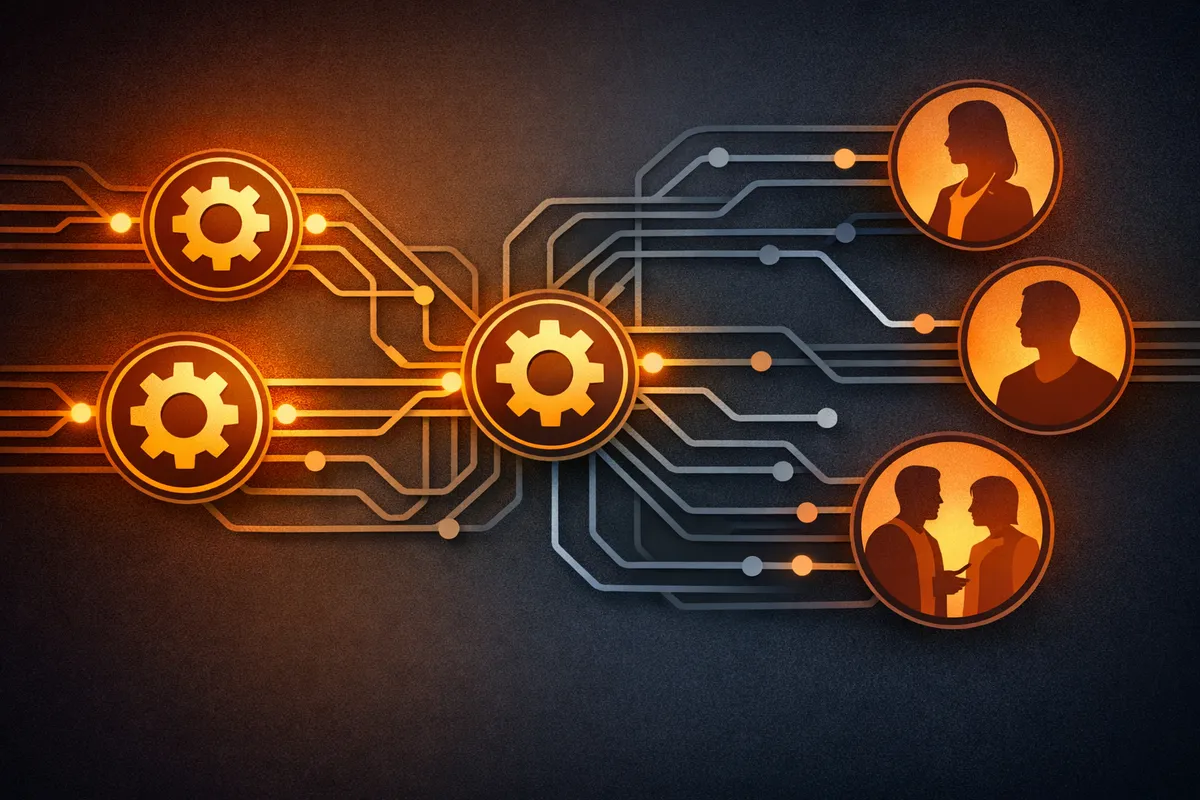
Start by identifying what should be automated. Not what could be automated. What should be. The answer is work that meets three criteria:
- It's repetitive. The same work happens over and over. Not "we do this task once a month." But "we do this task five times a week" or "we do this task once a day." The more frequent, the better the ROI on automation.
- It doesn't require judgment. It's mechanical. Same input, same process, same output. If the work requires decision-making, interpretation, or judgment about exceptions, automation is hard. If the work is deterministic, automation is straightforward.
- The cost of errors is low. If a human makes a mistake once every two weeks, nothing catastrophic happens. But if an automated system makes the same mistake, it repeats it thousands of times before anyone notices. So the stakes of automation need to be low.
When all three criteria are met, you have a candidate for automation.
The Three-Question Validation
You've identified a process that seems automatable. Now stress-test it with three questions.
Is it truly repetitive?
This question cuts through illusion. You think a process is repetitive. But when you actually map it, there are lots of exceptions. Customer onboarding seems like a standard process until you realize that 20% of customers need custom setup. You can automate the 80%. But now you have an automated process plus exception handling, which is more complex than the original manual process.
How often does the exception occur?
This determines whether you can automate at all. Here is a practical threshold:
- Under 10% exception rate: Automate the 90% and handle exceptions separately. Strong candidate.
- 10-25% exception rate: Automation works but you need robust exception routing. Moderate candidate.
- Over 25% exception rate: Automation creates as much work as it solves. Probably not worth it.
How much time would actually be freed up?
You think you're spending four hours a week on this process. But when you actually time it, it's two hours. Automating two hours a week is less compelling than automating four. The ROI has to justify the build and maintenance work.
Quick ROI calculation: If a process takes 3 hours per week and you pay $50/hour, that's $7,800 per year. A no-code automation that takes 4 hours to set up and 2 hours per month to maintain costs roughly $1,200 per year in time. The savings are real. But a custom-built automation that takes 80 engineering hours ($12,000+) to build plus 4 hours per month to maintain may not pay back for two years.
What to Automate First: The Priority Stack
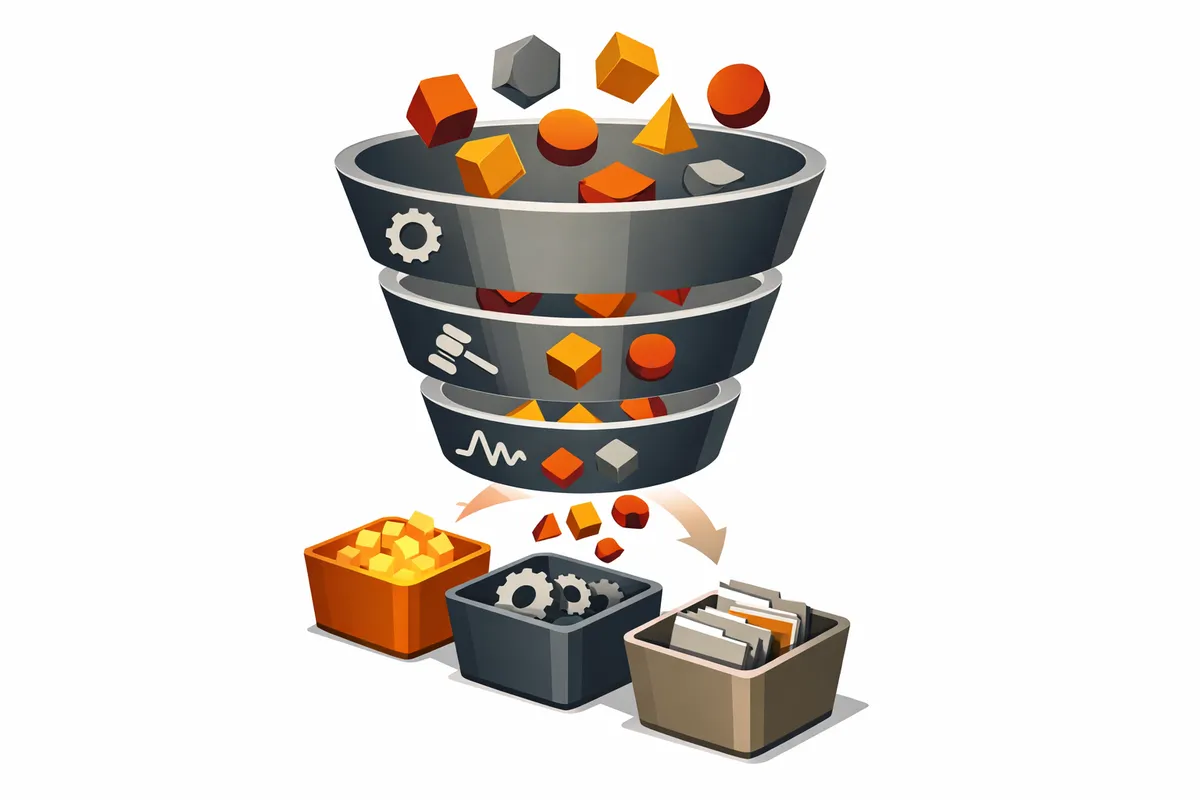
Start with the highest-ROI candidates, in this order:
1. Data entry between systems. Your customer service tool needs to talk to your accounting tool. A customer comes in, their info needs to be in both places. This eliminates manual entry and the mistakes that come with it. Tools like Zapier can connect Zendesk to QuickBooks in 20 minutes.
2. Reporting and dashboards. Pulling data from multiple sources and creating a report. You're extracting data, transforming it, presenting it. A machine can do that. The human energy that goes into reporting is enormous. Automating it frees up real time. Tools like Metabase or Retool can replace hours of weekly spreadsheet work.
3. High-frequency administrative tasks. Scheduling, expense reimbursement submission, reminder emails, calendar invites. These are high frequency, low complexity, low judgment. Great automation candidates.
4. Weekly recurring processes. A process that takes ten hours a week and happens every week. Repetitive, no judgment required, errors don't cascade. That's a strong candidate.
5. Monthly recurring processes. A process that happens monthly and takes six hours. Still worthwhile but lower ROI. Quarterly processes are usually not worth automating unless they're painful.
No-Code and Low-Code Tools: Start Here
You don't need to write code to automate most processes. The landscape in 2026:
- Zapier ($20-$100/month): Best for simple "when X happens in system A, update system B" workflows. Huge integration library. Easy to set up.
- Make (formerly Integromat) ($10-$60/month): More complex logic than Zapier, visual workflow builder, better for multi-step processes.
- n8n (free self-hosted, $20+/month cloud): Open-source alternative. Best if you have technical comfort and want to self-host.
- Retool / Superblocks ($10-$50/month): For building internal tools and dashboards without code.
These tools are powerful. They're also limited. They work when the automation is straightforward connector logic. They struggle with complex conditional branching or operations that require custom code.
The no-code-first approach
1. Start with Zapier or Make. See if you can build the automation. Most of the time, you can. 2. Solve 80% of the problem with no-code. You don't need to handle every edge case. 3. If you hit the limit, you've already validated that the automation is worth doing. You've built the workflows. You've learned the edge cases. 4. Only then consider custom code. Writing custom code is now cheaper because you know exactly what you're building.
When to Build Custom Automation
You build custom automation in three specific scenarios:
- No-code tools can't do what you need. The logic is too complex, or you need performance that no-code can't deliver.
- The automation is core to your product. If this is going to be core infrastructure for your platform, you need to own it. One-off automations for internal processes should be no-code. Core product infrastructure should be built.
- You're automating the same process across multiple clients or use cases. If it's a one-off, buy or use no-code. If it's a repeatable pattern, build it.
The mistake most founders make is building custom automation when they should buy or use no-code. They build because it feels more "real." Because custom code feels more professional. Because they have an engineer who wants to build something. That's expensive and slow.
Cost comparison example: Syncing customer data between your CRM and billing system.
| Approach | Build Time | Monthly Cost | Maintenance |
|---|---|---|---|
| Zapier | 30 minutes | $20/month | 1 hour/month |
| Custom script | 40 hours | $0 | 4 hours/month |
| Custom microservice | 120 hours | $15/month hosting | 8 hours/month |
For most startups, the Zapier option wins by a wide margin.
The Hidden Cost of Automation
Automation requires maintenance. The system breaks. An API changes. An edge case appears that you didn't handle. An upstream process changes and now the automation is processing bad data. All of this requires someone to fix it.
The costs most founders miss:
- Monitoring time. Someone has to watch the automation to make sure it's working. Budget 1-2 hours per month per automation.
- Break-fix cycles. When an API provider changes their endpoint or rate limits, your automation stops. Average downtime before someone notices: 3-5 days without monitoring, under 1 hour with monitoring.
- Over-engineering. You build error handling for edge cases that never happen. You spend time perfecting something that works 95% of the time. You don't need 95%. You need 80%.
- Ownership burden. If you build custom, you own the entire thing. With no-code, the provider maintains the platform. You maintain the workflow logic. The underlying infrastructure is someone else's problem.
Automating Customer-Facing vs. Internal
Be more careful with customer-facing automation. The bar is higher for processes your customers touch.
Customer-facing automation needs:
- Better error handling with graceful fallbacks
- Active monitoring and alerting (use tools like Sentry or PagerDuty)
- Customer communication when something goes wrong
- Testing before deployment
- Rollback capability
Internal automation can tolerate:
- More failure. You have humans who understand what went wrong.
- Simpler error handling. A Slack alert to the responsible person is often enough.
- Manual fallback processes. Your team can step in when the automation breaks.
If you automate a customer-facing process and it breaks, the customer feels it. They get a wrong result. They get a late delivery. They lose trust. For internal processes, the risk is lower.
Data Pipelines and Reporting
Automating your data pipeline and reporting is where automation adds the most value per hour invested. You're pulling data from multiple sources, cleaning it, aggregating it, creating dashboards and reports. That's tedious work. It's also perfect for automation.
A practical data pipeline setup:
- Data sources: Your application database, Stripe (payments), Google Analytics, your CRM
- Pipeline tool: For most startups, a scheduled Zapier workflow or a simple Python script running on a cron job
- Output: A dashboard in Metabase, Retool, or even a Google Sheet that updates automatically
- Frequency: Daily for operational metrics, weekly for business reviews
This automation frees people to focus on insight instead of data extraction. Instead of spending two hours pulling data and creating a report, they spend two hours analyzing the data and deciding what to do about it. That's a different magnitude of value.
The Human-in-the-Loop Model
Not everything should be fully automated. Some processes benefit from a human checking the output before it goes live.
Example 1: AI-assisted content. Content gets generated by an AI. The human reviews it before publishing. The AI did 95% of the work. The human added judgment and validation. The output is better than either could produce alone.
Example 2: Customer response drafting. A customer request comes in. The system routes it to the most likely team member. The system drafts a response based on templates and prior responses. The team member reviews and sends it. The system did 90% of the work. The human added judgment and context.
Example 3: Invoice processing. An OCR system reads invoices and pre-fills your accounting software. A human reviews the entries before they're posted. Saves 80% of the data entry time while maintaining accuracy.
Human-in-the-loop automation is powerful because it lets you automate the mechanical parts while keeping humans for the parts that require judgment.
Common Automation Mistakes
- Automating a broken process. You have a process that doesn't work well. Your instinct is to automate it to save time. But all you do is make the broken process faster. Fix broken processes first. Then automate efficient ones.
- Over-engineering the automation. You build something that handles every possible edge case. You spend weeks making it bulletproof. But the process only happens once a week. You don't need bulletproof. You need reliable enough.
- Automating too early. You haven't run the process manually enough to know what the steady state is. You haven't seen all the edge cases. Run it manually first. Optimize the manual process. Then automate. A good rule: run a process manually at least 20 times before automating it.
- No monitoring. The automation is running silently. Everything seems fine. Actually, it's been broken for two weeks and nobody noticed. Build monitoring and alerts from day one. If the automation fails, you know immediately.
- Building instead of buying. You can implement the automation in 20 minutes with a no-code tool. Or you can spend three weeks building it custom. Custom takes longer, requires ongoing maintenance, and you're responsible for all bugs. Buy when you can.
The Progressive Automation Playbook
Here is the decision tree for any process you want to automate:
1. Can a no-code tool handle it? Start with Zapier or Make. If it works, you're done. You spend 20 minutes setting it up and 2 hours a month monitoring it.
2. Does it need a semi-custom solution? Build a small script that does the complex part. Integrate with no-code for the rest. You own the 20% that's custom. The 80% is managed.
3. Does it justify fully custom automation? Only build fully custom when you'll save more than 50 hours a quarter, when it's core to your product, or when you've validated it works another way first.
The mistake is going straight to custom. That's expensive and slow. Start simple. Build up as needed.
For the operational foundation that supports good automation, see The Systems Your Startup Needs Before It Breaks. For how automation needs evolve as you grow, see From Chaos to Process: Scaling Operations.
Ready to systematically improve your operational efficiency? Contact us to audit your processes and identify the highest-ROI automation candidates.
Related Guides
Decision-Making Frameworks for Founders Under Pressure
Speed matters more than perfection. Three decision-making frameworks that help founders move fast without moving stupid.
Running Effective Board Meetings as a First-Time CEO
Board meetings shouldn't be a performance review you dread. Make them the most useful two hours of your quarter.
From Chaos to Process: Scaling Operations at 10, 50, and 100
What works at 10 people breaks at 50. Map the operational transitions your company will face and evolve your systems at each stage.