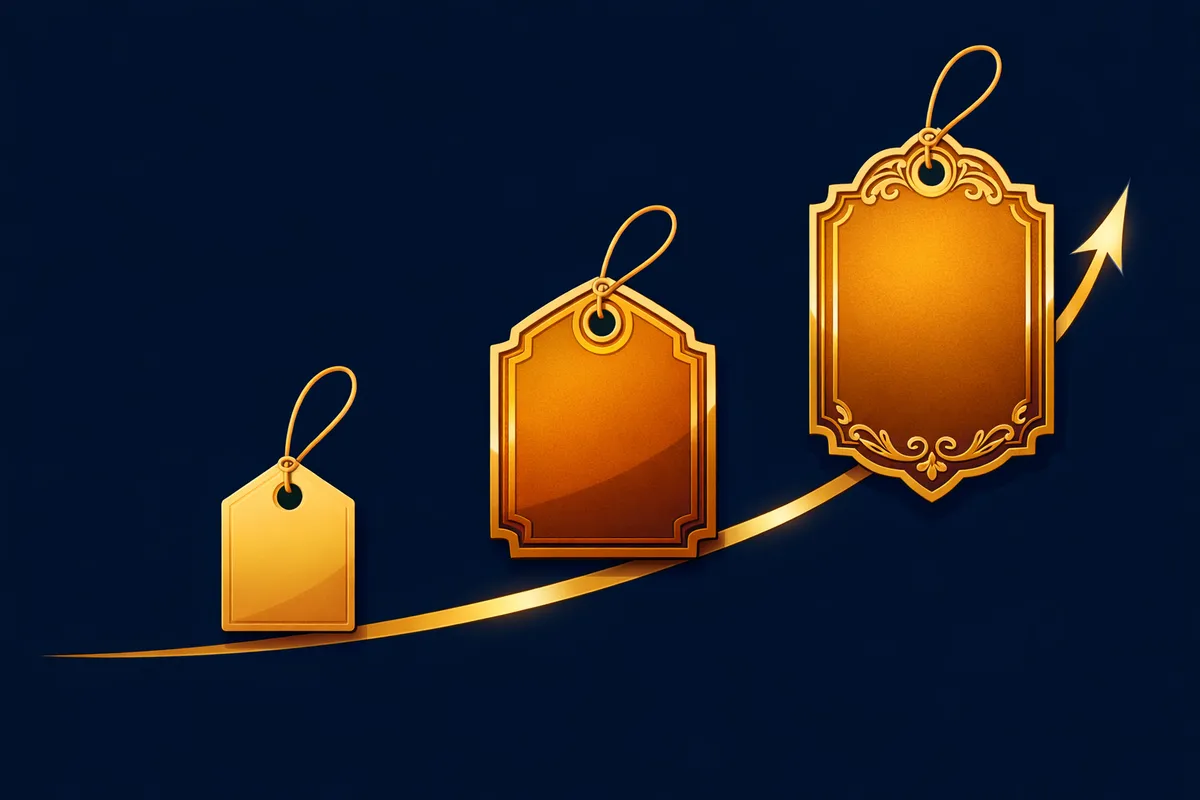
Pricing is Positioning, Not Math
Your price is a message.
| Price Point | What It Signals |
|---|---|
| $9/month | Hobby tool. Experimental. Not critical infrastructure. |
| $99/month | Valuable. Worth paying attention to. Professional grade. |
| $999/month | Serious. Requires commitment. Enterprise caliber. |
The price you choose shapes everything else. Customer expectations. Product perception. Type of customer who buys. Support quality you need to deliver. The entire trajectory of your business shifts based on price.
Why Cost-Plus Pricing Fails
Example: You build a product. It costs $5 per user per month to serve. You add 50% margin. You charge $7.50.
But the actual value to your customer is $50 per month. You've just left $42.50 on the table. Every single month. For every customer.
Value-based pricing flips this. You don't start with your cost. You start with what the customer would pay. You start with their problem:
- How much pain are they in?
- What's the cost of that pain (in dollars, hours, or missed opportunities)?
- What would they pay to eliminate it?
Then you price at a percentage of that value.
If your product eliminates $500 of pain every month, pricing at $49 means the customer saves $451. That's a no-brainer purchase. Pricing at $299 means the customer saves $201. Still a good deal and you're capturing much more value.
The customer doesn't care about your costs. They care about the value they get. The only legitimate ceiling on your price is the value you deliver.
How to Determine What Your Product is Worth
This requires research, not guessing. You talk to customers.
Questions That Reveal Willingness to Pay
- "If this problem stayed unsolved, what would it cost you per month?"
- "If you had to hire someone to solve it, how much would you pay?"
- "If you kept your old manual process, how much time would you lose each week?"
- "What are you currently paying for alternatives?"
The answers vary wildly. Someone might say they lose $1,000 a month. Someone else, $50,000. These are your anchors. They tell you the range of value you're delivering.
Behavioral Signals to Watch
- Do customers engage immediately during a trial? (High perceived value)
- Do they ask about premium features before trying the basic version? (Willing to pay more)
- Do they ask if you have an enterprise plan? (You're probably priced too low)
- Do they complain about competitor pricing? (Price sensitivity anchor)
What Not to Ask
Avoid asking customers directly what they'd pay. "Would you pay $50 for this?" usually gets a no because paying is painful. Instead, ask about the value. Ask about their pain. Ask what they pay for alternatives. Infer willingness to pay from those answers.
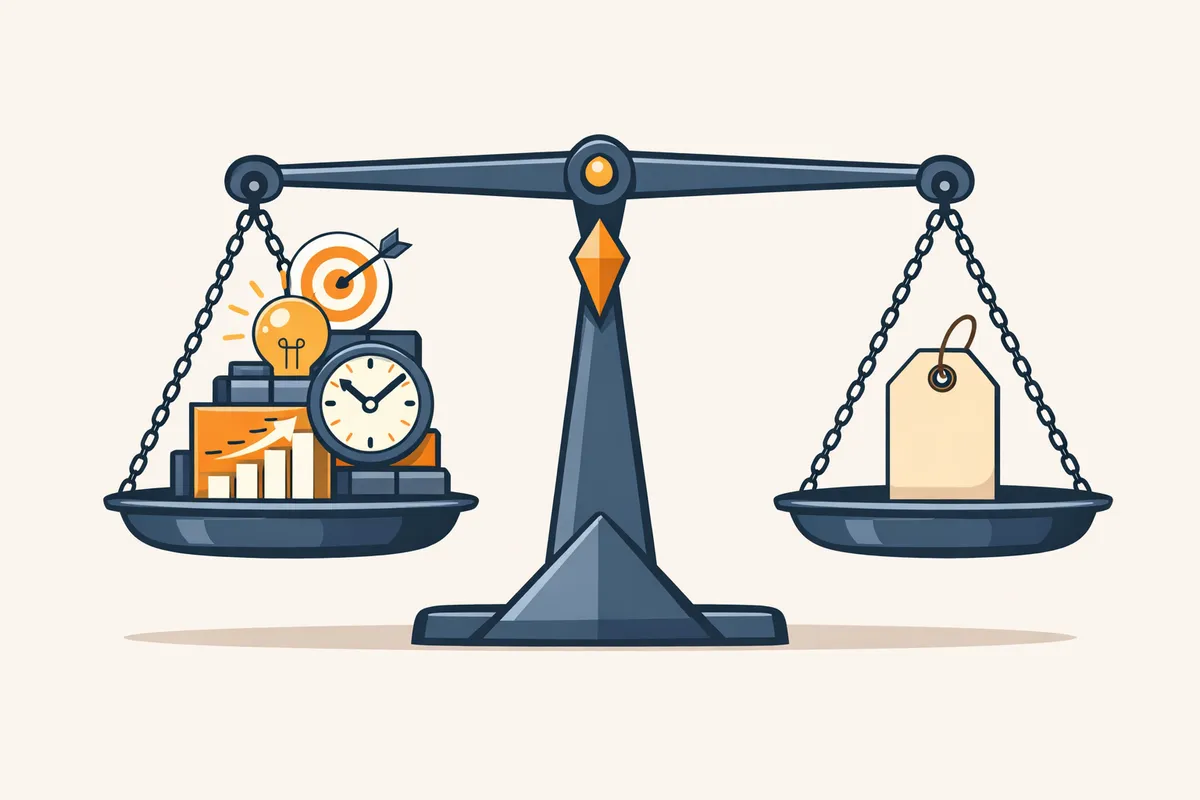
Tiered Pricing: Plans That Serve Different Segments
Most successful products have tiered pricing. Basic for small users. Pro for medium. Enterprise for large. Here's why this works and how to structure it.
Why Tiers Work
1. Captures different segments. A solo founder pays $19. A big company pays $500. Same product, different value. 2. Creates a growth path. Start on free or cheap. Love the product. Use more features. Upgrade to pro. Expand across the organization. Upgrade to enterprise. 3. Anchoring effect. If your prices are $19, $49, and $199, the person considering $19 sees that $49 is only slightly more and might jump up. The person at $49 sees $199 isn't that much more for the full feature set.
How to Structure Tiers
You can tier by several dimensions:
- Usage: Small team gets X users. Larger team pays for more.
- Features: Basic has core features. Pro has advanced. Enterprise has everything plus customization.
- Support: Basic gets community support. Pro gets email. Enterprise gets a dedicated account manager.
Tier Design Rules
The differences must be real. If basic and pro are nearly identical, customers feel cheated. Make each tier clearly different in value.
Pricing gaps should be 50-100% between tiers. $19 to $49 is a 158% gap. $49 to $50 is no gap at all. The gap needs to be significant enough that some customers move up and some stay put.
Example SaaS pricing structure:
| Plan | Price | Users | Key Feature | Support |
|---|---|---|---|---|
| Starter | $19/mo | Up to 3 | Core features | Community |
| Growth | $49/mo | Up to 15 | + Analytics, integrations | Email (24hr) |
| Scale | $149/mo | Unlimited | + API access, custom workflows | Dedicated rep |
The Psychology of Pricing
Understanding how humans respond to price lets you price more effectively without being manipulative.
Anchoring
The first number someone sees influences how they perceive subsequent numbers. If you show $99 first, then $49, the $49 feels cheap. This is why you see "was $99, now $49" pricing. The anchor of $99 makes $49 feel like a deal.
Practical application: Show your highest tier first on your pricing page. Everything below it feels affordable by comparison.
The Decoy Effect
Add a third option specifically to make another option look better. You have a $19 basic plan and a $99 enterprise plan. Add a $69 pro plan that's almost identical to enterprise. Customers see that pro and enterprise are close in price, so they pick enterprise. Average order value increases.
Charm Pricing
$99 feels cheaper than $100. The first digit changes, so it feels like a different category. Not a magic bullet, but it works for consumer and SMB products.
Payment Timing
People feel differently about $19/month vs $228/year, even though they're the same. Monthly feels cheaper. Annual feels like a commitment.
Use this strategically: - Want more customers? Emphasize monthly pricing - Want more predictable revenue? Push annual with a 15-20% discount
Transparency
Show your pricing clearly and defend it with value. Customers respect transparency. Hidden pricing or "contact us for pricing" creates distrust and is only appropriate for true enterprise products with $50,000+ annual deals.
Subscription vs One-Time Pricing
Subscription (monthly or annual payments) is better for most SaaS businesses: - Predictable recurring revenue - Aligns incentives with keeping customers happy - Captures value over time as the customer gets more value
One-time pricing is better for products that are genuinely one-time: a course, a book, a template, something where the customer gets it once and doesn't need ongoing service.
Hybrid models combine both. Free tool with a premium subscription. Annual plans with one-time add-ons. The hybrid approach captures different customer segments.
B2B Pricing vs B2C Pricing
| Dimension | B2B | B2C |
|---|---|---|
| Decision driver | ROI calculation | Affordability |
| Price sensitivity | Lower (it's a business expense) | Higher (personal money) |
| Justification | "Saves $10K/year, costs $2K/year" | "Is this worth $50 to me?" |
| Contract terms | Annual contracts, custom pricing | Month-to-month, standard pricing |
| Sales process | May need approval from a boss | Individual decision |
| Pricing flexibility | Negotiate custom deals | Published, fixed pricing |
For B2B, price higher because the customer calculates ROI. A product that saves $10,000/year can charge $2,000/year. The math works.
For B2C, price lower because customers are more price-sensitive. The friction is emotional, not mathematical.
When and How to Raise Prices
Most startups wait too long to raise prices. They launch at $19/month. Years later, they realize they could have charged $99. They're locked in because customers will churn if they raise.
When to Raise
- When you add significant features that increase the value delivered
- When you realize your pricing was too low based on customer feedback or competitor benchmarks
- When your conversion rate is suspiciously high (above 40% on a paid plan means you're leaving money on the table)
How to Raise Without Destroying Trust
1. Grandfather existing customers. They keep their old price for a set period (6-12 months) 2. New customers pay the new price immediately 3. Focus the announcement on value. You've added features. You've improved the product. The increase reflects that value 4. Give advance notice. 30-60 days minimum for existing customers moving to new pricing
Most customers understand and accept price increases tied to genuine value improvements.
Free Trials and Freemium
Free trial = time-limited access to the full product (14 or 30 days). Best for complex products that need onboarding. Gives customers time to understand the value.
Freemium = free access to a limited version, forever. Best for simple products where value is obvious in the free version.
The Critical Design Decision
The free version must be genuinely useful but clearly limited. You want users to:
1. See immediate value in the free version 2. Understand what's possible in the paid version 3. Hit the limitation naturally as they grow
Typical freemium conversion rates: 2-5% of free users convert to paid. If your conversion rate is below 1%, the free version is too generous. Above 10%, it's too restrictive.
Pricing Page as Conversion Tool
Your pricing page is not just information. It's a conversion tool. It should convince people to buy.
Pricing Page Checklist
- [ ] Show what you get at each tier (be specific, not vague)
- [ ] Highlight the most popular or recommended plan
- [ ] Include testimonials from customers in each tier
- [ ] Show the ROI calculation ("saves X hours per week" or "pays for itself in Y days")
- [ ] Answer common questions (FAQ section at the bottom)
- [ ] Make buttons clear and the signup process frictionless
- [ ] Show annual vs monthly toggle with the savings highlighted
Most pricing pages just show prices. That's a mistake. Your pricing page should make the case that each tier is worth what you're charging, handle objections, and make the purchase decision feel simple.
Related Guides
AI-Resistant Careers: Why the Trades Are the Opportunity of a Generation
Skilled trades are among the most AI-resistant careers in the economy. Here's why the labor shortage, wage growth, and data center boom make this the decade for trade businesses.
Content Systems That Scale: From First Post to Content Machine
One post is a start. A content system is an asset. Build a repeatable content operation that compounds without depending on any single creator.
Distribution Strategy: How Your Product Shapes Your Channels
The right marketing channel is a function of your product and customer. Learn how to match what you sell to how you reach people.