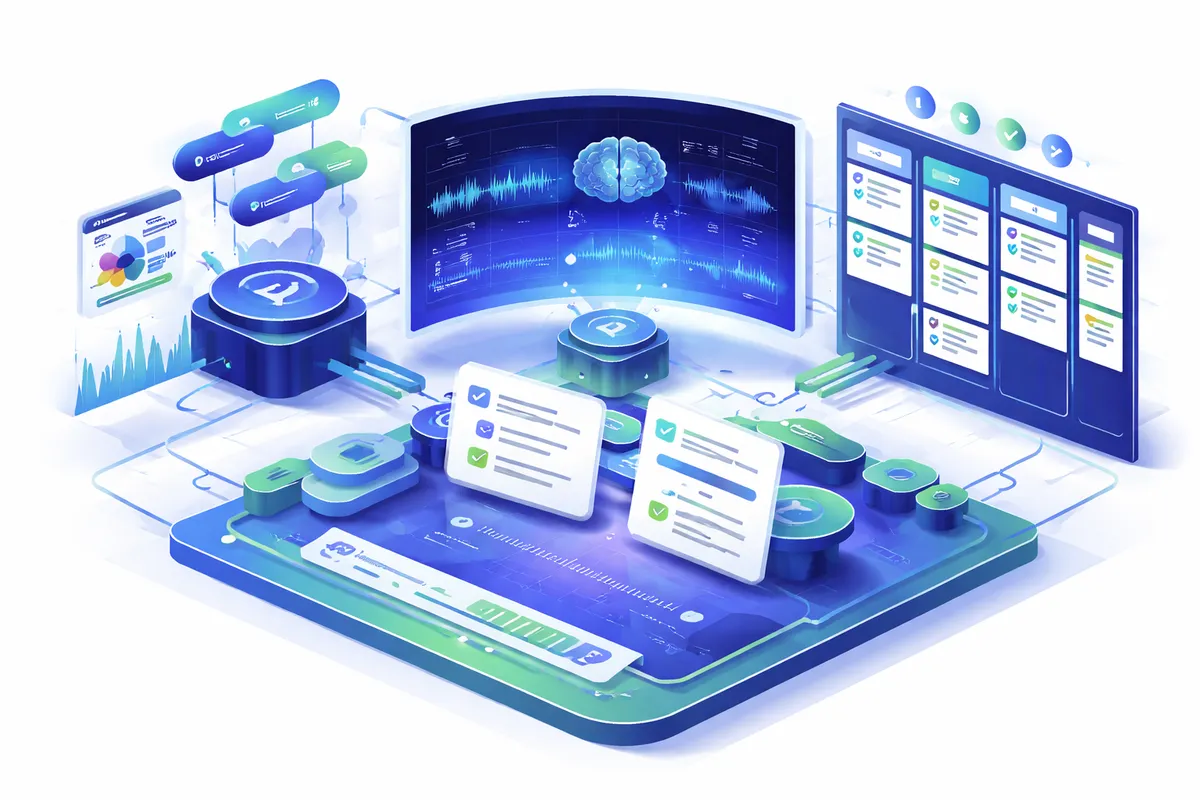
How AI Solves Meeting Summaries
AI meeting documentation combines automatic speech recognition (ASR), natural language processing, and summarization models to capture and organize everything discussed. The stack typically includes an ASR engine like Whisper, Deepgram, or AssemblyAI, a large language model like Claude or GPT-4 for summarization and extraction, and a routing layer that pushes the output into the tools your team already uses.
ASR transcribes speech in real time with speaker identification. NLP models parse the transcript to identify decisions, action items, questions, and key discussion points. Summarization models compress hour-long conversations into structured, scannable documents, typically 300 to 500 words covering the main points, decisions made, action items with owners, and open questions. Discover our automation solutions for integrating these pipelines with your existing infrastructure.
The AI distinguishes between discussion and decision. It identifies who committed to what and by when. And it makes every meeting searchable across your entire meeting history. A well-configured system can answer natural language questions like "when did we last discuss the vendor switch?" or "what is the current status of the Q2 roadmap?" by pulling relevant passages from dozens of prior transcripts. That retrieval capability is where the real compound value shows up, because institutional knowledge stops evaporating every time someone leaves the team.
What AI-Powered Meeting Summaries Look Like
The upgrade from manual to AI-driven meeting documentation changes how your team operates. The difference is most obvious in the first two weeks after deployment, when people realize they no longer need to frantically type during calls or ask "wait, can you repeat that?"
### Before AI - One attendee takes notes while trying to participate in the discussion - Meeting notes are unstructured paragraphs shared via email hours later - Action items extracted manually from notes, often missed or vague - No searchable archive of past meetings and decisions - Late arrivals and remote participants work from partial information
### After AI - AI records, transcribes, and summarizes every meeting in real time - Structured output: summary, decisions, action items, follow-ups with owners and deadlines - Notes distributed automatically to attendees and stakeholders within minutes - Full searchable archive of transcripts, summaries, and decisions across all meetings - New team members can ramp on project history by searching past discussions directly
Key Benefits
- Time Savings: Save 5 to 10 hours per person per week on note-taking, note-reading, and searching for past decisions. For a 20-person team, that is roughly 150 hours per week reclaimed for actual work.
- Accuracy: AI captures exact quotes and decisions, eliminating the "I thought we agreed" debates that derail follow-up meetings.
- Scale: Document every meeting consistently, from one-on-ones to all-hands, without extra effort. There is no triage about which meetings deserve notes.
- Cost: Reduce meeting follow-up time and eliminate redundant meetings called to re-discuss undocumented decisions. Most teams cut standing meeting load by 10 to 20% inside a quarter.
- Insights: Analyze meeting patterns: who talks most, which topics consume the most time, how many action items get completed. This is coaching data for managers and performance data for the organization.
Specific Use Cases Worth Automating First
Not every meeting benefits equally from AI documentation. The highest-leverage starting points tend to be sales calls, engineering standups, client check-ins, and executive staff meetings. Sales calls produce CRM-critical data that often never makes it into Salesforce because reps are selling, not typing. Engineering standups generate blockers and commitments that benefit from being pushed into Jira or Linear automatically. Client check-ins generate commitments that need to land in a project tracker. Executive meetings produce decisions that cascade into every other team.
A mid-market SaaS company we worked with prioritized sales call documentation first. Their reps were averaging 15 calls per week, and the CRM notes for those calls averaged 40 words per call. After deploying AI summarization with automatic Salesforce sync, the average grew to 420 words per call with structured fields for next steps, blockers, competitor mentions, and deal stage signals. Their sales ops team began running pipeline analysis on data that did not exist before, and forecast accuracy improved by roughly 18 points in one quarter.
Customer support calls are another high-value category. Transcripts combined with sentiment analysis flag churn risk before it shows up in retention metrics. Product teams get a direct line to the language customers actually use, which feeds better positioning, better onboarding copy, and better brand identity work downstream.
Implementation Approach
We start with your meeting infrastructure. Which platforms do you use? Zoom, Teams, Google Meet, or in-person? How many meetings per week? Who needs access to summaries? What existing tools already hold meeting artifacts, and where are the gaps?
Our team configures AI transcription and summarization tuned to your organization's terminology, acronyms, and meeting formats. We set up integrations so summaries flow into your project management tools, CRM, or communication platforms automatically. A typical deployment sends the summary to Slack within 60 seconds of the meeting ending, creates Jira tickets for tagged action items, and syncs CRM fields for sales-adjacent calls.
Customization includes summary templates for different meeting types: standup, sales call, board meeting, one-on-one. Each format extracts different information. A standup template surfaces blockers and commitments. A sales call template pulls out next steps, objections, and competitor mentions. A one-on-one template captures development goals and follow-ups without exposing them to the rest of the organization. We configure access controls so sensitive meeting content reaches only authorized viewers. See our implementation process and custom integration services.
How to Evaluate Your Options
Before buying anything, answer five questions. First, what percentage of your meetings currently produce written output, and how useful is that output two weeks later? Second, where do decisions get lost, and what does that cost in rework? Third, which meeting categories generate the most downstream tickets, tasks, or follow-ups? Fourth, which tools already hold related artifacts, and where are the integration seams? Fifth, what is your data residency and retention policy, and does the vendor you are considering meet it?
Off-the-shelf tools like Otter, Fireflies, and Granola are reasonable starting points if your needs are simple and your tool stack is common. They work out of the box, pricing is predictable at $10 to $30 per user per month, and setup takes under an hour. The tradeoffs show up when you need custom extraction logic, non-standard integrations, or data isolation beyond their default tenancy model. Custom builds on top of Whisper plus Claude or GPT-4 give you full control over retention, prompt templates, and routing, at the cost of more upfront engineering work. For regulated industries or teams with strong privacy requirements, custom is often the only viable path.
Frequently Asked Questions
### How accurate is AI at summarizing meetings? Modern ASR achieves 90 to 95% word accuracy for clear audio with minimal crosstalk. Summary quality is high for structured meetings with clear decisions. Brainstorming sessions and highly technical discussions may need light human editing, particularly for industry jargon and proper nouns. Action item extraction accuracy typically exceeds 85%, and a short glossary of company-specific terms lifts that number by another 5 to 8 points within the first week.
### What data do I need to start? Your meeting platform account and permission to record meetings. No historical data is required. The AI begins learning your team's vocabulary and meeting patterns from the first recorded session. A glossary of company-specific terms improves accuracy from day one. If you want to integrate with a CRM or project tracker, we also need API credentials and a sample of what "good" notes look like in those systems so the templates match your existing conventions.
### How long does it take to implement AI meeting summaries? Basic transcription and summarization launches in 1 to 2 weeks. Custom summary templates and integrations with project management tools take 2 to 4 weeks. Full deployment with searchable archives, analytics dashboards, and role-based access controls takes 4 to 6 weeks. Teams that have well-documented meeting workflows already in place tend to ship faster, because the templates and routing rules are already clear.
### Will AI meeting summaries work for sensitive or confidential meetings? Yes, with proper configuration. We support on-premise and private cloud deployments for maximum security. Access controls ensure only authorized participants see transcripts. You can exclude specific meetings from recording or automatically redact sensitive information using pattern matching and named-entity detection. For legal, healthcare, and financial teams, we typically run the entire pipeline inside the client's own cloud tenant with no external API calls.
### What does AI meeting summaries cost? Implementation ranges from $5,000 to $20,000 depending on integrations and customization. Ongoing costs scale with meeting volume, typically $3 to $8 per meeting hour when using commercial ASR, or roughly $0.50 to $1.50 per hour when running self-hosted Whisper plus a language model. Most organizations see ROI immediately through reduced follow-up time and eliminated redundant meetings.
### Can AI summaries replace a dedicated note-taker on high-stakes meetings? For most recurring meetings, yes. For board meetings, legal proceedings, and regulated audit conversations, AI is a strong assistant but human review is still appropriate. The typical pattern is to let the AI produce the first draft in 30 seconds, then have a designated reviewer validate it in 5 to 10 minutes before distribution. That is still a 10x improvement over a human writing from scratch.