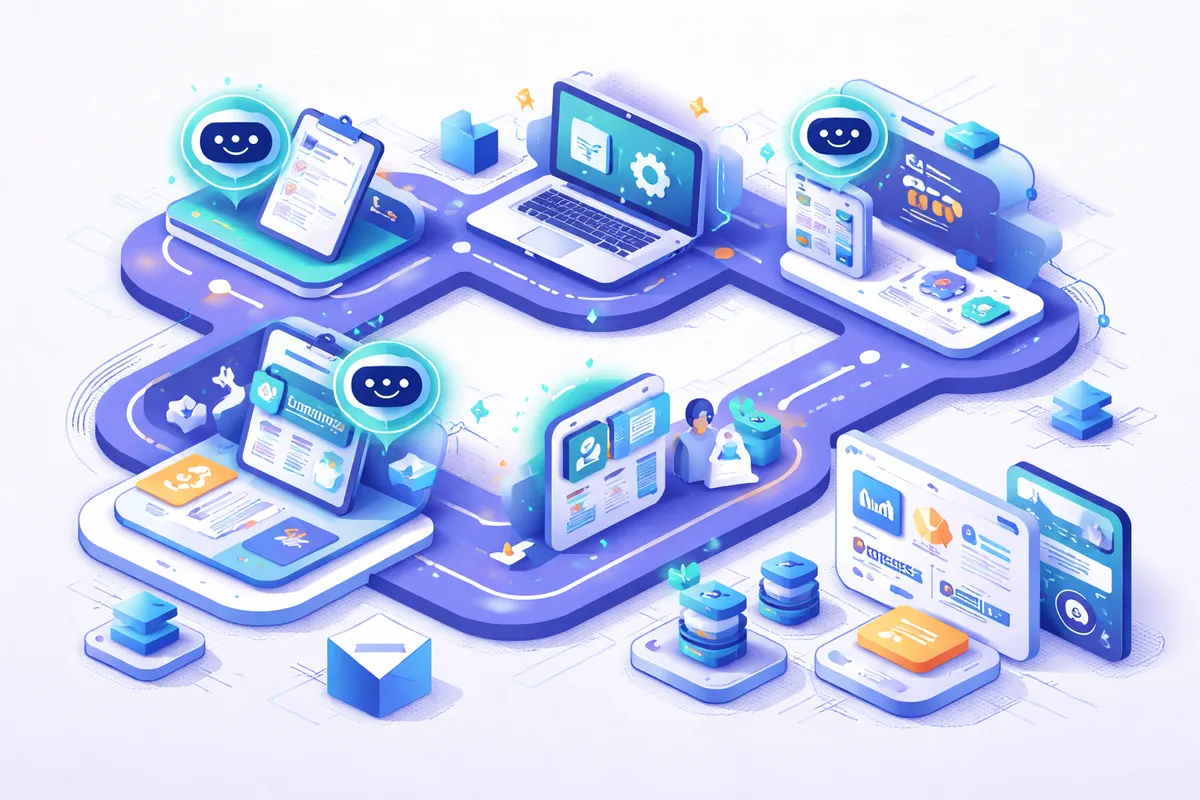
How AI Solves Employee Onboarding
AI-powered onboarding combines workflow automation, natural language processing, intelligent document processing, and adaptive learning to transform the new hire experience from reactive coordination into a repeatable system.
Intelligent document processing handles forms, tax documents, and compliance paperwork automatically. When a new hire uploads a driver's license or passport for I-9 verification, the AI extracts the relevant fields, validates the document, and writes to the HRIS without a human retyping anything. NLP-powered chatbots answer new hire questions 24/7 without waiting for HR availability, covering topics like benefits elections, expense policies, time-off requests, and office logistics. A good chatbot trained on the top 50 FAQs typically deflects 60% to 80% of common questions, freeing HR for the nuanced ones. Explore our AI integration services.
Machine learning personalizes training paths based on role requirements and the new hire's existing skills. A skills assessment on day one routes the backend engineer to deeper system-design modules while the frontend engineer gets advanced React content, rather than both sitting through the same generic 40-hour curriculum. The system orchestrates the entire onboarding journey, triggering the right actions at the right time for every stakeholder involved: IT for provisioning, facilities for desk setup, managers for check-ins, mentors for coffee chats, and the new hire for the tasks they own.
What AI-Powered Onboarding Looks Like
The shift from manual to AI-driven onboarding eliminates friction while improving consistency, and it reshapes what HR teams actually spend their day doing.
### Before AI - HR manually sends welcome emails, forms, and checklists to each new hire, often copying from a template document - IT provisioning requests submitted and tracked via email or helpdesk tickets with no SLA enforcement - Same training materials assigned regardless of role, experience level, or location - Managers get inconsistent updates on new hire progress and often discover gaps in week three - Compliance documentation lives in a shared drive with inconsistent naming and no completion tracking
### After AI - Automated workflows trigger welcome sequences, forms, and system access on hire date based on role templates - IT provisioning happens automatically based on role-defined access templates, with exceptions flagged rather than ignored - Adaptive learning paths adjust content based on skill assessments, completion pace, and manager feedback - Real-time dashboards show onboarding progress for HR, managers, and the new hire, with automatic nudges for stalled steps - Compliance documentation is auto-generated, timestamped, and audit-ready in the HRIS
Key Benefits
- Time Savings: Reduce HR administrative time per new hire by 70%, from 15 hours to under 5
- Accuracy: Eliminate paperwork errors and missed steps with automated checklists and validation against government and internal compliance rules
- Scale: Onboard 50 people as smoothly as 5, without proportionally increasing HR workload or dropping quality
- Cost: Cut onboarding cost per employee by 40% to 60% while improving the experience, and reduce 90-day attrition by 10% to 25%
- Insights: Track time-to-productivity metrics and identify which onboarding elements drive fastest ramp-up, then invest further in the ones that matter
How to Evaluate Your Options
The right onboarding automation depends on your hiring volume, complexity, and existing tech stack.
Below 20 hires per year, packaged HR platforms like Rippling, Gusto, Deel, or BambooHR typically deliver enough automation through their native onboarding modules. You get workflow templates, e-signature, basic provisioning, and a portal for under $50 per employee per month. Between 20 and 200 hires per year, consider dedicated onboarding platforms (Enboarder, WorkBright, ClickBoarding) or a configured implementation of Workday or SAP SuccessFactors, which adds adaptive content and deeper manager workflows. Above 200 hires per year, or when you have international hiring, contractor-to-employee conversions, or industry-specific compliance (healthcare, finance, government contracting), custom integration with a chatbot layer and a tailored learning management system often returns more than a packaged tool.
Integration surface is the biggest hidden cost. A clean implementation touches your HRIS, IT provisioning (Okta, Azure AD, JumpCloud), device management (Jamf, Intune), communication tools (Slack, Microsoft Teams, Google Workspace), and learning platform (Docebo, Cornerstone, Lessonly). Each integration is either a native connector (fast) or an API build (slow). Before scoping, inventory the systems and map which are truly required for day-one access. Budget 40% of the project for integration and change management. Finally, consider the human side: automation without a clear manager-of-onboarding role produces a polished portal and still-miserable new hires. Somebody has to own the experience even after the AI is doing the work.
Implementation Approach
We start by mapping your current onboarding workflow from offer acceptance through the 90-day mark. This reveals which steps are manual, which are error-prone, and which vary by role, department, or location. We interview recent new hires, managers, and HR team members, because the pain points look different depending on who you ask. New hires remember the day they waited six hours for a laptop. HR remembers the quarter they processed 40 I-9s in two weeks. Managers remember the engineer who could not push code for a week because GitHub access was missing.
Next, we design automated workflows for each phase: pre-boarding paperwork (offer through day one), day-one setup, first-week orientation, 30- and 60-day checkpoints, and 90-day review. AI chatbots are trained on your company policies, benefits information, common new hire questions, and historical ticket data from HR. We tune the bot to defer to humans on anything compensation-related, legally sensitive, or emotionally charged.
Integration connects the onboarding system with your HRIS, IT provisioning tools, LMS, and communication platforms. We build role-specific templates so each new hire gets a tailored experience, and we instrument the whole flow with analytics so you can see time-to-productivity, step completion rates, and the biggest drop-off points. Review typical timelines and pair with a modern portal UI/UX design so the new hire experience feels polished, not bureaucratic.
Frequently Asked Questions
### How accurate is AI at handling onboarding tasks? AI handles structured onboarding tasks (document processing, provisioning, scheduling, policy acknowledgments) with 98%+ reliability. Chatbot accuracy for answering new hire questions starts at 85% and improves as it learns from interactions, typically reaching 92%+ after 90 days and the first 500 conversations. Edge cases and complex questions (compensation adjustments, family leave, visa sponsorship) route to HR automatically rather than being answered by the bot.
### What data do I need to start? Your current onboarding checklist, role definitions, policy documents, benefits summaries, and FAQs new hires commonly ask. Access to your HRIS and IT systems for integration. Historical HR ticket data if available, since that reveals what new hires actually ask about versus what HR assumes they ask about. We build the AI training data from your existing materials, so no special data collection is needed.
### How long does it take to implement AI onboarding? Core automation (paperwork, provisioning, basic chatbot) takes 4 to 6 weeks. Full implementation including adaptive training paths, manager dashboards, and analytics takes 8 to 12 weeks. We recommend piloting with one department or one location before company-wide rollout, so you can tune the workflows with real feedback before scaling.
### Will AI completely replace HR in onboarding? No. AI handles administrative tasks, routine questions, and workflow orchestration. HR focuses on culture integration, mentorship matching, conflict resolution, and the human connections that make new hires feel welcome. The personal touch matters most in the first weeks. AI just frees HR to focus on it rather than burning time chasing signed PDFs and IT tickets.
### What does AI onboarding cost? Implementation ranges from $15,000 to $40,000 depending on complexity and integrations. Ongoing costs scale with employee volume, typically $10 to $30 per new hire for AI and platform costs. Companies hiring 50+ people annually typically see ROI within 6 months through reduced HR time and improved retention.
### How does AI onboarding handle remote and distributed teams? Remote onboarding is actually where AI returns the most value, because you lose the informal hallway learning that carries in-office new hires. A good system stages equipment shipment to arrive two days before start date, triggers calendar invites for intro meetings with the right people, nudges managers to schedule a 30-minute "meet the team" call in week one, and surfaces mentorship matches based on interests rather than geography. Remote companies using AI onboarding report time-to-productivity parity with in-office hires, which is not the historical norm.