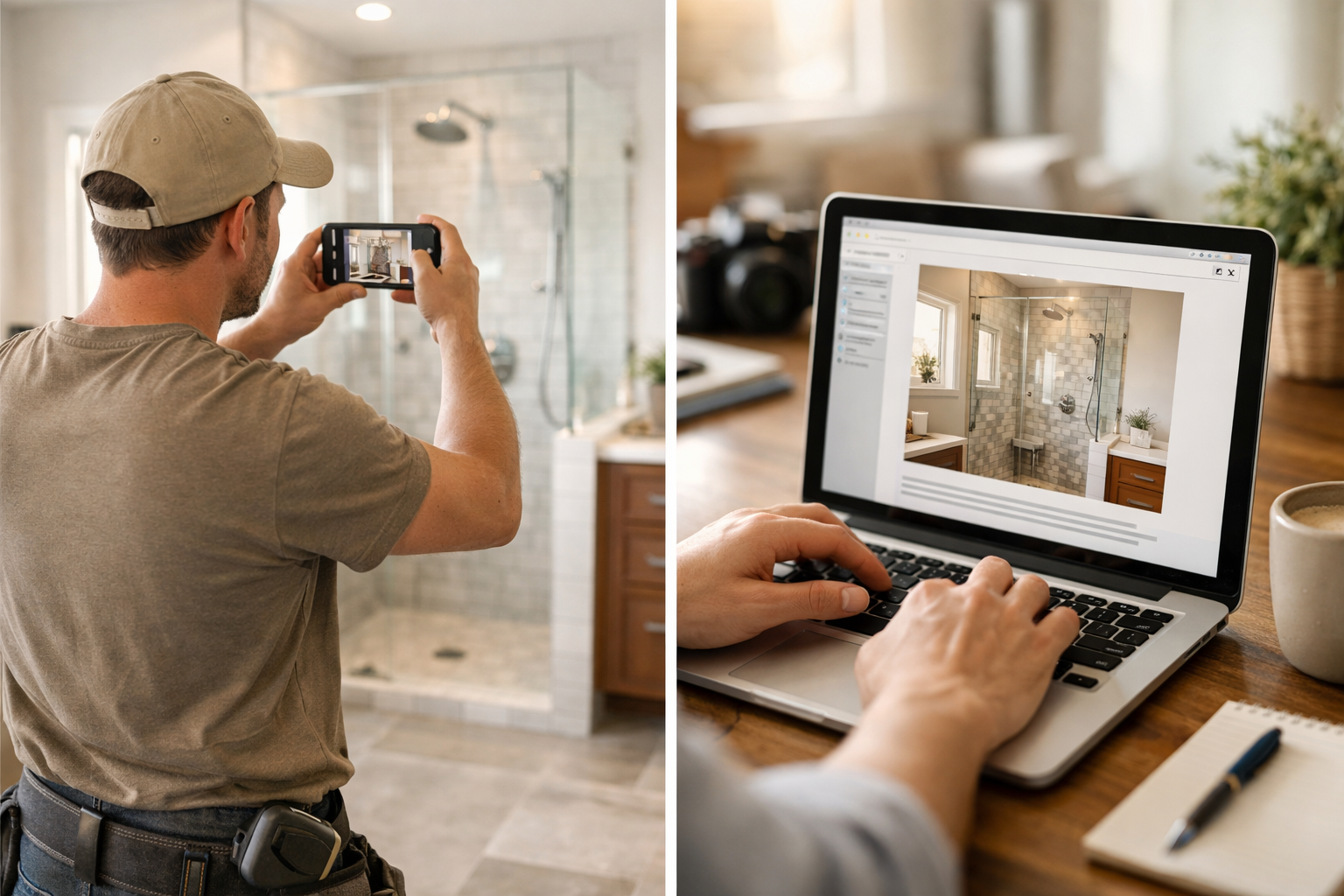
contractors use project photos for SEO content
A contractor who takes three job photos per project has enough raw material for a Google Business Profile post, a short Instagram caption, and a sentence of proof for their service page. The content exists. It just is not being used.
Most contractors take photos on the job, store them on their phone, and never touch them again. That is a significant missed opportunity. Project photos are some of the most valuable content a local contractor can publish because they show real work, in real locations, for real customers. That combination is exactly what Google rewards in local search and what potential customers want to see before they call.
Here is how to build a content system around photos you are already taking.
Why Photos Are Particularly Valuable for Contractor SEO
Before getting into the how, it is worth understanding why this works.
Google rewards fresh, location-specific content. A roofing contractor posting photos of a completed roof replacement in their city, with a description that names the neighborhood and type of work, is giving Google exactly what it needs to understand the contractor's service area and relevance. This is not theory. GBP listings with frequent photo posts consistently outperform inactive listings in local pack rankings. Before and after photos build trust quickly. A homeowner considering hiring a fence installer wants to see what the installer's work actually looks like, not just read claims about quality. A deck builder with 40 before-and-after photos online has already answered the first question every prospect has. Project photos show service range. A general contractor who only has photos of kitchen remodels on their site might not get calls about bathroom work, even if they do excellent bathroom work. Photos of the full range of your projects communicate your actual capabilities.The Three-Photo System
For every project, take at least three photos:
Three photos per project is a manageable habit. If you do 8 projects per month, that is 24 photos. That is more than enough content for a full month of posting.
Turning Photos Into SEO Content: The Formats
Each set of project photos can produce content in several formats. Here is how to extract value from each one.
Google Business Profile Post
GBP posts with photos get more engagement than text-only posts, and they directly influence local ranking. A GBP post built from project photos should include:
- The type of work completed
- The neighborhood or city where it was done
- One specific detail about the project (scope, material, challenge solved)
- A call to action
That is a real GBP post built from a real project. The Google Business Profile Content System is designed to help contractors produce posts like this consistently, using project details as the raw material.
Service Page Photos and Proof
Your service pages should not just describe what you do. They should show it. Pulling strong before-and-after pairs from real projects and adding them to your service pages improves both the credibility of the page and its keyword relevance (Google reads image alt text and captions).
For each service page, aim for at least four to six real project photos with specific captions: "Partial roof replacement on a 1,400 sq ft ranch home, [city], 2025. Original shingles were 22 years old with significant granule loss."
Those captions contain real location, real service description, and real specifics. They work for both human readers and search engines.
Blog Post: Project Case Study
A completed project with an interesting problem or outcome is a natural case study blog post. The format is simple:
A 400 to 600 word post with four photos. This is not an elaborate writing project. It is a structured description of work you already did.
Case study posts rank for specific, long-tail searches: "wood deck replacement with composite in [city]," "foundation waterproofing before and after," "kitchen backsplash tile installation." These are not high-volume searches, but the people who search them are buyers.
Instagram and Facebook
Short caption, one or two strong photos, specific job detail. Contractors often overthink social captions. Keep it direct.
"Before and after: full bathroom tile remodel in [neighborhood]. The homeowner wanted the small hex floor tiles removed and replaced with large format 24x24. Took three days, zero calls backs. Here is how it came out."
That is a caption. It is specific, it shows real work, and it communicates competence without claiming to be the best or most professional or most trusted.
How to Make This a Habit Without Making It a Chore
The challenge is not knowing what to do. It is doing it consistently when you are on job sites, managing a crew, quoting new work, and running the business.
A few things that make the photo-to-content habit sustainable:
Take photos before you leave the job site. Not later. Not when you remember. Before the truck leaves. Make it part of your job closeout. Send photos to a shared folder or number immediately. A shared Google Drive folder, a dedicated text thread, or a folder on your phone works. The goal is to not lose photos in a general camera roll. Describe the job in a voice memo. As you take the photos, record a 30-second voice memo: what the project was, where it was, what the challenge was. That memo is your caption, your blog post intro, and your GBP post description. You do not have to write anything. You just have to talk while you are already looking at the job. Batch the publishing. Once a week or every two weeks, turn the accumulated photos and voice memos into posts. Use the AI Content Engine to process the descriptions and produce drafts for each format. You review and edit. That is your content for the week.What You Are Missing by Not Doing This
The concrete cost of not publishing project content is that competitors who do are more visible for searches in your service area. A remodeling contractor with 50 project photos on their GBP and 12 case study blog posts is going to outrank one with 5 photos and no blog, all else being equal.
Use the Missed Lead Cost Calculator to see what that visibility gap is costing in actual dollars per month. For most contractors, even one additional booked job per month from organic search pays for a significant amount of time.
The photos are on your phone right now. They just need a system to turn them into content.
See also: AI Services for Contractors and Trades for a fuller look at where AI fits in a contractor's workflow beyond content.
Sound familiar? Book the $500 AI Workflow Audit to map your current lead and admin process and identify the first workflows worth automating.