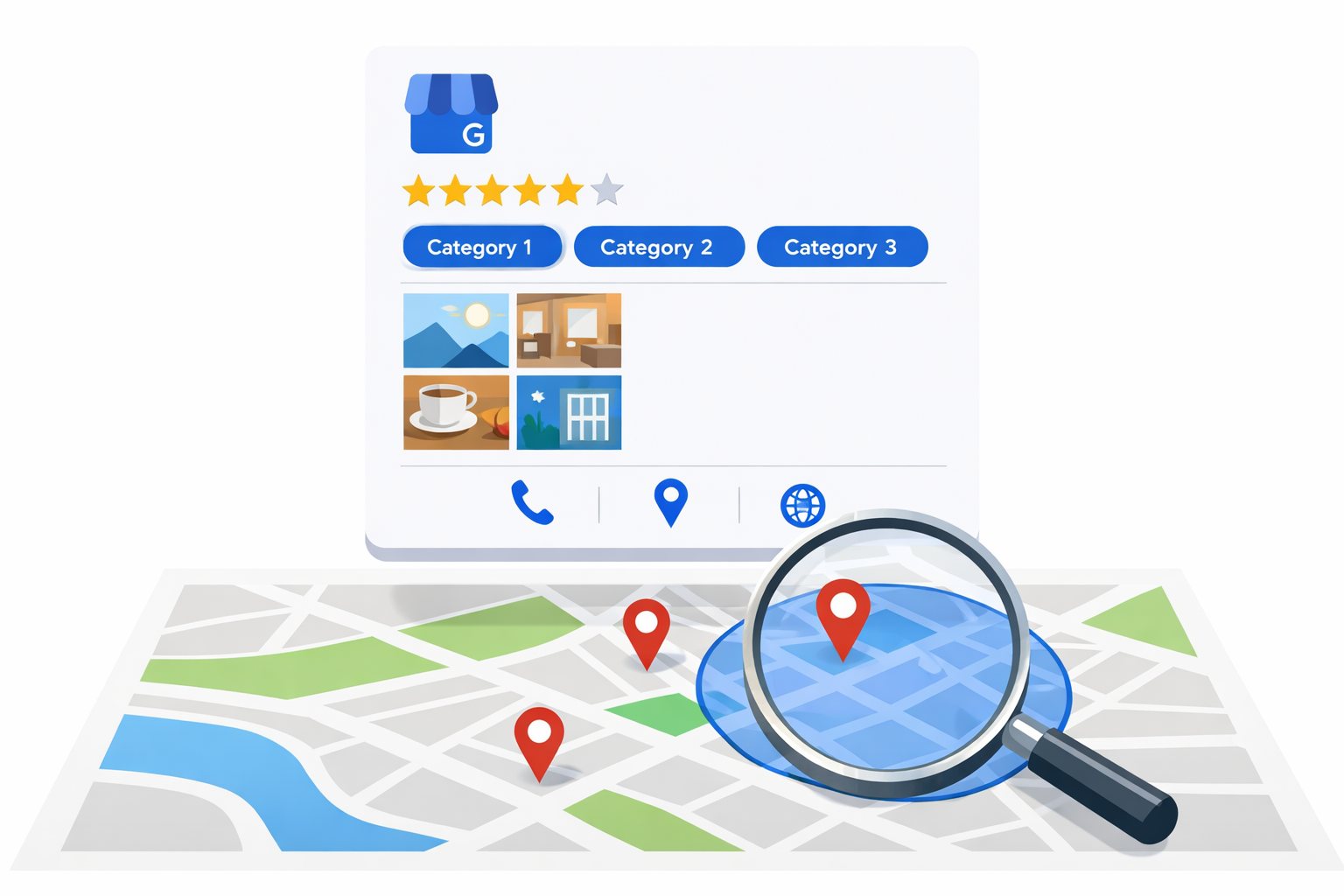
Step 2: Complete Every Field
An incomplete GBP listing tells Google you are not serious about your business. Every empty field is a missed ranking signal. Fill out everything.
Business name. Use your exact legal business name. Do not stuff keywords into it. "Smith Plumbing" is correct. "Smith Plumbing Best Emergency Plumber 24/7 Service" will get your listing suspended.
Primary category. This is the most important field after your business name. Choose the most specific category that describes your core service.
Recommended primary categories for common trades: - Plumber (not "Plumbing Service" unless that is your only option) - HVAC Contractor - Roofing Contractor - Electrician - Painter - Landscaper - General Contractor - Home Builder
Additional categories. Add every relevant secondary category. A plumber might add "Drain Cleaning Service," "Water Heater Installation Service," and "Gas Installation Service." A general contractor might add "Remodeling Contractor," "Home Builder," and "Kitchen Remodeler." You can have up to 10 categories.
Business description. Write a 750-word description that naturally includes your primary services, service areas, and unique selling points. Mention your city and surrounding areas. Describe your specialties and experience. Do not keyword-stuff. Write for humans.
Service areas. List every city, zip code, or region where you accept work. Be thorough. If you serve 15 cities in your metro area, list all 15. Each service area you add increases your visibility for searches in that location.
Hours of operation. Set accurate hours. If you offer emergency service, mark your hours accordingly. Update holiday hours before every major holiday. Businesses with accurate hours receive preferential treatment in search results.
Phone number. Use a local phone number, not a toll-free number. Local numbers reinforce your geographic relevance. Make sure this number is answered during business hours.
Website URL. Link to your homepage or a dedicated landing page optimized for local search.
Appointment URL. If you have online booking, add the link. This creates a "Book" button directly on your GBP listing.
Step 3: Add Services with Descriptions
Google allows you to list your specific services within your GBP profile. This feature is underutilized by trade businesses and provides meaningful ranking signals.
How to add services: 1. Go to your GBP dashboard 2. Click "Edit Profile" and find the Services section 3. Add service categories and individual services 4. Include a description and price or price range for each
Example for an HVAC company:
Category: Air Conditioning Services - AC Repair: "Same-day air conditioning repair for all major brands. Diagnostic fee applied to repair cost." ($89 to $500) - AC Installation: "Complete central air conditioning installation including equipment, labor, and permit." ($3,500 to $12,000) - AC Maintenance: "Annual tune-up and inspection to prevent breakdowns and extend system life." ($89 to $149)
Category: Heating Services - Furnace Repair: "Emergency and scheduled furnace repair. All brands serviced." ($89 to $600) - Furnace Installation: "High-efficiency furnace installation with manufacturer warranty." ($3,000 to $10,000) - Heat Pump Installation: "Energy-efficient heat pump systems for heating and cooling." ($5,000 to $15,000)
Adding detailed services with pricing creates additional keyword relevance and gives potential customers the information they need to choose you.
Step 4: Upload Photos Consistently
Google tracks how many photos you upload and how often. Businesses with more than 100 photos receive 520% more calls than the average business, according to Google's own data. This is not an exaggeration. Photo quantity and quality directly impact your ranking and click-through rate.
Photo categories to cover: - Exterior photos. Your building, signage, and vehicles. If you work from a van, photograph the van with your branding. - Interior photos. Your shop, warehouse, or office space. - Team photos. Your crew in uniform. Action shots on job sites. Team gatherings. - Work photos. Before and after shots of completed projects. In-progress photos showing your team at work. - Equipment photos. Your trucks, tools, and specialized equipment.
Photo upload schedule: - Upload 5 to 10 photos when you first set up your profile - Add 2 to 5 new photos every week - Aim for 100+ total photos within the first three months - Prioritize work-in-progress and completed project photos
Roofing companies, home builders, and landscaping businesses have a natural advantage here because their work is highly visual. A dramatic before-and-after roof replacement photo stops scrolling and generates clicks.
Photo optimization tips: - Geotag photos with your service area location data - Use descriptive filenames (not IMG_4521.jpg, but "kitchen-remodel-complete-chicago.jpg") - Include photos of your team interacting with customers (with permission) - Show your branded vehicles in different service areas
Step 5: Build a Review Generation System
Reviews are the most influential ranking factor for the Google local map pack. More reviews, higher average rating, and recent review activity all push your listing higher in results. Beyond ranking, reviews drive the actual click. A business with a 4.9 rating and 300 reviews gets chosen over a 4.5 rating with 40 reviews almost every time.
How to systematically generate reviews:
Ask at the point of satisfaction. The best time to ask for a review is immediately after completing a job, when the customer is happiest with your work. Train your technicians and crew to ask in person before they leave the job site.
Follow up with a text message. Within two hours of job completion, send an automated text with a direct link to your Google review page. Include a brief personal note referencing the work performed. Services like Podium, Birdeye, or a simple CRM with SMS capability handle this.
Follow up with email. For customers who do not respond to the text, send an email the next day with the review link. Keep the request short and specific.
Make it effortless. The review link should take the customer directly to the review input field on your Google listing. Every additional click or step you add reduces your response rate.
Respond to every review. Positive reviews get a personalized thank you that mentions the specific service performed. Negative reviews get a professional, empathetic response that offers to resolve the issue offline. Google rewards businesses that actively engage with their reviews.
Review velocity targets: - New trade businesses: 5 to 10 reviews per month minimum - Established businesses: 10 to 20 reviews per month - Market leaders: 20+ reviews per month consistently
A plumbing company that completes 100 jobs per month and asks every customer for a review at a 15% conversion rate adds 15 reviews monthly. Within a year, that is 180 new reviews. That velocity is extremely difficult for competitors to match.
Step 6: Post Weekly Updates
Google Business Profile posts are short updates that appear on your listing. They signal to Google that your business is active and engaged. Most trade businesses ignore this feature entirely, which means consistent posting gives you a competitive edge.
Post types that work for trades:
- Completed project showcases. Photo of a finished job with a brief description. "Just completed a full roof replacement in [City]. 30-year architectural shingles with a 10-year workmanship warranty."
- Seasonal service reminders. "Temperatures dropping below freezing this week. Now is the time to schedule furnace maintenance before the rush."
- Special offers. "$50 off any AC tune-up booked this month." Google allows offer posts with start and end dates.
- Team updates. "Welcome our newest journeyman electrician, who brings 8 years of residential and commercial experience."
- Community involvement. "Proud to sponsor the [City] youth baseball league this season."
Post at least once per week. Posts expire after seven days, so consistency matters. The content does not need to be polished. Authentic, real content from your business outperforms generic marketing language.
Step 7: Monitor and Respond to Q&A
Your GBP listing has a Questions and Answers section that anyone can contribute to. If you are not monitoring it, random people may be answering questions about your business with inaccurate information.
Proactive Q&A strategy: - Seed your Q&A section with 10 to 15 common questions and answers - Check weekly for new questions from the public - Answer every question promptly and accurately - Report any spam or misleading answers
Common questions to seed for trade businesses: - "Do you offer free estimates?" - "What areas do you serve?" - "Are you licensed and insured?" - "Do you offer emergency/after-hours service?" - "What brands do you service?" - "Do you offer financing?"
Each question and answer adds keyword-rich content to your listing that Google uses for ranking.
Step 8: Track Performance and Optimize
Google provides built-in analytics for your Business Profile. Review these metrics monthly and adjust your strategy based on what the data shows.
Key metrics to track: - Search queries. What phrases are people using to find your listing? This informs your SEO and PPC keyword strategy. - Views. How often your listing appears in search and maps results. - Actions. How many people click your phone number, request directions, visit your website, or click the booking link. - Photo views. How your photos compare to competitors in your category. - Review analytics. Rating trends, review velocity, and response rate.
Optimization signals: - If phone calls are low but views are high, your listing needs a more compelling description or better reviews. - If certain search queries appear frequently, create website content targeting those phrases. - If photo views are low, upload higher-quality or more engaging images. - If direction requests dominate over phone calls, ensure your phone number is prominent and your listing description encourages calling.
Our Approach
Running Start Digital manages Google Business Profile optimization as a core service for every trades client. We handle the initial setup, ongoing posting schedule, review response management, Q&A monitoring, and monthly performance reporting.
For HVAC companies, plumbers, roofers, electricians, and construction companies, your GBP listing is where the majority of your digital leads originate. We treat it with the strategic attention it deserves, not as an afterthought tacked onto a broader marketing plan.
Results You Can Expect
Trade businesses that fully optimize and actively manage their Google Business Profile see consistent results.
- GBP views increase 200% to 400% within 90 days of optimization
- Phone calls from GBP increase 50% to 100% within 60 days
- Local map pack ranking for primary services within 3 to 6 months
- Review count doubles within the first 6 months with a systematic generation process
- Direction requests and website clicks increase 150% or more
The businesses that maintain consistency beyond the initial optimization see the best long-term results. GBP management is not a one-time project. It is an ongoing competitive advantage that compounds with every photo uploaded, every review earned, and every post published.
Frequently Asked Questions
How long does it take to rank in the Google map pack?
For a new or unoptimized listing, expect 3 to 6 months of consistent optimization before you appear in the top three for your primary service keywords. Businesses in less competitive markets or with significant existing review counts may see faster results. The ranking factors are proximity to the searcher, relevance of your listing to the search, and prominence (reviews, citations, authority).
Can I have a GBP listing without a physical storefront?
Yes. Google supports service-area businesses that travel to customer locations. You set your service areas instead of displaying a physical address. This is common for painters, landscapers, mobile electricians, and other trades that operate from home or a vehicle.
What should I do about fake or unfair negative reviews?
Flag the review through your GBP dashboard using the "Report review" option. Google removes reviews that violate their policies (spam, conflicts of interest, irrelevant content). For reviews that are negative but legitimate, respond professionally, acknowledge the issue, and offer to resolve it offline. A thoughtful response to a negative review often builds more trust than a perfect 5.0 rating.
How many Google reviews do I need to be competitive?
In most markets, 100 or more reviews with a 4.5 or higher rating puts you in competitive position. Market leaders typically have 200 to 500 reviews. The goal is not a specific number but consistent velocity. Adding 10 to 20 reviews per month demonstrates to Google and to potential customers that your business is active and trusted.
Should I use my personal Google account or create a business account?
Create a dedicated Google account for your business. This prevents any issues with personal account changes affecting your business listing. Add your personal account as a manager so you have backup access. If you work with a marketing agency, you can add them as managers without sharing login credentials.
Does Google Business Profile replace the need for a website?
No. Your GBP listing and your website serve different functions. GBP captures searchers at the moment of intent and provides quick-decision information (rating, reviews, phone number). Your website provides detailed service information, builds credibility through content and project galleries, and captures leads through forms and booking systems. The two work together. Strong website authority improves your GBP ranking, and GBP traffic to your website strengthens your domain authority. Both are essential for trades businesses serious about dominating their local market.