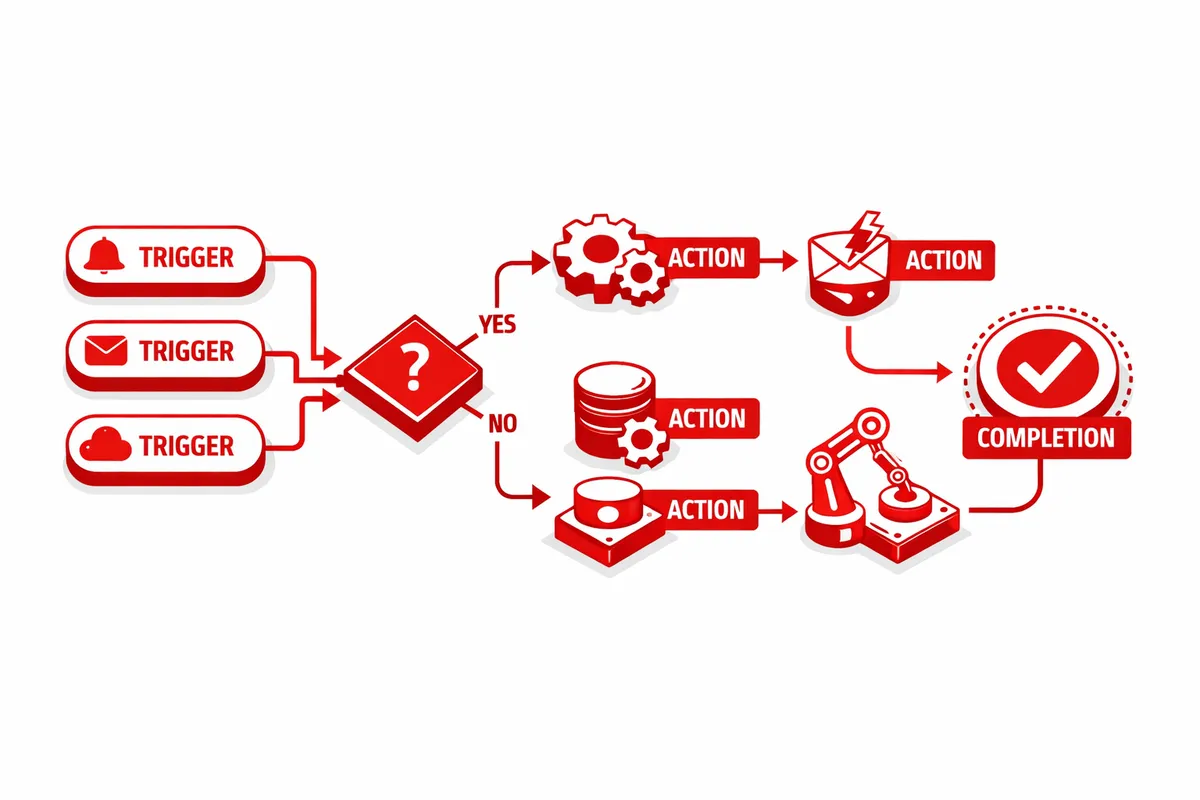
Workflow Automation for Uptown's Key Industries
Entertainment Venues
Uptown's venues run on workflows that touch booking, production, marketing, hospitality, and finance. Each of these departments relies on information generated by the others, and the manual handoffs between them are where errors and delays accumulate.
Booking to production. When a show is confirmed, the automation creates the event record, generates the production rider checklist based on the artist's technical requirements, schedules the load-in and soundcheck times, and notifies the production team with all relevant details. The sound engineer gets the stage plot and input list before the artist's management has to follow up asking for it.
Booking to marketing. The confirmed show triggers an event listing on the venue website, a social media content draft queued for the marketing team's review, an email announcement to the venue's subscriber list segmented by genre preference, and a listing submission to local event aggregators. The marketing team reviews and approves rather than creating from scratch.
Booking to hospitality. The confirmed show sends staffing requirements to the bar manager based on the expected capacity and event type. A hip-hop show with 450 expected capacity triggers different bar staffing than an acoustic folk night with 150. The automation calculates staffing based on historical per-capita bar revenue for similar event types and sends the staffing recommendation automatically.
Settlement automation. After the show, the automation pulls ticket sales data from the ticketing platform, bar revenue from the POS, and merch commissions from the merch tracking system. It calculates the artist payment based on the contract terms (guarantee versus percentage split, whichever is higher), generates the settlement statement, and routes it for approval. The Monday morning reconciliation that used to take three hours happens automatically before the venue manager arrives.
Argyle Street Restaurants
Order and inventory workflows. When daily sales data closes, the automation compares consumption against inventory levels and generates purchase orders for items that have dropped below reorder thresholds. The purchase orders route to the appropriate suppliers automatically, with specialty ingredient orders going to the Argyle Street wholesale distributors and standard items going to the broadline supplier. The restaurant manager reviews and approves orders in the morning rather than building them from scratch.
Reservation and communication workflows. When a reservation is booked, the automation sends a confirmation in the customer's preferred language, a reminder 24 hours before, and a follow-up after the visit asking for feedback. For large party reservations, it also notifies the kitchen with a prep advisory and alerts the floor manager for table configuration.
Staff scheduling workflows. Based on historical traffic patterns, upcoming events at nearby venues, and reservation volume, the automation generates a recommended staff schedule each week. The manager adjusts and approves rather than building the schedule from scratch. Shift swap requests process through the system with automatic approval if coverage requirements are met, eliminating the text message chains that currently consume manager attention.
Property Management
Uptown's mixed-use buildings require workflows that span residential tenant management, commercial lease administration, and building maintenance.
Maintenance request routing. When a tenant submits a maintenance request, the automation categorizes it by type and urgency, assigns it to the appropriate contractor or maintenance staff, sends an acknowledgment to the tenant with an estimated response time, and creates a tracking record. Emergency requests trigger immediate notifications. Routine requests queue for the next available maintenance window. The property manager monitors progress rather than manually triaging and assigning every request.
Lease administration workflows. Renewal notifications generate automatically 90 days before lease expiration. Rent escalation calculations apply based on lease terms. Late payment notices send automatically with configurable grace periods. Move-in and move-out processes follow standardized checklists with automated task assignment and deadline tracking.
Vendor and contractor management. Recurring maintenance schedules, HVAC inspections, elevator servicing, and common area cleaning trigger automatically based on the maintenance calendar. Work order generation, vendor notification, completion verification, and invoice processing all follow automated workflows that reduce the administrative burden on property management staff.
Creative Businesses
Studio booking workflows. When a client books a recording session, the automation confirms the booking, sends a session preparation checklist, reserves the required equipment, assigns the engineer, generates the session invoice or applies it against a prepaid package, and adds the session to the production calendar. The studio manager handles scheduling conflicts and creative decisions. The system handles everything else.
Project delivery workflows. When a mix or master is completed, the automation notifies the client, generates a download link with appropriate security, sends the invoice for final payment if applicable, and schedules a follow-up for feedback. For ongoing projects, milestone notifications keep clients informed of progress without requiring the engineer to send manual updates.
How We Build Workflow Automation for Uptown Businesses
1. Process inventory. We document every recurring process your team performs, how long each takes, how often it happens, and what errors it generates. For a typical Uptown venue, we identify 25 to 40 automatable processes. For a restaurant, 15 to 25. For a property management company, 30 to 50. Each process is scored by time cost, error frequency, and automation feasibility.
2. Integration mapping. We identify every software platform your business uses and map how data currently flows between them (manually, via export/import, or not at all). The integration map shows us where to connect systems so that automation has the data it needs to execute without manual input.
3. Priority deployment. The workflows that save the most time or eliminate the most errors go live first. For a venue, that is usually the booking-to-production and settlement automation workflows. For a restaurant, it is inventory and scheduling. For a property manager, it is maintenance routing and lease administration. First-wave automations deploy within two weeks.
4. Conditional logic buildout. After the core automations are running, we add the conditional logic that handles variations. The venue that books both 150-person acoustic shows and 450-person electronic events needs automation that adjusts staffing, production, and bar prep based on the event type. The restaurant that handles both walk-in and reservation traffic needs ordering automation that accounts for both. These conditional workflows deploy in weeks three through five.
5. Monitoring and iteration. Every automated workflow logs its execution data. We review exception rates, execution times, and outcomes monthly. Workflows that encounter frequent exceptions get refined. New automatable processes that emerge from operational changes get added. The automation system grows more capable over time.