How We Build Business Process Automation for Uptown
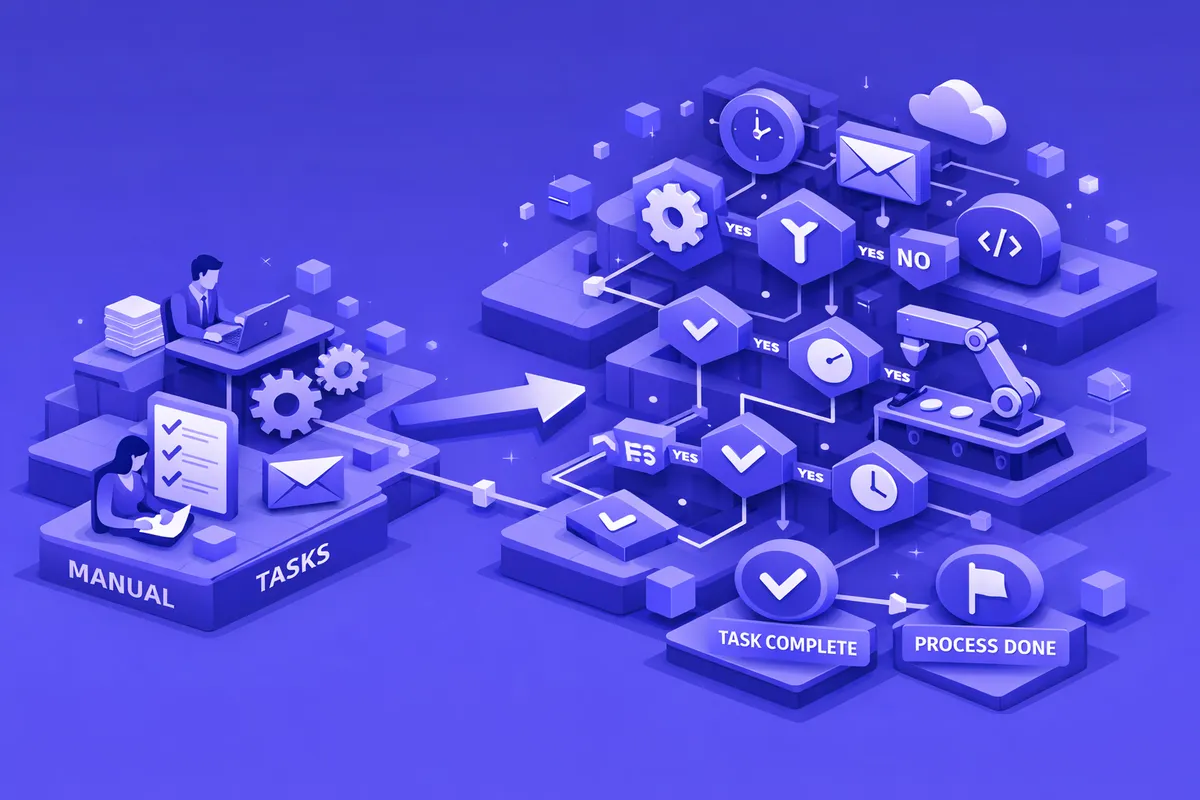
We start every Uptown engagement with a process mapping session. Before we build anything, we need to understand what your team actually does, not what the procedures manual says they do. The two are usually different. We interview the people doing the work, trace the actual path a document or request takes from origin to completion, and identify every point where someone is manually doing something that a system could do for them.
From that mapping exercise, we prioritize. Not every manual process is worth automating at the same moment. We look at frequency, time per execution, error rate, and downstream consequences to rank automation opportunities by ROI. For Uptown organizations managing limited budgets, this prioritization matters. We build the automations that pay for themselves first, then expand.
The automation tools we deploy depend on your existing systems. If you use a CRM, we build triggers within it. If your workflow spans multiple platforms, we use integration tools that connect them without requiring you to replace anything. For legacy systems without modern APIs, particularly common in healthcare and social services contexts, we use robotic process automation to bridge the gap. Every automation we build includes monitoring and alerting so you know when something runs, when it succeeds, and when it encounters an exception that needs human review.
Industries We Serve in Uptown
Nonprofits and social service organizations along Sheridan Road, Broadway, and throughout the neighborhood use automation to streamline grant reporting, client intake routing, case documentation, and compliance tracking. Organizations like those in Heartland Alliance's network manage workflows spanning multiple programs and funders, each with different reporting requirements. Automation ensures those requirements are met consistently without consuming program staff time.
Healthcare and medical offices serving the Weiss Memorial corridor and the broader Uptown residential population use automation for insurance eligibility verification, referral routing, appointment confirmation, and patient intake document collection. Automated workflows in these settings reduce the administrative burden on clinical support staff and improve the patient experience.
Restaurants and food service businesses on Argyle Street, Broadway, and Wilson Avenue use automation for supplier invoice processing, inventory replenishment triggers, reservation confirmation sequences, and end-of-day reporting that would otherwise require manual compilation.
Music venues and event operations coordinate staffing, vendor management, compliance documentation, and ticketing reporting across event calendars. Automation handles the recurring administrative work so operations staff focus on execution rather than paperwork.
Professional service firms occupying the commercial corridors between Wilson and Lawrence use automation for client onboarding sequences, document collection, billing workflows, and follow-up reminders that currently depend on individual staff memory and initiative.
What to Expect Working With Us
1. Process audit and opportunity mapping. We spend the first week mapping your workflows. We interview the people doing the work, document the actual steps, and quantify the time each process consumes. The output is a prioritized list of automation opportunities with ROI estimates attached to each.
2. Strategy and architecture. We present the automation roadmap, you choose where to start, and we design the technical architecture before any build begins. For Uptown nonprofits working with donor-restricted budgets, we structure projects so the highest-value automations are delivered first within budget.
3. Build and test. We implement automations in phases, testing against real operational data before each goes live. Each automation includes error handling that routes exceptions to your team with full context rather than silently failing.
4. Training and ongoing support. We train the team members who will work alongside the automation, document how each workflow operates, and provide a defined support period after launch. You understand what is running and why before we hand it over.