How We Build Document Management for South Shore
We start every project with a document audit: cataloging what types of documents your organization creates, where they currently live, who needs access to them, and what happens when they cannot be found. Most South Shore organizations are surprised by the volume and variety of documents this audit surfaces. The audit also reveals the compliance gaps, the duplicated files, and the abandoned shared drives that represent real organizational risk.
From the audit, we design a taxonomy that reflects how your organization actually thinks about its work, not how a generic software vendor thinks about documents. A South Shore nonprofit organizes documents by program and grant period. A contractor organizes by job number and project phase. A church organizes by ministry area and fiscal year. The taxonomy is the foundation of the system, and getting it right at the start determines whether the system gets used in year three or abandoned in year one.
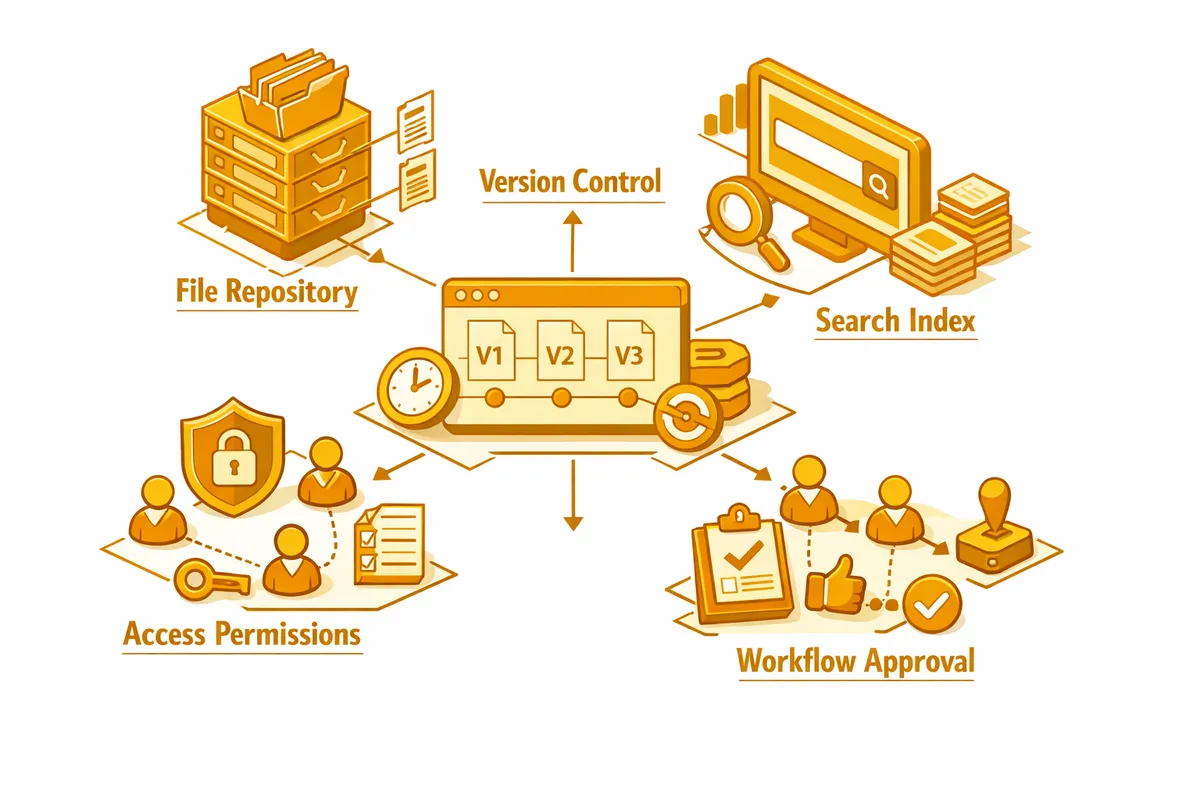
We configure or build the document management platform around that taxonomy, with role-based access controls that give each user exactly the documents they need without exposing sensitive records inappropriately. A South Shore nonprofit development director should be able to access all grant documentation instantly. The program staff should access their own program records. The bookkeeper should access financial documents. The board should access governance records. Each group gets the right access without manual intervention from an administrator each time someone needs something.
Training matters as much as the technical build. We work with South Shore organizations through hands-on training sessions that ensure every user understands how to file, find, and share documents correctly. The best document management system produces no value if staff continue emailing attachments and saving files to local desktops. We invest in change management because adoption is what makes the investment pay off.
Industries We Serve in South Shore
Nonprofits and community organizations throughout South Shore, including organizations like By the Hand Club and Little Black Pearl, manage grant documentation, program records, IRS filings, and board governance materials that need organized, auditable, and retention-compliant storage.
Contractors and construction businesses working across South Shore and the Far South Side manage permits, project contracts, subcontractor agreements, change orders, and inspection records that need to be accessible from the field and organized by job.
Faith communities and churches on 75th Street, 79th Street, and throughout South Shore manage property documents, financial records, bylaws, volunteer background checks, and historical records that represent irreplaceable institutional memory.
Small retailers and personal care businesses on 71st Street and the Bryn Mawr corridor manage vendor agreements, employee records, lease documentation, and licensing files that benefit from organized, searchable storage rather than email archives.
Social service organizations managing case files, referral documentation, compliance records, and funding partner reporting requirements need document systems with the access controls and audit trails that sensitive client records demand.
Multi-generational family businesses throughout South Shore often have decades of business records in formats ranging from paper to aging digital files. We digitize, organize, and migrate historical records into modern systems that make the institutional memory of long-operating businesses accessible to current management.
What to Expect Working With Us
1. Document audit and requirements gathering. We inventory your current documents, assess compliance requirements specific to your organization type, and identify the access and workflow patterns that the system needs to support. This produces the design blueprint before any configuration begins.
2. Taxonomy and access design. We design the folder and metadata structure that matches how your organization thinks about its work, and the role-based access model that gives each user group the right documents without manual administration overhead.
3. Platform build and migration. We configure the system and migrate existing documents from wherever they currently live: Google Drive, Dropbox, email attachments, local drives, paper files, or aging servers. Migration includes reorganization into the new taxonomy rather than simply moving existing chaos.
4. Training and adoption support. We train all user groups on the system specific to their role and document types. Post-launch support runs for 30 days to address questions and reinforce correct filing behavior before the system becomes the established organizational habit.