How We Build Workflow Automation for Ravenswood
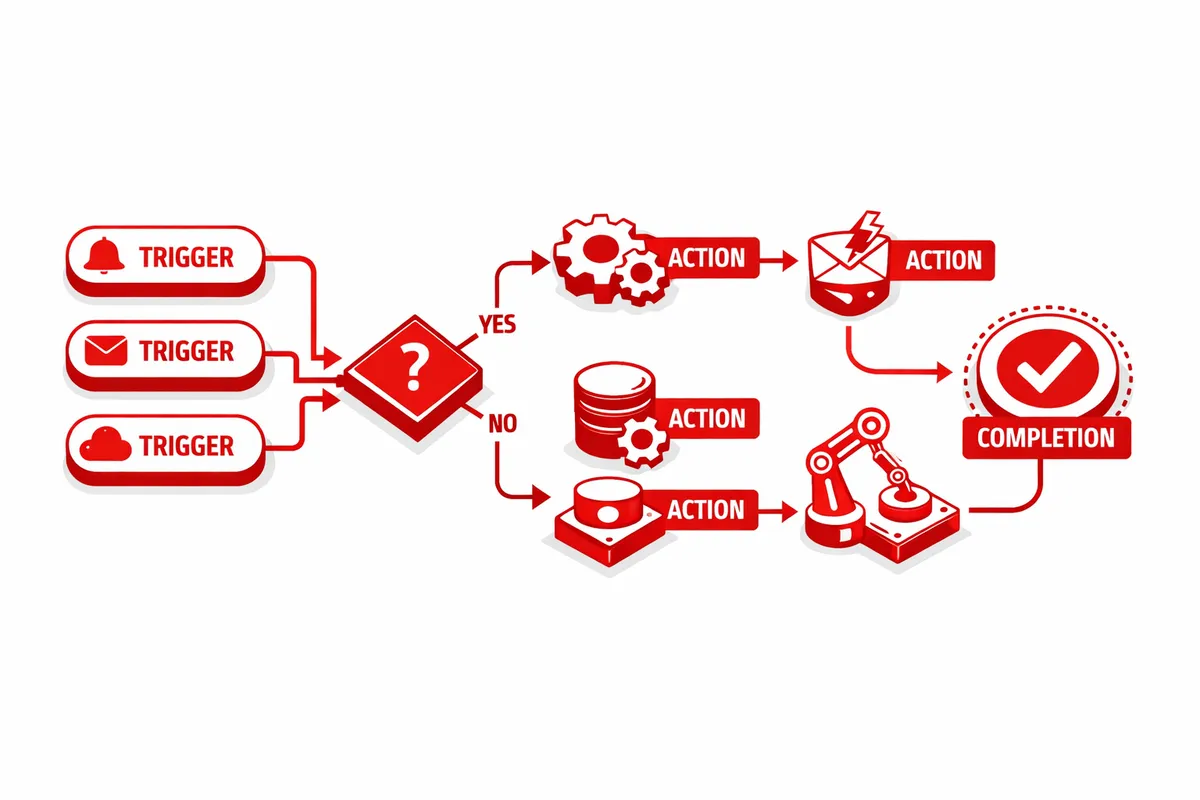
We start with a workflow audit. We spend time understanding how work actually moves through your business: what tools you use, where data gets re-entered manually, what emails you send on a routine basis, and where things fall through the cracks. Most Ravenswood makers know where the pain is — the three spreadsheets that should be one connected system, the invoices that get sent late because someone forgot to generate them.
From the audit, we map the highest-impact automations: the ones that save the most time or prevent the most errors with the least implementation complexity. We prioritize automations that have immediate, visible payoff over elaborate systems that take months to build. Ravenswood makers run lean operations — the automation should start working fast.
Implementation uses no-code and low-code tools (Zapier, Make, n8n) alongside direct API integrations where appropriate. We don't lock you into custom-built software that requires a developer to modify. Everything we build uses tools with active support communities and clear documentation so your team can extend the automations as the business grows.
Every automation includes error handling and monitoring. If a step fails because an API is down or a data field is missing, the system flags it rather than silently dropping records. You get a notification, not a mystery. After launch, we stay involved for 30 days to catch edge cases and refine the logic based on real transaction volume.
Industries We Serve in Ravenswood
Craft breweries and taprooms can automate wholesale inquiry routing, taproom event RSVP collection, email follow-ups after visits, loyalty tracking, and inventory reorder alerts. Automation keeps the customer relationship consistent without requiring a dedicated operations manager.
Small manufacturers and fabricators along the Ravenswood corridor benefit most from job-status automation: when a project moves from quoting to production to delivery, each stage triggers the right notification, invoice, or follow-up without manual intervention. Project management tools connect directly to billing systems.
Artisan food and beverage producers who sell through multiple channels — direct, wholesale, farmers markets — often have order data scattered across platforms. We unify order processing so inventory, fulfillment, and invoicing stay synchronized regardless of which channel the sale came through.
Design studios near Damen Avenue and Ashland Avenue run on proposals, approvals, revisions, and invoices. Automation connects the proposal tool to the project management system, triggers invoice generation at project milestones, and routes client feedback to the right designer without requiring manual triage.
Independent restaurants on Lawrence Avenue and Montrose Avenue can automate reservation confirmations, private event inquiry routing, and supplier reorder communications. Reducing manual administrative work in a restaurant frees front-of-house and kitchen staff to focus on service.
Specialty retailers benefit from automated inventory alerts, abandoned cart recovery, post-purchase follow-up sequences, and wholesale account onboarding workflows. A boutique on Ravenswood Avenue shouldn't need to manually track which wholesale buyers haven't reordered in 60 days.
What to Expect Working With Us
1. Workflow audit session. We map your current operations in a two-hour working session — tools, steps, pain points, and manual handoffs. You leave with a documented picture of how work flows through your business and a prioritized list of automations by impact.
2. Automation build and testing. We build the top-priority automations, test them against real data, and document how each one works. You review and approve before anything goes live. Complex automations run in parallel with manual processes for two weeks before the manual process is retired.
3. Launch and monitoring. Automations go live during a low-volume period. We monitor for the first 30 days and resolve any edge cases. You get a dashboard or regular status update showing which automations ran, how many times, and whether any errors occurred.
4. Training and handoff. We train whoever owns operations — founder, office manager, or both — on how to monitor, modify, and extend the automations. You should be able to add a new step to a workflow without calling us every time.