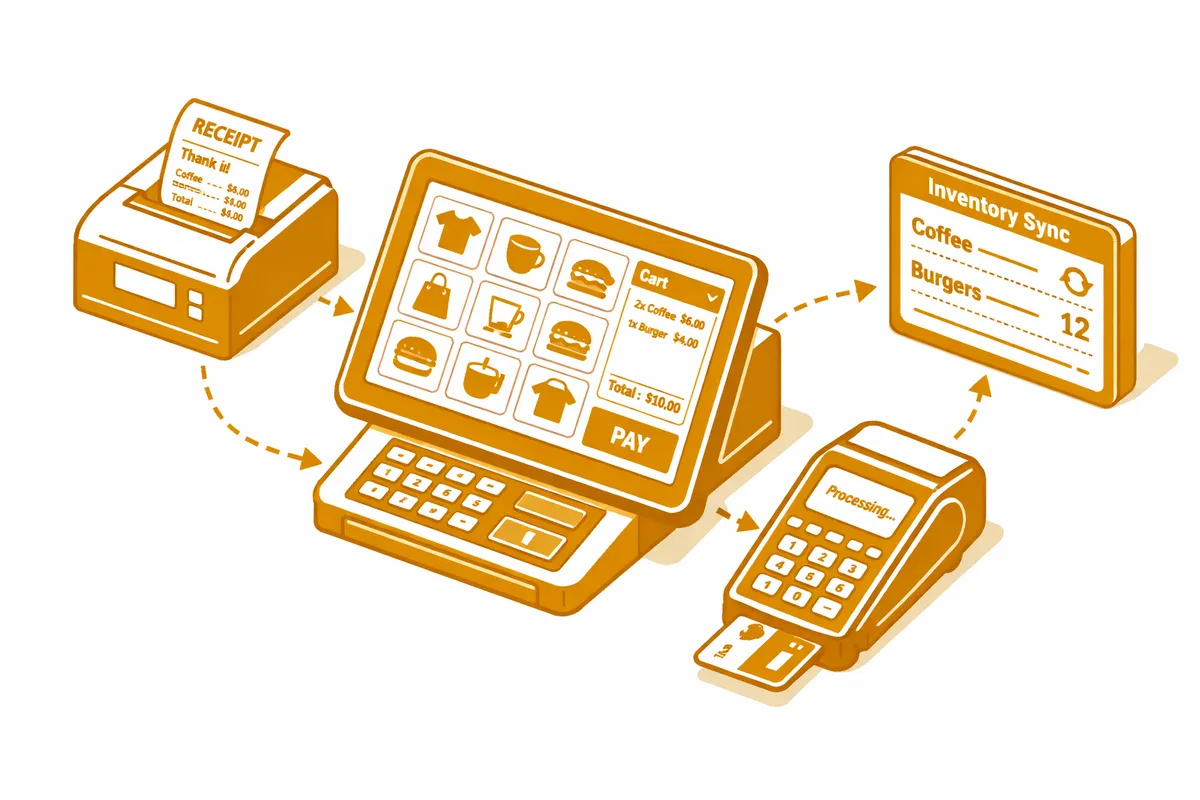
How We Build POS Systems for Ravenswood
The selection and setup process starts with a requirements conversation. We document the exact revenue streams the business runs, the staff roles that will interact with the system, the reporting the owner needs to see daily and weekly, and the back-office systems the POS needs to connect to. A Ravenswood brewery has a different requirements profile than a yoga studio with retail supplement sales or a cafe with both walk-up service and catering orders.
With requirements defined, we evaluate two or three POS platforms against the specific criteria rather than defaulting to the most popular option. For a taproom on Ravenswood Avenue, that evaluation weighs tab management, draft pour tracking, event ticketing integration, and distribution inventory separately from consumer retail features. We present the comparison and make a recommendation with the reasoning explicit.
Setup and configuration follows the selection: hardware specification and procurement, software configuration, menu or product catalog build, staff role and permission setup, payment processing account setup, and back-office integration connections. For breweries and restaurants, the menu and modifier build is the most time-intensive step because accuracy here directly affects order accuracy and reporting.
We run staff training in the specific environment: at the bar, at the register, in the service well. The training is on the actual configured system, not a demo, so staff are learning the real product layout rather than a generic walkthrough.
Industries We Serve in Ravenswood
Craft breweries and taprooms on Ravenswood Avenue require POS systems built for the unique revenue model of a taproom: draft pour tracking that connects to keg inventory, tab management for customers who run a tab for an evening, retail sales for canned and bottled products, event ticketing for release nights, and potentially a subscription club pickup workflow. We configure each of these channels within a unified system that produces clean end-of-day reporting.
Independent restaurants and cafes near Welles Park and along Wilson Avenue need table-service and counter-service POS features depending on their format. We configure floor plan management, course firing to the kitchen printer, split-check handling, and tipping workflows for full-service restaurants, and streamlined counter-service layouts for cafes that prioritize throughput.
Specialty retail shops near the Ravenswood Manor neighborhood typically run on simpler POS configurations but benefit enormously from inventory integration: stock levels that update automatically with every sale, low-stock alerts, and purchase order tracking that connects to vendor accounts. A Ravenswood specialty retailer running Square with basic inventory configuration leaves significant operational efficiency unrealized.
Artisan manufacturers and producers along Montrose Avenue who sell direct-to-consumer alongside their wholesale business need a POS that handles both transaction types cleanly: walk-in retail at the studio or production space and wholesale order invoicing for commercial buyers. We configure the dual-channel setup and connect both revenue streams to the accounting system.
Yoga studios and wellness businesses on Lawrence Avenue use POS systems primarily for class package sales, retail supplement purchases, and membership renewals at the front desk. We configure the membership integration with the scheduling platform so front-desk staff can see membership status and class credits without switching between systems.
Event venues and mixed-use spaces in the Ravenswood industrial corridor that host markets, open studio events, and private events need flexible POS configurations that can handle vendor payment splits, event-specific product catalogs, and temporary staff setups. We configure the event-mode functionality that activates for these use cases without disrupting the standard retail or taproom setup.
What to Expect Working With Us
1. Requirements documentation and platform selection. We spend the first week documenting exactly what the business needs from a POS system and evaluating two to three platforms against those requirements. The recommendation comes with a side-by-side comparison and a clear rationale so the owner makes an informed decision rather than defaulting to brand familiarity.
2. Hardware specification and configuration. We specify the hardware configuration for the specific business layout: terminal placement, printer locations, kitchen display or printer routing, card reader models, and network requirements. For a Ravenswood taproom with a bar and a retail area, the hardware setup is more complex than a single-register retail shop. We document and configure everything before the business day the hardware arrives.
3. Catalog build and integration setup. The POS catalog or menu build is done before staff training. We populate every product, modifier, and category, configure pricing and tax rules, and set up the back-office integrations with accounting, inventory, and payroll systems before the system goes live.
4. Staff training and go-live support. Training runs in the actual business environment, not a demo account. We train each staff role on the specific workflows they will use and stay available during the first live service period to resolve configuration issues that emerge from real-world usage.