How We Build Customer Portals for Pilsen
Customer portal projects begin with a user experience audit. We define the portal's users: who logs in, what role they have, what they need to see and do when they arrive. For a service business portal, the primary user is the client contact who needs project status visibility and document access. For a community organization portal, the primary user is the program participant who needs to submit documentation and access program resources. Each user type gets a portal experience designed for their specific needs.
Authentication and access control ensures the right people see only what they should see. We implement secure login, password management, and role-based access control so each client's users can access only their own information and have access only to the features and actions appropriate for their role.
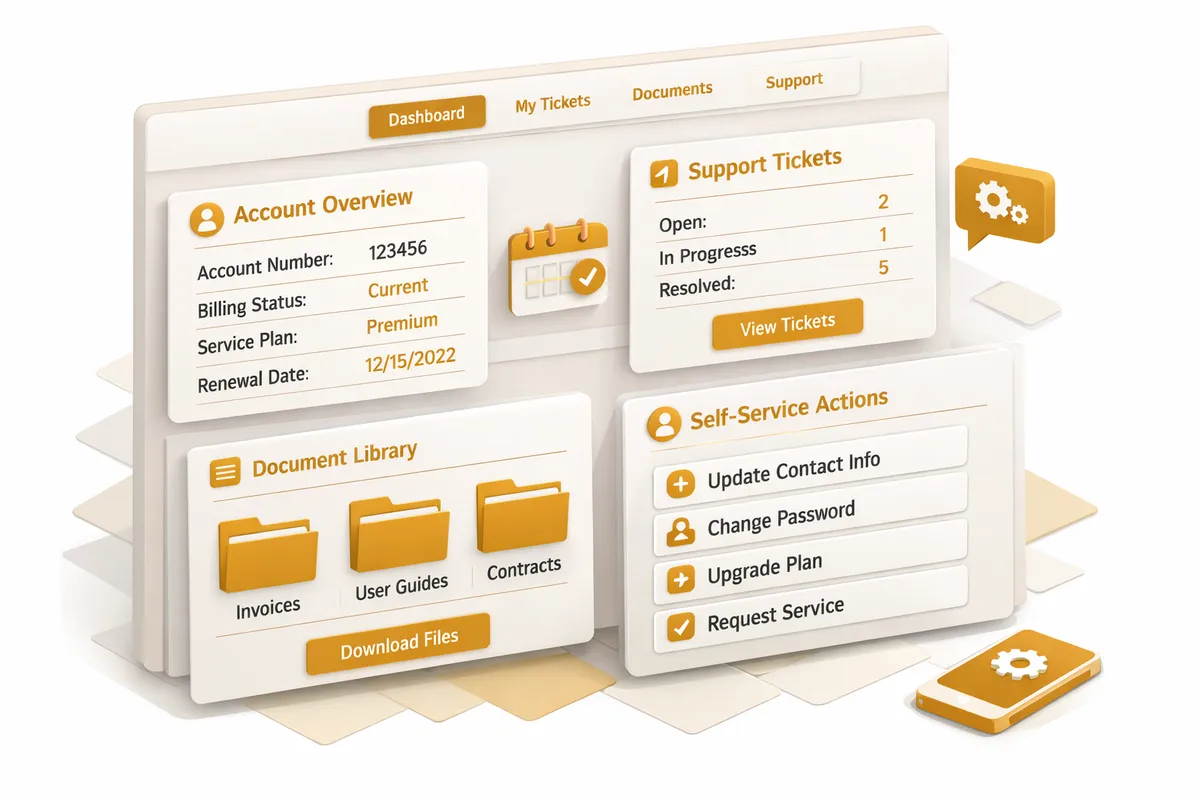
Dashboard design gives portal users an immediate view of what is relevant to them. For a service business client, that might be current project status, the next milestone, any outstanding approvals needed, and recent documents. For a community organization participant, it might be their program enrollment status, next scheduled appointment, and any outstanding documentation to submit.
Document management provides the organized, searchable document repository that replaces email attachment chains. Documents are uploaded by staff or clients, categorized by type, versioned when updated, and accessible to users with appropriate permissions. Notifications alert relevant parties when new documents are uploaded.
Communication tools keep interaction within the portal context rather than scattered across email threads. Secure messaging, approval workflows, and status update tools keep the client relationship organized in one place.
Integration with existing systems keeps the portal current automatically. If your project management tool is the source of truth for project status, the portal pulls status from that system rather than requiring manual updates. If your accounting system generates invoices, the portal displays those invoices to clients directly. Integration eliminates the double-entry and manual update burden that makes unintegrated portals become outdated and useless.
Industries We Serve in Pilsen
Service businesses throughout Pilsen use customer portals for project visibility, document exchange, approval workflows, and the ongoing communication that keeps client relationships organized and professional.
Professional services firms, including legal, accounting, and consulting businesses serving Pilsen's commercial community, use client portals for secure document exchange, matter status visibility, and the compliance-grade communication records their professional obligations require.
Community organizations serving Pilsen's residents use participant portals for program enrollment management, document submission, resource access, and the self-service capabilities that give participants agency over their own program participation.
Galleries and arts organizations in the Chicago Arts District use collector portals for purchase history access, consignment status tracking, and the professional communication infrastructure that high-value buyer relationships require.
Specialty service businesses, including architects, designers, and creative professionals working in Pilsen, use client portals for project review and approval workflows that currently happen through disconnected email threads.
What to Expect Working With Us
User and workflow definition. We document every user type, what they need to see and do, and how the portal integrates with your existing operational workflows.
Design and prototype. We design the portal interface and build an interactive prototype for your review before full development begins. You see and interact with the portal experience before it is built.
Development and integration. We build the portal with all defined features and connect it to your existing systems through integrations that keep portal content current.
Security review. Before launch, we conduct a security review covering authentication, access control, data encryption, and the portal's handling of sensitive client information.
Launch and training. We launch the portal, train your team on administrative features, and support you through the client communication about the new portal access.