How We Build Process Automation for Pilsen
Process automation projects begin with a workflow audit. We document the complete sequence of steps in each target process: what triggers it, what information flows through it, what decisions are made at each step, what systems are involved, and where the process ends. Thorough process documentation is the prerequisite for reliable automation. Automating an undocumented process produces an automated version of unpredictable behavior.
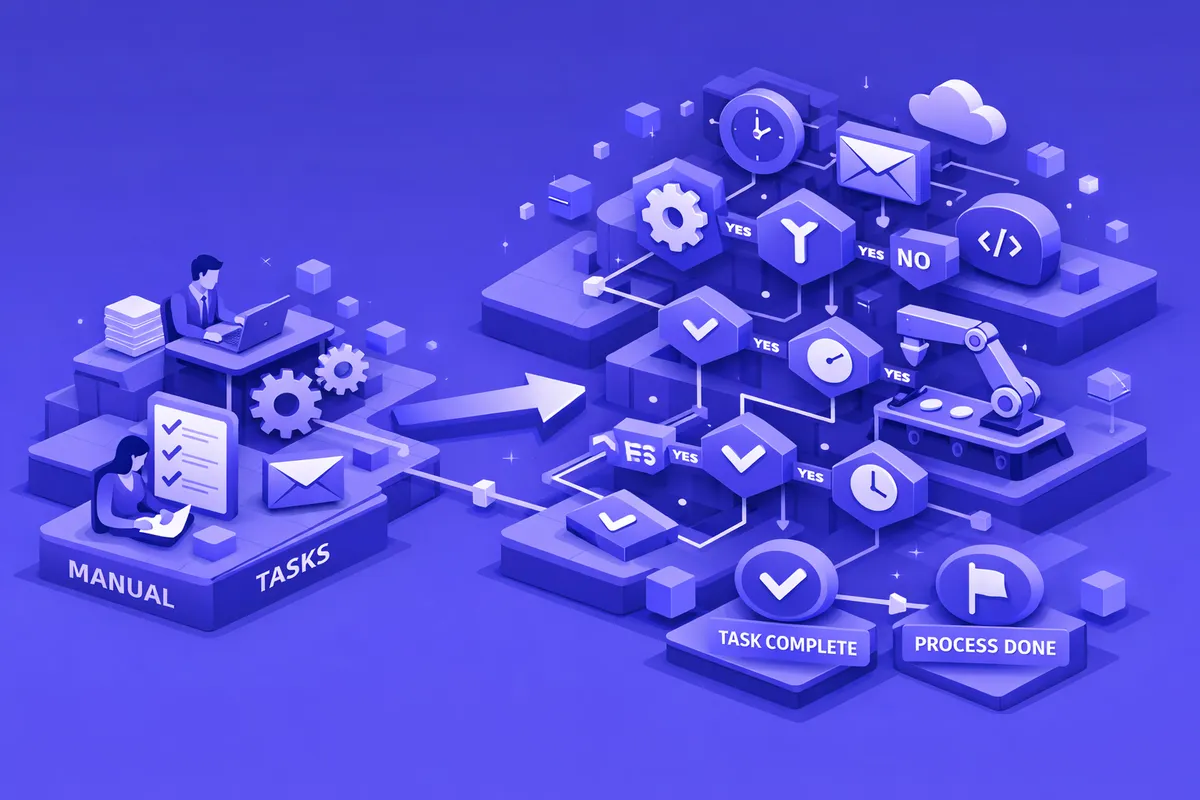
Rule-based automation handles processes where every decision follows a defined rule. Customer contact form submitted and within service area: send auto-acknowledgment, create CRM record, assign to appropriate team member, and schedule follow-up reminder. New vendor invoice received by email: extract amount and due date, create bill in accounting system, route for approval if over threshold, schedule payment. These processes follow the same path every time for a given input, and rule-based automation executes them without variation.
Conditional automation handles processes that branch based on conditions. A customer inquiry automation that routes restaurant reservations differently from catering inquiries, or a service business automation that applies different follow-up sequences to warm leads versus cold contacts, operates on conditional logic that evaluates each case and routes it to the appropriate path.
Scheduled automation handles processes that run on a defined schedule rather than being triggered by events. Weekly sales report compilation that pulls data from multiple platforms and delivers a formatted summary every Monday morning. Monthly client statement generation and delivery. Quarterly review reminders to clients with outstanding proposal decisions. These timed processes run automatically on schedule without requiring anyone to remember to initiate them.
Cross-system automation handles processes that span multiple software platforms. The process of onboarding a new Pilsen service business client might involve creating records in a CRM, generating a project in a project management tool, creating a billing account, adding the client to a communication sequence, and scheduling the kickoff meeting, all triggered by a single event in one system and executed across five systems without manual steps between them.
Industries We Serve in Pilsen
Restaurants and food businesses on 18th Street use process automation to handle reservation confirmation and reminder sequences, vendor order processing, weekly inventory reconciliation, and the staff scheduling communications that currently require manual coordination.
Galleries and arts organizations in the Chicago Arts District use process automation to handle exhibition announcement communications, opening event invitation management, post-show follow-up with interested visitors, and the grant reporting workflows that require data from multiple program systems.
Service businesses on Damen, Ashland, and throughout Pilsen use process automation for lead intake and qualification, proposal follow-up sequences, project status update communications, invoice generation and follow-up, and client satisfaction check-ins.
Community organizations use process automation for program registration processing, volunteer onboarding workflows, event reminder communications, and the participant follow-up processes that are essential to program effectiveness but time-consuming to execute manually.
Retail businesses on Halsted use process automation for inventory reorder triggers, new product announcement communications, loyalty program updates, and the abandoned cart recovery sequences that e-commerce businesses depend on.
What to Expect Working With Us
Workflow audit. We document the complete process flows for your highest-priority automation candidates and identify the trigger, decision, and action points in each workflow.
Automation design. We design the automation architecture for each process, specifying the platforms involved, the logic governing each step, and the exception handling for cases outside the standard flow.
Build and testing. We build the automation using the appropriate tools for your system environment, test against realistic scenarios including edge cases, and verify that every output matches what the manual process would produce.
Deployment and monitoring. We deploy automations with monitoring that alerts when processes fail or produce unexpected outputs. You do not discover automation failures when a customer complains. You are notified when they happen.
Documentation and training. We document every automation we build and train your team on how each process works, how to identify when it is not working correctly, and how to handle the exceptions that require human intervention.