How We Build No-Code Platforms for Oak Lawn
Every no-code project starts with a requirements conversation, not a platform selection. We need to understand what the tool is supposed to do, who will use it, how they currently handle the same workflow, and what the success criteria are before we recommend a platform. The right platform for an Oak Lawn insurance agency's renewal dashboard is not the same as the right platform for a restaurant's catering inquiry management tool.
Platform selection follows from requirements. We choose based on the data model the workflow requires, the interface type the users need, the integrations with existing systems, the long-term maintenance profile, and the price point appropriate for the business size. For most Oak Lawn small business use cases, the right platform is in the Airtable, Notion, or Glide family for internal tools, and Webflow or Bubble for client-facing portals and public-facing applications.
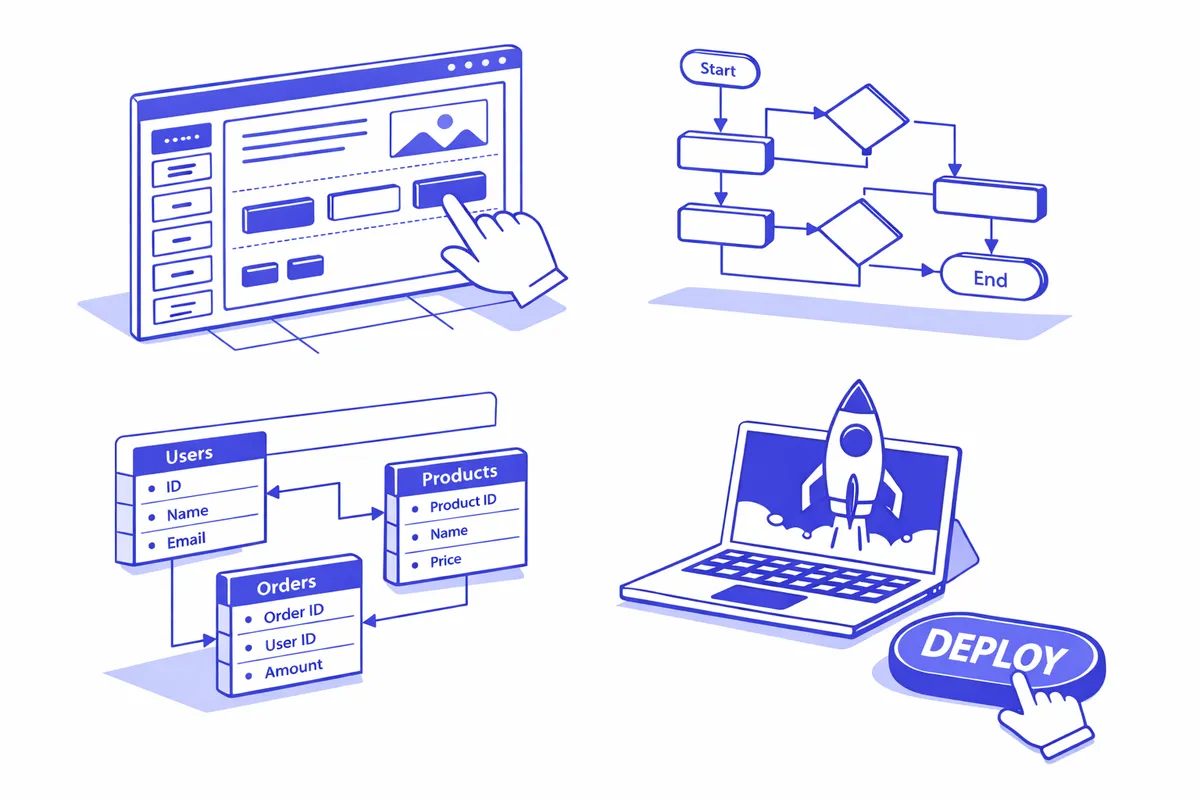
Build work is iterative. We build a working version quickly, put it in front of the actual users, and refine based on what the real workflow reveals. No-code platforms are well-suited to this approach because changes are fast. When the practice manager at a medical practice on 95th Street says "we actually need this status field to show two additional states," we make the change in minutes rather than queuing it for the next development sprint.
Industries We Serve in Oak Lawn
Medical practices and clinical offices near Advocate Christ Medical Center on 95th Street use no-code platforms to build intake management dashboards, referral tracking systems, staff scheduling tools, and compliance training trackers that their vertical software does not provide. These internal tools connect to existing practice management systems through no-code integrations or file imports.
Insurance agencies on Cicero Avenue use no-code platforms for renewal management dashboards, prospect pipelines, carrier contact directories, and commission calculation tools that augment the agency management platform rather than replacing it. An agency that processes 50 renewals per month benefits enormously from a purpose-built renewal dashboard that shows exactly where each account stands.
Auto dealers and service centers on Harlem Avenue use no-code tools for service queue management, fleet account tracking, parts ordering request systems, and customer follow-up workflows. A service writer who can see every vehicle in the shop, its current status, and its expected completion time from a single screen manages the floor more effectively than one relying on paper tags and memory.
Family restaurants and catering operations near The Fairway Retail Center on 103rd Street use no-code platforms to manage catering inquiry pipelines, event logistics tracking, menu customization requests, and post-event follow-up sequences. The holiday catering season demands a structured tracking system that the average restaurant's POS does not provide.
Specialty retail businesses on 95th Street and Pulaski Road build no-code tools for custom order management, vendor relationship tracking, visual merchandising planograms, and event promotion coordination. Retailers that take custom orders benefit from a dedicated tracking tool rather than managing requests through email and sticky notes.
Small professional offices throughout Oak Lawn use no-code platforms to build client onboarding workflows, matter status dashboards, document request trackers, and billing pipeline views that their practice management software handles inadequately or not at all.
What to Expect Working With Us
1. Workflow requirements session. We document the workflow the tool needs to support, the data it will handle, the users who will interact with it, and the integrations it needs to connect to. For Oak Lawn businesses replacing a spreadsheet or email-based process, this session often reveals requirements that were not obvious from the initial description.
2. Platform recommendation and scope. We recommend the no-code platform best suited to the requirements and produce a written scope covering what we will build, how long it will take, and what training is included. You approve the scope before we start building.
3. Iterative build with working demos. We build the tool in stages and show you working versions at each checkpoint. Your feedback at each stage shapes the next. For most no-code projects, the first working demo is available within a week of starting the build.
4. Training and handoff documentation. We train your team to use the tool and, importantly, to make common updates and additions themselves. No-code platforms are designed to be maintained by non-technical users. We document the maintenance tasks clearly so your team can extend the tool over time without returning to us for every change.