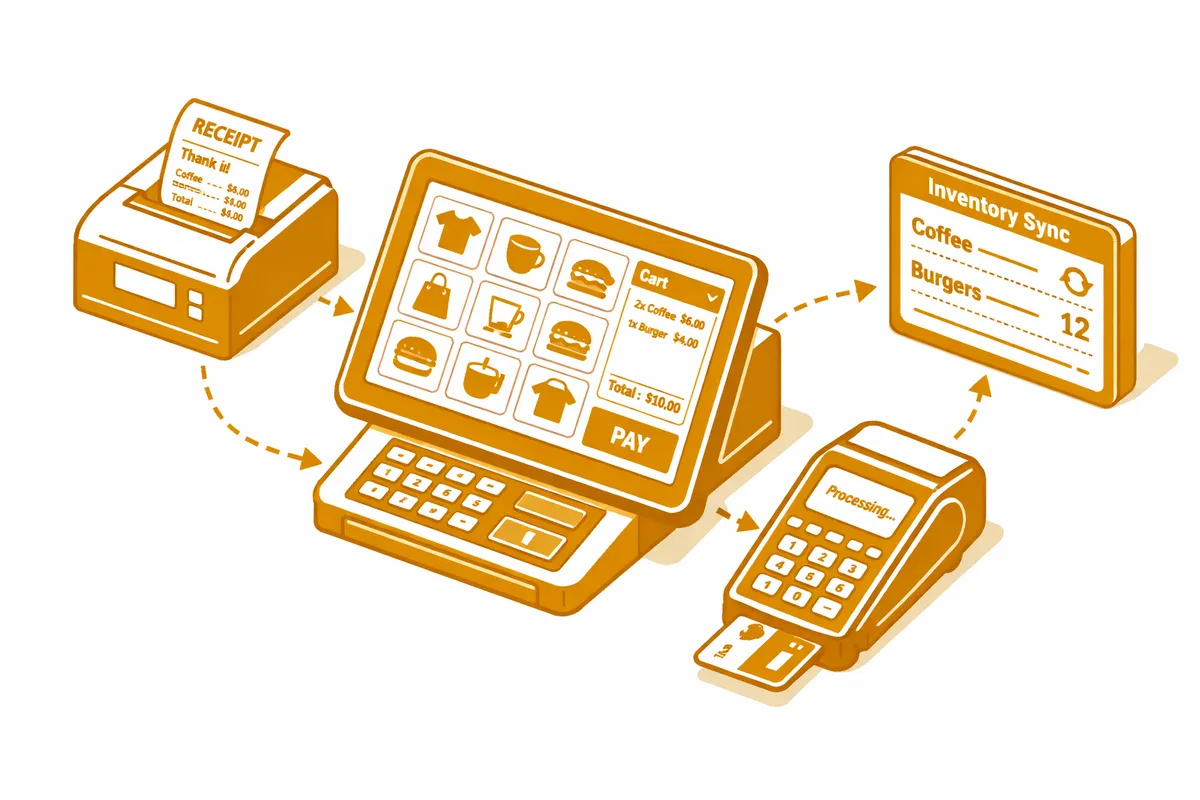
How We Build POS Systems for Mount Greenwood
The setup process begins with a menu or product audit. Before we configure any hardware or software, we review what you actually sell: every menu category, modifier, and combo; every product SKU and pricing tier; every special or seasonal item that appears for a defined period. For a Mount Greenwood bar with a rotating draft list and a food menu that changes seasonally, this audit reveals configuration choices that affect order accuracy, inventory tracking, and end-of-night reporting for the entire year.
Hardware selection comes after the menu audit, not before. The right terminal configuration for a restaurant doing 200 covers on a graduation Saturday is different from the right configuration for a florist processing 30 transactions a day. We match hardware to service model: countertop terminals for high-volume fixed stations, tableside tablets for table-service restaurants, compact mobile readers for florists and specialty retailers who need to process payments at the counter or at an event.
Network configuration is part of the installation. A POS system is only as reliable as its connection, and we configure backup connectivity so a router hiccup on St. Patrick's Day does not take the payment system offline. For food-and-beverage businesses, offline mode setup is also included: the system continues to process card transactions locally if connectivity is interrupted, then syncs when the connection is restored.
Staff training happens in two sessions. The first is a manager-level configuration review where the owner or manager confirms that every menu item, modifier, price, and reporting category is correct. The second is a crew-level training that covers daily operations: opening procedures, order entry, payment processing, split-check handling, void and comp procedures, and end-of-day close. Both sessions happen before the system goes live.
Industries We Serve in Mount Greenwood
Bars and neighborhood taverns on 111th Street process high ticket volumes during St. Patrick's Day and community event weekends. A properly configured POS with tab management, quick-add modifiers for common orders, and accurate cash drawer reconciliation keeps the bar moving during peak periods. Integration with a draft beer inventory tracker helps these businesses manage keg levels without manually counting each shift.
Sit-down restaurants serving the Mount Greenwood community need POS systems with table management, kitchen display integration, and reliable split-check capability. A graduation party booking at a family restaurant near Pulaski Road might involve a private room, a preset menu, and separate checks for eight families. The POS has to handle that without the manager manually intervening at the close of every event.
Florists and specialty retailers on Kedzie Avenue process both walk-in retail transactions and special-order deposits that may be placed weeks before the graduation or holiday delivery date. The POS needs to handle deposit transactions cleanly, track the associated order through fulfillment, and close the balance when the order is picked up or delivered. Most generic POS systems handle deposits awkwardly; we configure a workflow that makes it straightforward.
Neighborhood convenience and general retail near Mount Greenwood Library need inventory tracking at the SKU level, accurate reorder point alerts, and reporting that distinguishes between product categories. A retail operator who can see at a glance which categories drove margin last week and which are moving slowly has the information to make purchasing decisions proactively rather than reactively.
Accounting offices and professional services that collect payments for tax preparation, consultations, or retainers benefit from POS or payment processing setups that generate clean transaction records, integrate with QuickBooks or their practice management software, and send professional digital receipts. The POS for a professional services office near 115th Street is simpler than a restaurant's, but accuracy and integration with financial reporting are just as important.
Contractors and trades businesses that collect deposits or progress payments on job sites need mobile payment processing that captures signatures, sends automated receipts, and integrates with their job management or invoicing system. A contractor on Sawyer Avenue who collects a deposit at a customer's home should not be processing that transaction through a personal Venmo or writing a paper receipt. Professional mobile payment processing closes that gap.
What to Expect Working With Us
1. Menu and product configuration audit. We collect your complete menu or product catalog before any system is configured. For restaurants, this includes every modifier, combo, size variation, and special-order option. For retailers, it includes every SKU, pricing tier, and tax category. This audit catches configuration problems before they become live errors, which is especially important for businesses preparing for a high-volume season.
2. Hardware procurement and installation. We recommend and source the right hardware for your service model and coordinate installation at your location. Network configuration, power setup, and printer integration are all handled during the installation appointment. We test every component before the first real transaction is processed.
3. Go-live with staff support on-site. For restaurants and bars, the first day of live operation includes on-site support from our team. We are there during the first service to catch configuration issues that only appear when real customers are ordering, and we resolve them before they become patterns. For retail businesses, we provide remote support during the first week with same-day response to any issues.
4. Seasonal review and menu updates. Mount Greenwood businesses update their menus and product mixes seasonally. We conduct a POS review before St. Patrick's Day and before graduation season to ensure your system configuration reflects current pricing, available items, and any special-event modifications. A graduation party package added to your menu needs to be configured correctly before the reservation arrives, not discovered missing when the table is seated.