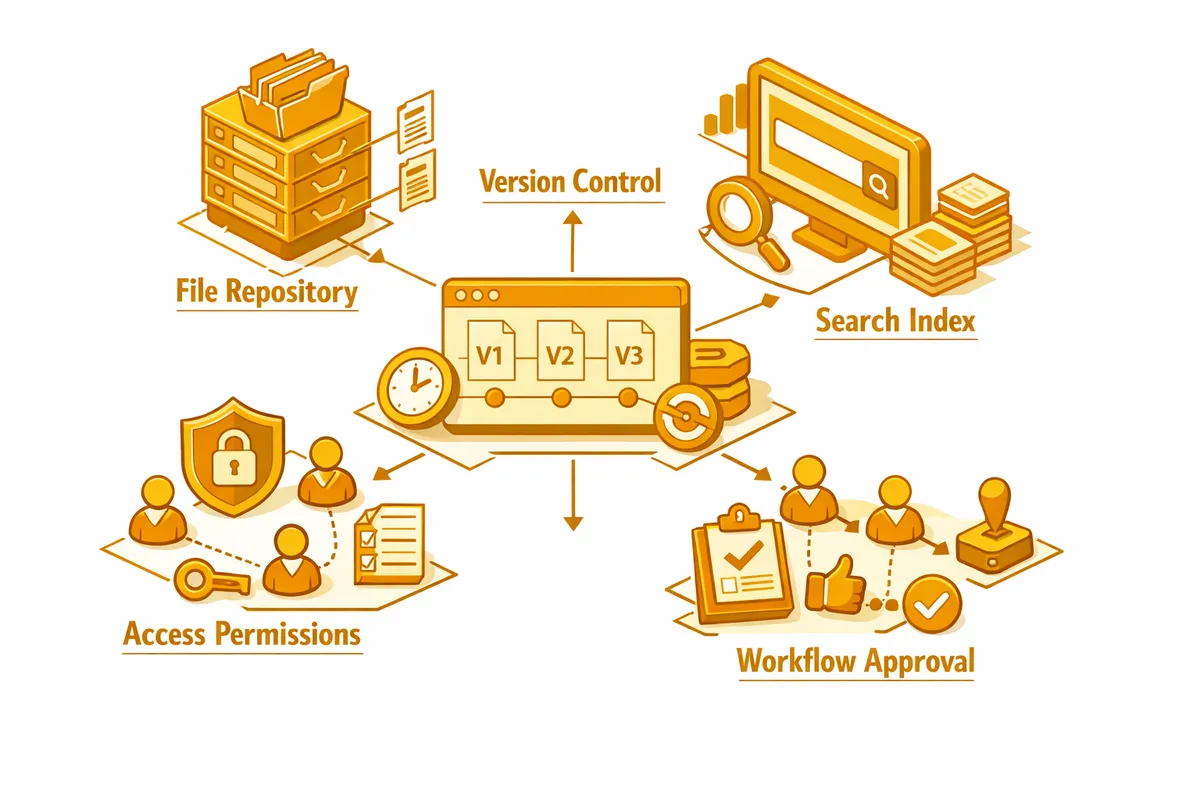
How We Build Document Management for Mount Greenwood
The starting point is always an audit of what documents the business currently generates, where they live, and how they are retrieved. For a Mount Greenwood insurance agency, that audit typically surfaces physical files in cabinets, PDFs in email attachments, scanned documents in a shared drive with inconsistent naming, and carrier-portal documents that no one has downloaded to the agency's own storage. Each source has its own retrieval path, and the aggregate is a document management problem.
From the audit we design a taxonomy: the folder structure, naming convention, and metadata schema that will organize every document type the business uses. Taxonomy design is where most document management projects succeed or fail before any software is chosen. A taxonomy that does not match how the business actually retrieves documents will be ignored within six months. We design it through conversations with the people who actually look for documents, not just the person who decides where to put them.
With the taxonomy in place, we recommend and configure the right platform. For most Mount Greenwood professional service firms, the choice is between a purpose-built platform like M-Files or SharePoint, a simpler cloud storage solution with good structure and search like Google Workspace or Box, and a document module integrated with an existing CRM or practice management system. The right answer depends on the business's size, compliance requirements, and existing software. We give a plain recommendation with the reasoning.
Industries We Serve in Mount Greenwood
Insurance agencies on Pulaski Road and 111th Street manage document types with specific retention and access requirements: policy declarations, endorsements, certificates of insurance, claim files, carrier correspondence, and regulatory filings. A document management system for an insurance agency needs version control (policies get amended), client-level organization (one client's documents should be findable as a set), and retention scheduling that reflects carrier and regulatory requirements. When an agent leaves the agency, their client files should transfer seamlessly rather than requiring a manual recovery process.
Accounting and tax offices near Mount Greenwood Library produce client files that accumulate year over year and must be retrievable for IRS audit support and professional liability purposes. A properly configured document management system for an accounting firm organizes every client file by year and document type, maintains version history for amended returns, and provides the search capability to pull any engagement document in seconds. The document management system also supports the client portal, giving clients secure access to their own files without giving them access to the broader firm archive.
Contractors and trade businesses working across Mount Greenwood generate significant per-job documentation: contracts, change orders, materials orders, subcontractor agreements, permits, inspection reports, and completion sign-offs. A job-organized structure keeps every project's paper trail in one place and retrievable for the warranty claims, permit inquiries, and dispute resolutions that arise months or years after project completion.
Neighborhood retail shops near Sawyer Avenue dealing with supplier contracts, vendor agreements, and customer orders benefit from document management that gets critical papers out of the email inbox and into a searchable, organized system. For a Mount Greenwood hardware store or gift shop, the volume does not require enterprise software, but it does require something better than a Downloads folder.
Florists managing the event business that drives a significant portion of Mount Greenwood florist revenue produce documents for every major event: signed contracts, design approval records, payment schedules, delivery instructions, and vendor invoices. A simple document management system organized by event and client keeps that paper trail accessible for the disputes and follow-up requests that occasionally arise, and builds the kind of documented process that makes a florist feel like a professional event partner rather than a flower supplier.
Professional and financial service firms with compliance or audit exposure need document management features that go beyond basic organization: immutable audit trails, retention scheduling that enforces document hold periods automatically, access controls that limit who can see which client files, and the ability to demonstrate to a regulator that specific documents existed, were unaltered, and were accessible as of a specific date.
What to Expect Working With Us
1. Document audit and taxonomy design. We spend time with your team cataloging every document type the business generates and retrieves, understanding the current storage chaos, and designing a taxonomy that fits how the business actually thinks about its documents. For a Mount Greenwood accounting firm, this is a one-to-two day exercise that produces a folder structure and naming standard the whole team can follow.
2. Platform selection and configuration. We recommend the right platform for your size and compliance requirements, then configure it to implement the taxonomy we designed. Configuration includes user accounts, permission levels, folder structure, naming convention guidance, and where applicable, automated retention scheduling and audit logging.
3. Migration of existing documents. Moving from a current system to a new one requires migrating existing documents into the new structure. We handle the migration, including the cleanup and renaming work that turns a disorganized existing archive into a properly indexed document set. For large archives, we scope the migration as a separate phase so the business can start using the new system for new documents immediately while the historical migration proceeds.
4. Staff training and adoption support. A document management system that is not used consistently is not a document management system. It is another place to not find documents. We train every staff member on the new system with real documents from their actual work, not generic demos. We also build the habits: what happens to a new document the moment it arrives, who is responsible for filing, how the naming convention gets enforced. Adoption is as much a process design problem as a technology problem.