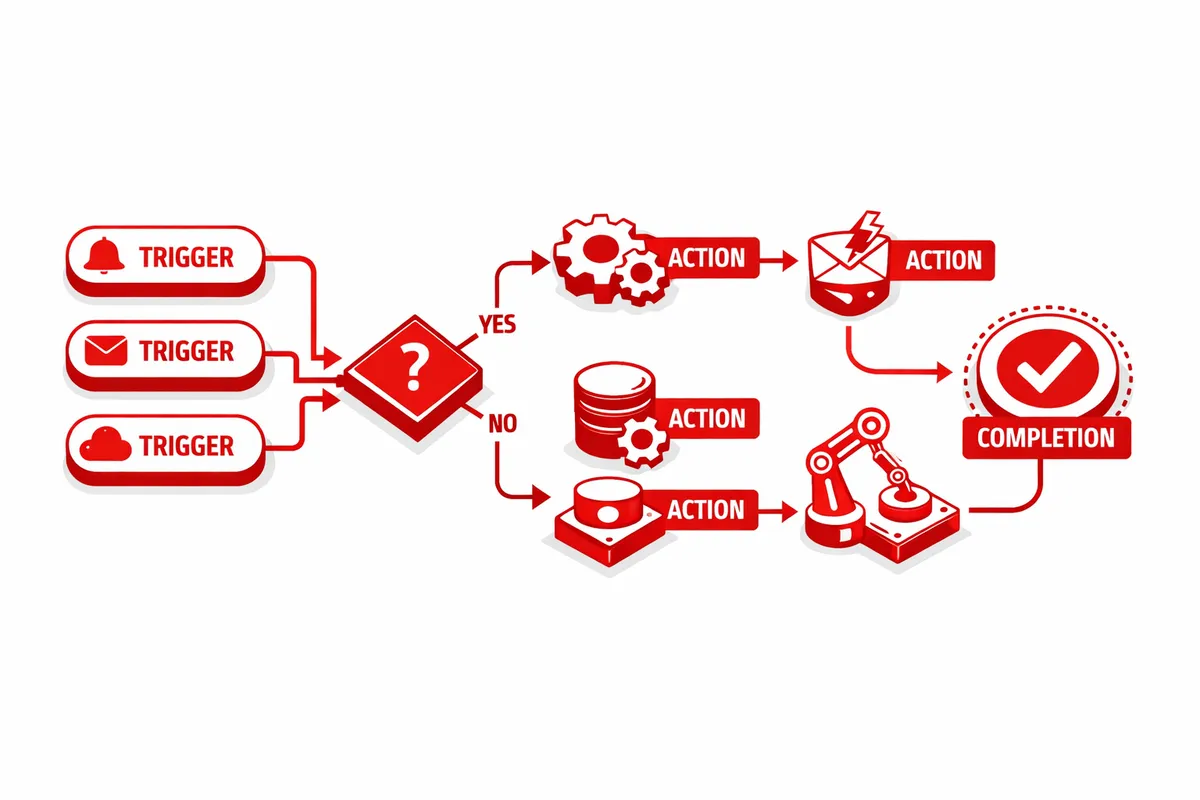
How We Build Workflow Automation for McKinley Park
Every workflow automation project starts with a process trace. We follow a transaction from beginning to end: a customer inquiry arriving, moving through quoting or scheduling, progressing through service delivery, generating an invoice, and completing in payment and follow-up. We note every step that requires a human to initiate, every place where data moves from one system to another, and every point where something can slip through without a system to catch it.
From that process trace, we build an automation map: which steps can run automatically, which require human input at a trigger point, and which require human judgment throughout. The automation candidates are the trigger-based steps: when X happens, do Y. When a booking comes in, send a confirmation text. When a job is marked complete, generate the invoice. When an invoice reaches 30 days unpaid, send a payment reminder. These are mechanical steps that become invisible once automated.
We build workflow automation using tools appropriate to the business's technical infrastructure and the staff's capability to maintain the system after we hand it off. For most McKinley Park small businesses, that is a combination of Zapier or Make for cross-system connections, native automation features within the existing tools (many scheduling and invoicing platforms have built-in workflow features that businesses are not using), and simple database tools for anything that needs structured data storage.
The build phase runs concurrently for most workflows: two to three weeks for configuration, one week for testing against realistic scenarios, and a launch with a parallel monitoring period where the owner verifies automated outputs match expected results. We document every workflow in plain language so the owner can modify triggers or outputs as the business changes without requiring a developer.
Industries We Serve in McKinley Park
Contractors and residential service businesses working bungalow blocks between 35th Street and Pershing Road have a workflow that runs from initial inquiry through estimate, contract, job completion, invoice, and follow-up. Each of those transitions is currently manual for most McKinley Park contractors. Workflow automation connects them: an accepted estimate triggers a contract generation and schedule creation, a completed contract triggers a welcome message and first milestone checklist, a completed job triggers an invoice and a review request sequence. The contractor focuses on the work. The workflow manages the paper trail.
Auto service shops along Western Avenue have a natural workflow with multiple notification points: appointment confirmation, vehicle check-in, diagnosis update, completion notification, and payment follow-up. Currently, most of these require staff to initiate manually. Connected workflow automation runs the notification sequence automatically from the shop management system, so the service advisor handles the customer conversation and the system handles the communication logistics.
Restaurant and catering operations on Archer Avenue manage a workflow that runs from inquiry to booking confirmation to event prep to final billing. For catering, the sequence is longer and involves multiple confirmation steps with the customer. Workflow automation manages the sequence: an inquiry triggers an availability check and response template, a booking confirmation triggers a deposit request and event detail form, a confirmed event triggers a prep checklist for the kitchen and a final payment request sequence. The owner manages the event. The workflow manages the customer communication.
Small warehouse and logistics operations near the Ashland Avenue industrial corridor dispatch jobs, track delivery status, and generate billing across a workflow that involves multiple people and multiple status changes. Workflow automation connects the dispatch system, the driver communication, the customer notification, and the billing trigger so each status change in the field propagates automatically to every downstream step without a dispatcher manually initiating each notification.
Neighborhood grocers and food retailers near 35th Street manage vendor ordering, inventory tracking, and pricing updates across workflows that currently require manual monitoring and manual triggering. Workflow automation creates reorder triggers when inventory drops below threshold, routes purchase orders through the approval process, and updates shelf pricing when vendor costs change, without the store manager manually watching each product category.
Family medical and dental practices near the McKinley Park branch of the Chicago Public Library run appointment and patient communication workflows with multiple touchpoints: booking confirmation, appointment reminders, post-visit follow-up, recall scheduling, and insurance submission notifications. Currently, most of these run on a staff member's manual checklist. Workflow automation runs each touchpoint automatically from the appointment system trigger, so the front office staff handles patient interactions rather than manually managing a communication schedule.
What to Expect Working With Us
1. Process trace and automation gap audit. We follow a transaction through your operation end to end, mapping every manual step and identifying which ones are trigger-based automation candidates. The output is a workflow map with each step rated by time cost and automation feasibility. For a McKinley Park contractor, this typically identifies 8 to 12 manual steps per job that can be automated.
2. Workflow architecture and tool selection. We design the connected workflow system, select the appropriate automation tools for each connection, and map the data relationships between your existing tools. We build on what you already use rather than recommending a wholesale platform replacement.
3. Build, test, and edge case resolution. We configure the automation sequences, test each trigger against realistic scenarios including edge cases (cancellations, errors, partial completions), and verify that every exception path produces a clean alert rather than a silent gap. We do not launch workflows with unresolved edge cases.
4. Documentation, handoff, and 60-day support. Every workflow is documented in plain language: what triggers it, what it does, how to modify the trigger conditions or message content, and how to disable it if needed. For 60 days after launch, we are available for questions and adjustments as the automations encounter real-world variations.