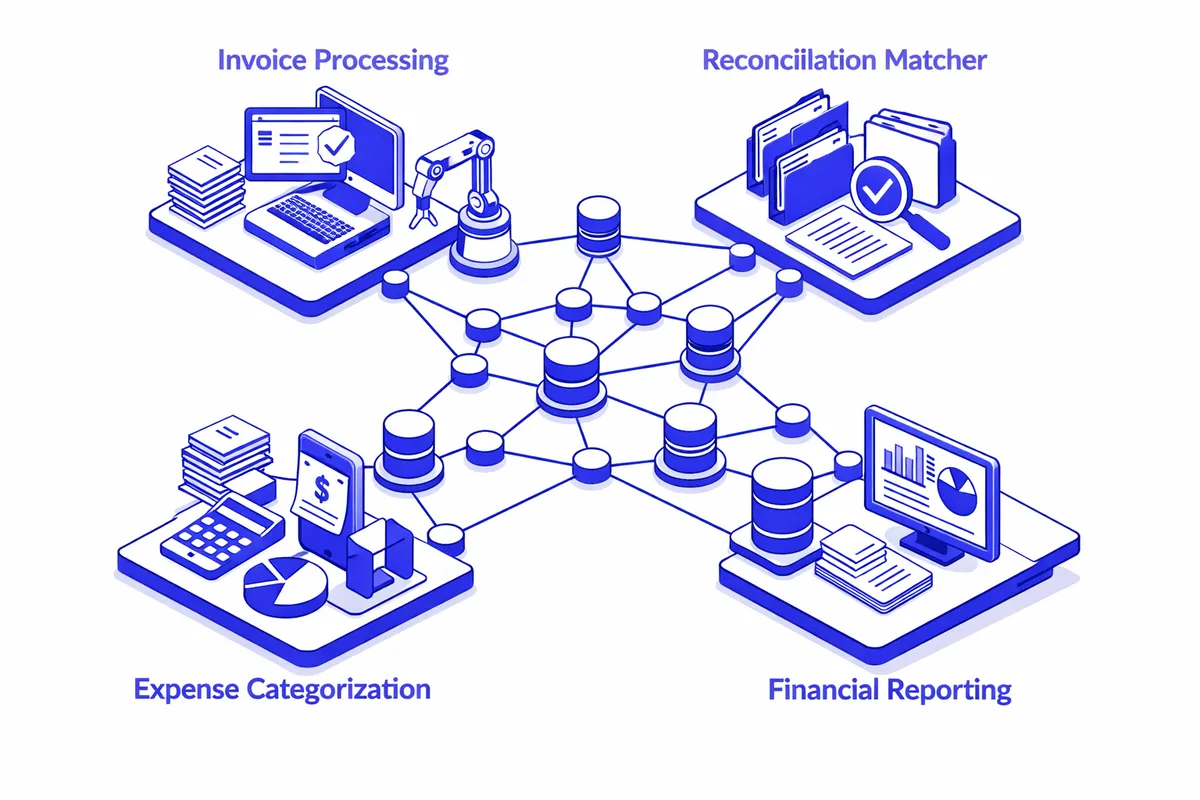
How We Build Accounting Automation for McKinley Park
We start by understanding what the current system actually is. For most McKinley Park small businesses, that means a combination of bank statements, a shoebox of receipts, a spreadsheet, and whatever their accountant assembled at tax time. We trace the money: where revenue enters, how expenses are recorded, how payroll happens, how invoices are created and tracked.
From that baseline, we identify the highest-friction points first. A trucking company near Ashland Avenue that creates invoices manually in Word and emails PDFs is losing three to five days of payment time compared to a cloud invoicing system. A restaurant on 35th Street that reconciles the register weekly instead of daily cannot catch a discrepancy until it has compounded. A family contractor whose spouse manages the books by hand on weekends is spending family time on a task that software handles automatically.
We build around tools that business owners in McKinley Park can actually maintain. For most operations, that is QuickBooks Online or Wave paired with a payment processor that connects directly to the accounting system. For businesses that bill clients regularly, we set up automated recurring invoicing. For businesses with employee payroll, we connect payroll software that calculates taxes and files directly without the owner manually tracking federal and state obligations each period.
The build phase takes two to four weeks depending on complexity. We handle the historical data migration, the chart of accounts setup calibrated to the specific business type, and the integrations with any existing tools. Then we run a three-week parallel period where the automated system runs alongside the old process so the owner can verify the outputs match their expectations before fully transitioning.
Industries We Serve in McKinley Park
Family-run restaurants and taquerias on Archer Avenue face daily revenue reconciliation, food cost tracking, and payroll for tipped and hourly workers. Accounting automation connects the POS system to the accounting platform so every transaction is categorized without manual entry. Food cost reports run automatically each week, and the owner can see actual margin by menu category rather than estimating from monthly bank statements.
Small warehouse and logistics operations near the industrial corridor off Ashland Avenue bill clients per job, per mile, or per pallet, and the billing complexity grows every time they add a route or a customer. Automated invoicing creates the bill the moment a job is marked complete, routes it to the client, and tracks payment status without the owner maintaining a separate spreadsheet. Late payment reminders go out automatically on day 15 and day 30.
Auto service businesses along Western Avenue deal with parts purchases, labor billing, and sales tax on repairs all in the same transaction. Accounting automation connected to a shop management system eliminates double-entry: the repair order creates the invoice, the invoice records the revenue, the parts purchase records the cost of goods. The owner sees actual margin per job type rather than total revenue.
Neighborhood grocery and convenience stores near 35th Street manage vendor invoices, cash register reconciliation, and sales tax reporting across multiple product categories. Automated expense categorization and vendor payment scheduling replaces the stack of paper invoices that accumulates on the back-office desk. Weekly cash flow summaries flag when the checking account is trending toward a thin period before it becomes a problem.
Contractors working the bungalow blocks between Pershing Road and Western Avenue often have three to six jobs in progress simultaneously and bill on milestone completion. Automated job costing tracks material purchases against specific projects, so the owner knows whether job number 7 is on budget before the final invoice rather than discovering the overrun at closeout.
Family medical and dental practices near the McKinley Park branch of the Chicago Public Library handle insurance billing, patient copays, and vendor payments for supplies. Accounting automation separates insurance receivables from patient receivables, tracks aging on outstanding claims, and ensures vendor invoices are paid on schedule without the office manager manually monitoring each account.
What to Expect Working With Us
1. Financial system audit and mapping. We spend one to two weeks tracing how money currently moves through your business: revenue capture, expense recording, payroll, and invoicing. We identify the three or four automation points that will save the most time and reduce the most error. For a McKinley Park contractor, that is usually invoicing speed and job costing. For a restaurant, it is usually daily reconciliation and payroll.
2. Platform selection and build. We configure the accounting platform to match your business structure, including chart of accounts tailored to your industry, tax settings, and integrations with your existing tools. We handle the data migration so you do not start with an empty system or a system that reflects a prior period incorrectly.
3. Parallel run and training. For three weeks, the automated system runs alongside your current process. We compare outputs daily and make adjustments. At the end of the parallel period, you transition fully. Training is hands-on at your location or over screen share, in Spanish or English based on your preference.
4. Monthly check-in for the first quarter. The first three months after launch include a monthly 30-minute review where we look at your automated reports together and answer questions that arise in real operation. After 90 days, most owners are fully independent. We remain available for changes as your business evolves.