How We Build Workflow Automation for Loop Businesses
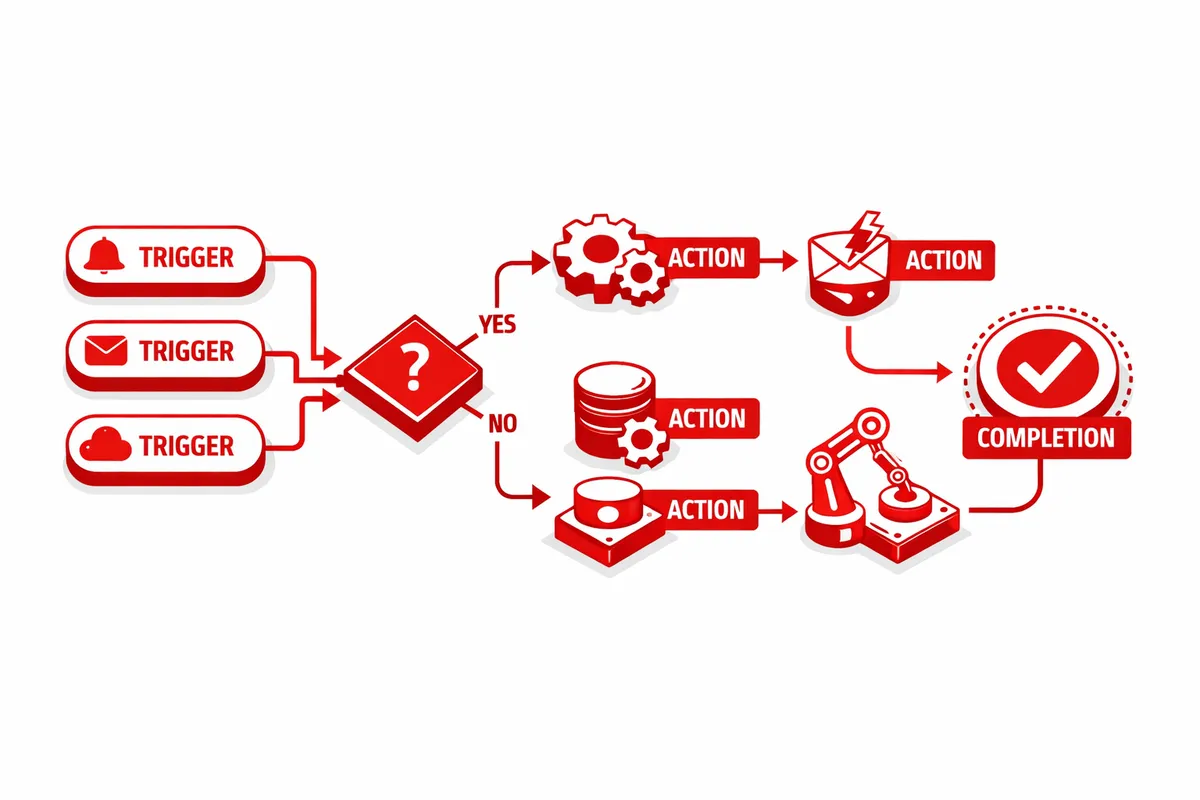
We start by mapping every process your team performs manually that follows a predictable pattern. If it happens the same way every time, it should be automated. If it happens mostly the same way with occasional variations, we build the automation with conditional branching that handles the variations. We focus first on the workflows that consume the most human hours or create the most errors, because those deliver the fastest return.
Integration is the foundation. Most Loop businesses operate across five to fifteen software platforms. The CRM, the accounting system, the project management tool, the email platform, the document management system, the calendar, the compliance database, the reporting dashboard. We connect these systems so data flows between them without human intervention. A change in one system propagates to every system that needs to know about it.
We build workflows in layers. The first layer handles the high-volume, low-complexity tasks: data synchronization, notification routing, document generation from templates, and scheduled reporting. These go live within the first two weeks and immediately free up hours of daily manual work. The second layer addresses multi-step processes with conditional logic: client onboarding, project lifecycle management, approval routing, and exception handling. The third layer adds intelligence: workflows that adapt based on patterns in the data, prioritize tasks based on urgency signals, and flag anomalies that require human attention.
Industries We Serve in The Loop
Financial services firms on LaSalle Street automate client onboarding, compliance workflows, portfolio reporting, and meeting preparation. The compliance workflow alone typically saves 15 to 20 hours per week for a mid-size advisory firm. Document generation pulls client data from the CRM, populates regulatory templates, routes them for review, and files the completed documents in the compliance archive. Quarterly reporting workflows pull portfolio data, generate client-facing reports, and schedule delivery based on each client's preferred communication timing.
Legal practices near the Daley Center and along LaSalle Street automate document intake, conflict checking, matter opening, time entry tracking, and client billing. When a new matter opens, the automation creates the matter file, runs the conflict check, assigns the team, sets up the billing structure, and notifies all relevant parties. The system tracks deadlines, sends reminders for approaching filing dates, and escalates overdue items to supervising attorneys.
Professional services and consulting firms along Michigan Avenue and Wacker Drive automate project intake, proposal generation, resource allocation, deliverable tracking, and client reporting. When a proposal is accepted, the automation converts the proposal into a project plan, assigns resources based on availability and skill match, creates the deliverable schedule, and sets up the client communication cadence. Status reports generate automatically from project management data rather than requiring a project manager to compile updates manually each week.
Retail operations on State Street automate inventory management, purchase ordering, vendor communication, sales reporting, and customer communication workflows. Daily sales data flows from the POS into the accounting system, inventory levels update in real time, and reorder triggers fire automatically when stock falls below configured thresholds. Seasonal campaign workflows coordinate pricing changes, signage updates, staff scheduling, and marketing email deployment around key retail periods without requiring a manager to orchestrate each step manually.
What to Expect Working With Us
1. Process audit and prioritization. We document every manual workflow your team performs, estimate the time and error cost of each, and rank them by automation ROI. The workflows that consume the most hours or produce the most errors get automated first. For a typical Loop professional services firm, we identify 30 to 50 automatable processes in the initial audit.
2. System integration and data mapping. We connect your existing platforms and map how data should flow between them. This phase resolves the data inconsistencies and format mismatches that make manual processes necessary in the first place. Once systems speak the same language, automation becomes straightforward.
3. Core workflow deployment. The first wave of automations goes live within two weeks. These are the high-frequency, rules-based processes that deliver immediate time savings: data synchronization, notification routing, document generation, and scheduled reporting. Your team sees tangible time recovery from the first week.
4. Advanced workflow buildout. Multi-step processes with conditional logic, approval chains, and exception handling deploy in weeks three through six. Client onboarding, project lifecycle management, and compliance workflows require more configuration but deliver the largest long-term efficiency gains.
5. Monitoring and optimization. Every workflow logs its execution data. We review performance monthly, identify bottlenecks, add new automations as processes evolve, and adjust existing workflows based on edge cases the team encounters. The system gets more capable over time rather than becoming stale.