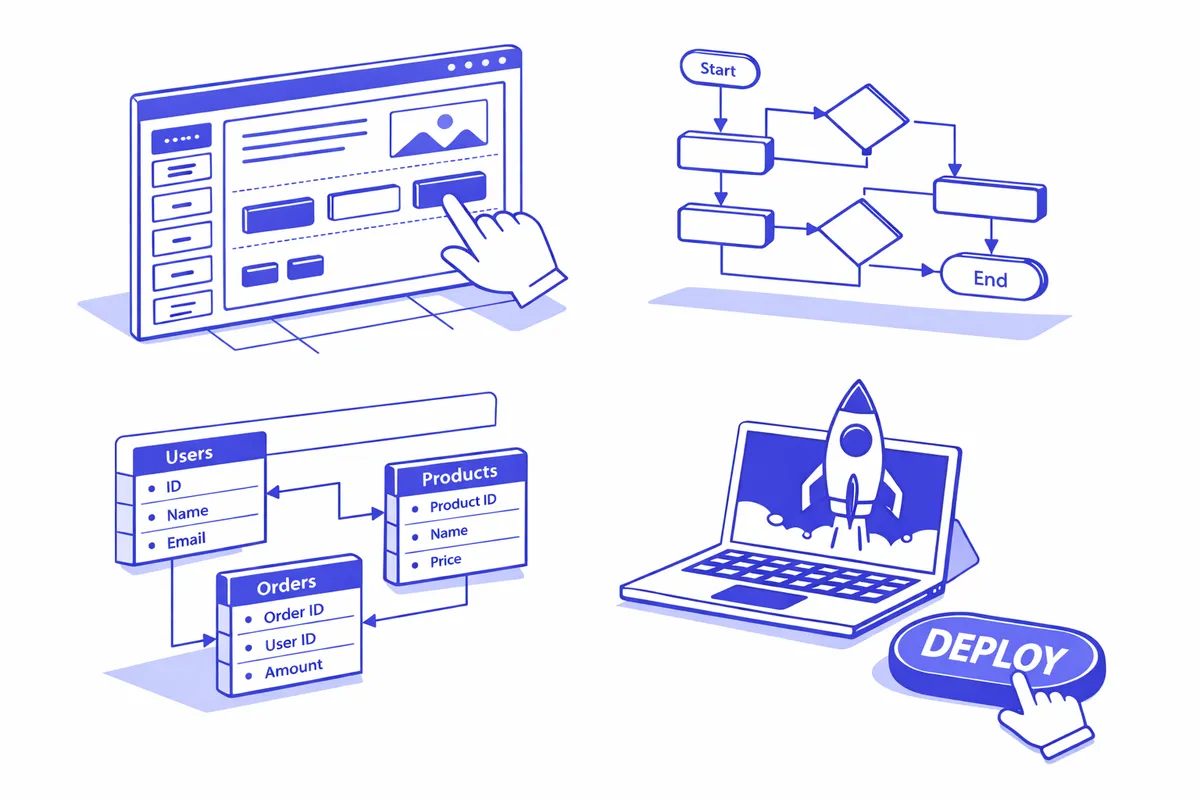
How We Build No-Code Systems for Lincoln Square
We begin by identifying the right platform for each use case. Not all no-code tools are equivalent, and choosing the wrong platform creates migration work later. A website needs belong on Webflow. A database and management tool need belongs on Airtable. A more complex application with user accounts and conditional logic belongs on Bubble. A workflow automation need belongs on Zapier or Make. We match the tool to the problem before building anything.
For Webflow sites, we design and build a site that is fully editable by the business owner without touching code. Lincoln Square businesses get a site that reflects their identity, loads fast, and gives them a CMS they can update themselves. We do not build sites that require a developer to update the menu page.
For Airtable systems, we design the database structure, the views that different team members need, and the automations that reduce manual data entry. A music school's enrollment tracker in Airtable might have a student table, an instructor table, an enrollment table, and automated emails that go out when enrollment status changes.
For Bubble applications, we scope precisely, build only what is needed, and configure the backend and frontend to work reliably within the platform's constraints.
We document everything we build and train the business owners and staff who will use it. The goal is a system the business can maintain independently after we hand it over.
Integration between no-code platforms is where the real power of this approach often reveals itself. A Webflow site with a contact form can pass submissions directly to an Airtable database through Zapier. A new enrollment record in Airtable can trigger an automated welcome email through Mailchimp. A new customer record in the Webflow CMS can create a row in an Airtable management view. These connections, built on no-code infrastructure, create integrated systems that behave like custom software at a fraction of the cost.
For Lincoln Square businesses with event-driven operations, no-code platforms handle the variable workload of seasonal events well. A restaurant catering team that uses Airtable for event inquiry management can scale its intake form capacity for the Giddings Plaza summer season without infrastructure changes. A music school that opens enrollment twice a year can activate an automated enrollment funnel in Airtable with a few clicks and deactivate it when enrollment closes, without touching any code.
Industries We Serve in Lincoln Square
Music schools and arts programs near the Old Town School of Folk Music use Airtable for enrollment management, student progress tracking, instructor scheduling, and automated family communications. These tools replace patchworks of spreadsheets and email threads.
Fitness and wellness studios near Welles Park and Western Avenue use Webflow for their public-facing website and Airtable for client intake, membership management, and class waitlist tracking when their core studio management platform has gaps.
Restaurants and cafes on Lincoln Avenue and Lawrence Avenue use Webflow for a fast, attractive website with an easily-updatable menu, plus Airtable for event inquiry management and catering request tracking.
Boutique retailers and home goods shops on Lincoln Avenue use Webflow for product showcase sites with e-commerce capability or Airtable for wholesale order management and buyer relationship tracking.
Professional service businesses throughout Lincoln Square use Notion for internal operations management, Airtable for client project tracking, and Webflow for a professional public website that communicates authority without requiring developer maintenance.
Community organizations and event promoters near Giddings Plaza and throughout the neighborhood use Airtable for event registration management and Webflow for public event pages that are updated frequently without a developer.
What to Expect Working With Us
1. Tool selection and scoping. We review your specific operational needs and identify the right no-code platforms for each. We define the scope of what we will build before starting, with clear deliverables and timelines.
2. Build and configuration. We build the system, configure the automations, and test every flow end to end. For Webflow sites, we populate with your content and connect your domain.
3. Documentation and training. We document the system architecture and train you and your team on how to use and maintain it. The goal is that you can handle day-to-day operations and routine updates without our involvement.
4. Handoff and ongoing support. We hand the system over fully configured and documented. We offer ongoing support engagements for businesses that want a resource available as their needs evolve.