How We Build Customer Portals for Irving Park
We start by sitting with the people who answer the phone. Before we design a screen, we listen to a week of a contractor's calls or shadow a front desk on Central Avenue, because the portal's job is to answer the questions customers actually ask. The repeat questions become the portal's home screen. Everything else is secondary.
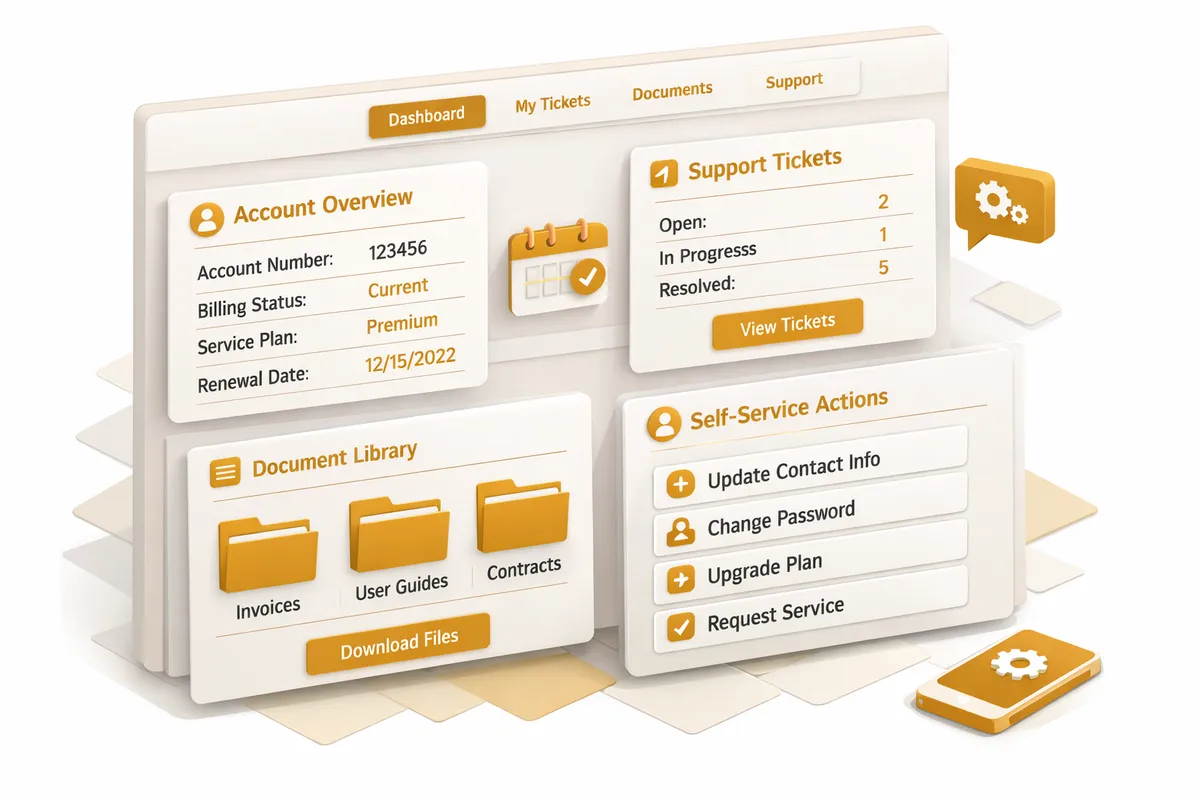
Then we design for the customer Irving Park actually serves, which is a homeowner or a parent, not a power user. The portal opens to the thing they came for. A homeowner sees job status, the next visit, and the current invoice without hunting. A patient sees their next appointment, the reschedule button, and their forms. We cut menus rather than add them, because a portal that needs a tutorial has already lost the casual customer.
We also build it to feel like the business. The portal carries the shop's name, its tone, and its actual people, so a customer who trusts the contractor on Elston Avenue recognizes that contractor in the login. We connect it to the systems the business already runs, the scheduling tool, the invoicing software, the project tracker, so the portal shows live information instead of a stale copy someone has to update by hand. The result is a channel that extends the counter relationship rather than replacing it with a form.
Industries We Serve in Irving Park
Residential contractors and remodelers working the bungalow stock near Athletic Field Park use a customer portal to give each homeowner a live view of their project: schedule, crew visits, change orders, photos, and invoice status. The portal answers the where-are-you-at questions that otherwise pull the owner off a job site, and it does it in the contractor's own voice rather than a generic dashboard.
Dental and medical practices along Central Avenue and Pulaski Road deploy customer portals so patients can confirm appointments, reschedule, complete intake forms, and review statements without the front desk phone tag. For practices serving families that have been patients for decades, the portal handles the logistics so the staff can spend their attention on the people in the office.
Specialty food shops and neighborhood retailers near Gompers Park use a customer portal to let regulars manage standing orders, subscriptions, and wholesale accounts on their own time. The shop owner who knows every regular's usual order can now let that regular place it at midnight, with the personal relationship intact and the transaction off the owner's plate.
Auto service shops on Irving Park Road and Elston Avenue give customers a portal that shows repair status, approved estimates, service history, and the next recommended visit. A customer waiting on a car no longer has to call the counter for an update, and the shop builds a documented service relationship that keeps that customer coming back.
Preschools and childcare programs near Independence Park use customer portals as a parent channel: tuition statements, enrollment paperwork, classroom updates, and the calendar that governs every family's week. During the enrollment window, the portal carries the inquiry and document load that would otherwise bury the director in email.
Independent professional practices such as the accountants, insurance agents, and small firms along Milwaukee Avenue use a customer portal for secure document exchange, engagement status, and client messaging. Instead of trading sensitive paperwork over email, the client gets one trusted place that reflects the firm they already chose to work with.
What to Expect Working With Us
1. Listening at the front desk. We start by learning what your customers actually ask for. A week of a contractor's calls, a few days beside a front desk on Central Avenue. Those repeat questions become the portal's home screen, so the build is grounded in real demand rather than a feature list.
2. Designing for the walk-in customer. Irving Park's customers are homeowners and parents, not software users. We design the portal to open directly to what they came for, and we cut menus instead of stacking them. If a casual customer needs instructions, we have built it wrong.
3. Connecting your live systems. We wire the portal into the scheduling, invoicing, and project tools you already run so it shows current information automatically. Nobody on your team should have to keep a second copy of anything in sync by hand.
4. Launch in your voice, then refine. The portal goes live carrying your business name, tone, and people, so customers recognize you in it. After launch we watch how customers actually use it through a seasonal cycle and trim whatever creates friction.