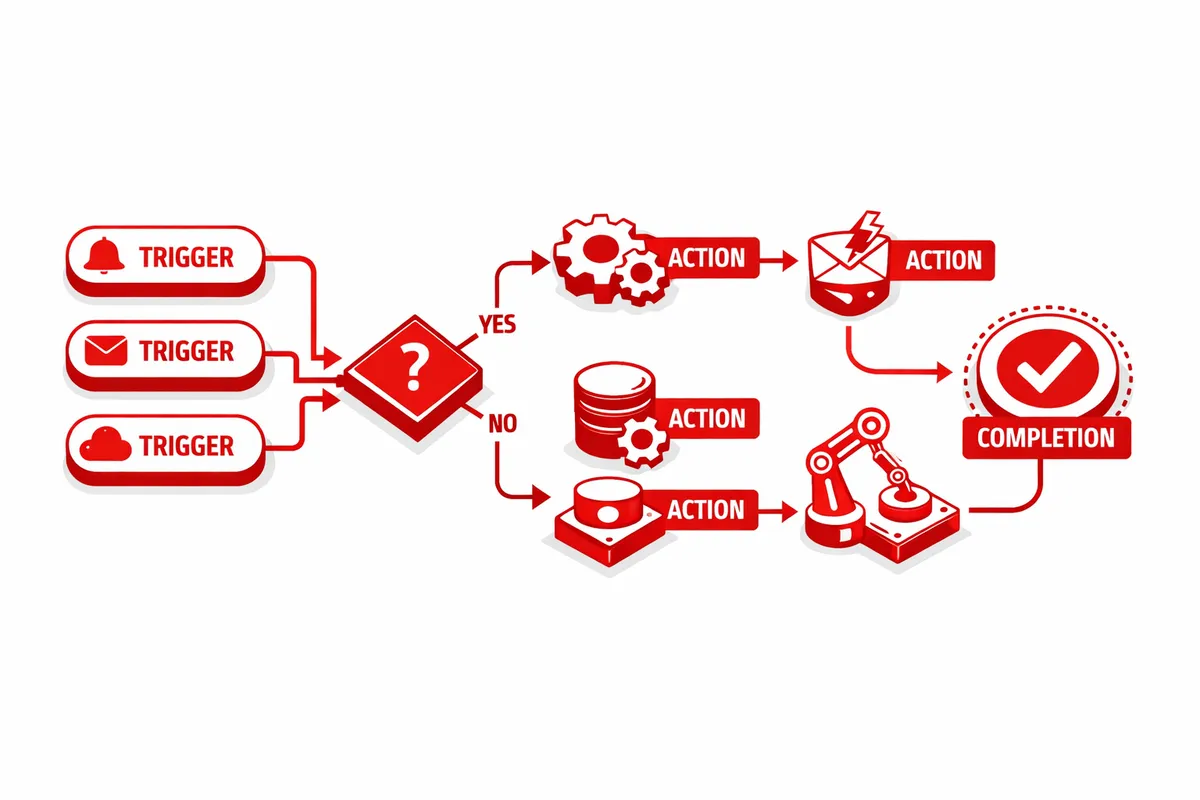
How We Build Workflow Automation for Hermosa
We start by mapping the specific administrative tasks that consume the most time in your operation. Not a theoretical list of every possible automation, but the actual manual steps happening in your business today that are costing hours per week.
The most common starting points for Hermosa businesses are: connecting booking confirmation into a customer contact list, routing new appointment data into accounting records, sending automated appointment reminders and follow-ups, and syncing POS daily totals to accounting software. Each of these is a discrete automation that can be built, tested, and deployed in a few hours.
We use integration platforms like Zapier, Make, or native integrations where they exist to connect your tools. For Hermosa businesses on a tight budget, we prioritize the highest-value connections first so the automation is paying for itself before we expand scope.
Every automation we build is documented. We write a plain-language description of what each automation does, what triggers it, and what happens if it fails. This is not just technical documentation. It is a business record that means you are not dependent on us to understand how your operation works.
Testing is thorough before anything goes to production. We run automations against real data, verify outputs, and catch edge cases like a booking that comes in after hours or a customer who books in Spanish. We do not hand over an automation that we have not verified handles your actual use cases correctly.
Industries We Serve in Hermosa
Taquerias and food businesses along Armitage Avenue and Fullerton Avenue benefit from automations that connect their POS system to accounting software, send end-of-day sales summaries to the owner's phone, and trigger inventory alerts when specific items drop below a threshold. These are low-complexity automations with immediate daily value.
Auto repair shops on Pulaski Road deal with multi-step service jobs that involve customer communication at intake, during diagnosis, and at pickup. Automation can route each of these communication steps based on the current status of the repair order, ensuring customers are informed without requiring the front desk to manually send each message.
Salons and beauty services see their biggest automation wins in appointment follow-up flows. After a service appointment, an automated message goes out asking for a review, offering a rebooking link, and optionally offering a referral incentive. This runs without any staff action and generates consistent rebooking and review volume.
Family medical and dental practices near Kelvyn Park have patient communication flows that are appropriate for automation: appointment reminders, post-visit follow-up, and recall reminders for annual checkups. HIPAA compliance requirements shape which tools and data types are appropriate for these automations, and we configure accordingly.
Small grocery and specialty food stores that take custom orders benefit from automations that route order requests from a web form to a management tool, generate a confirmation message to the customer, and create a preparation task in a shared staff calendar. What was previously a set of manual steps becomes a reliable multi-step process.
Churches and community organizations near Our Lady of Grace Parish can automate event registration flows: someone fills out a registration form, receives a confirmation, gets added to the event list, and receives a reminder the day before. This kind of volunteer-dependent administrative work runs without volunteer effort once it is configured.
What to Expect Working With Us
1. Manual work audit. We spend time mapping the specific administrative tasks in your operation: what is done manually, how often, how long it takes, and where errors happen. This shapes the automation priority list and ensures we focus on the highest-value work first.
2. Automation design and tool selection. We design the specific logic for each automation and confirm which tools are involved. Where your current tools do not connect well or are missing a key capability, we identify whether a tool swap or addition makes sense before building workarounds.
3. Build, test, and deploy. We build each automation, test it against real scenarios including edge cases, and deploy it to production. For automations involving customer communication, we test bilingual message routing specifically. Deployment includes a walkthrough with you so you understand what each automation does and what a failure alert looks like.
4. Documentation and ongoing support. Every automation we build is documented in plain language. We provide 30 days of monitoring after deployment and are available to adjust any automation that is not performing as expected. After 30 days, automations typically run without attention unless a connected tool makes a change that breaks the integration.