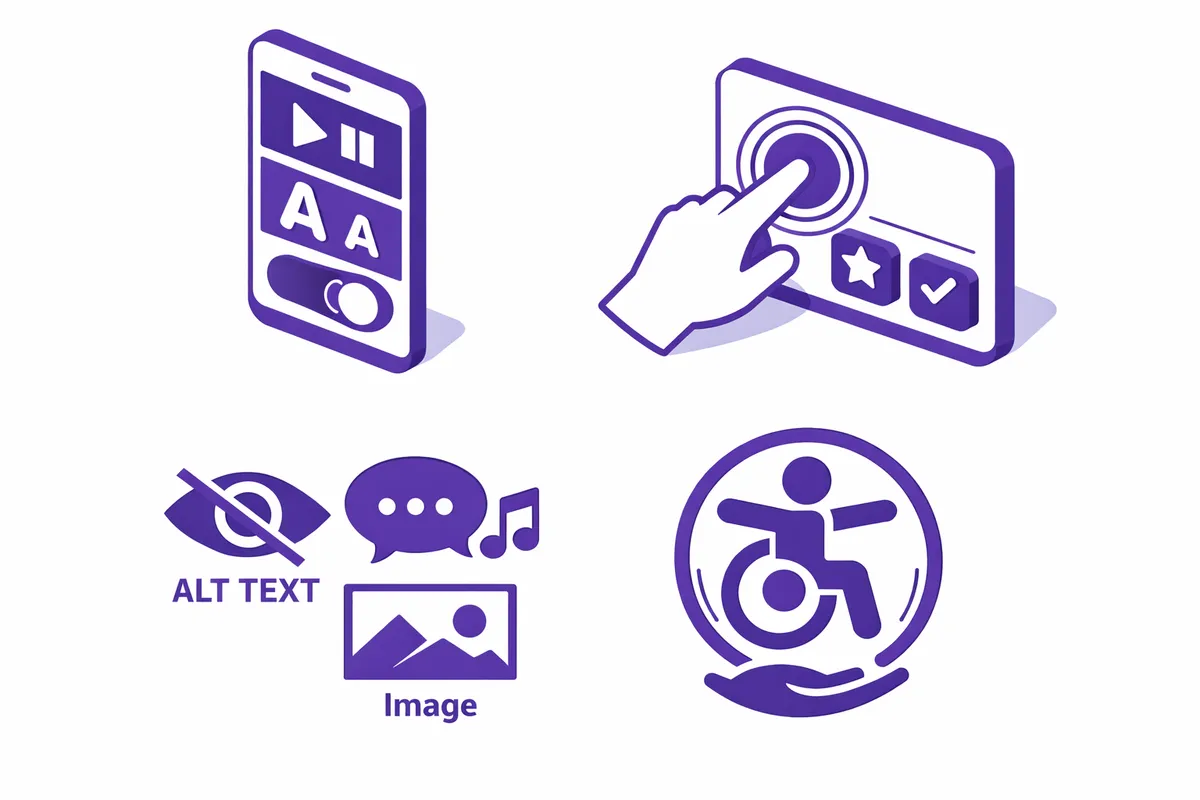
How We Build Accessible Design for Edgewater
The process begins with a full accessibility audit of your existing digital presence. For a Bryn Mawr Avenue medical practice, that means testing the patient intake forms, the appointment scheduling flow, the provider directory, and the PDF consent documents using screen readers, keyboard-only navigation, and automated WCAG scanning tools. We document every failure, classify each by severity, and prioritize remediation by the combination of user impact and legal exposure.
We then build or rebuild the affected components using accessible-first architecture. Color systems get tested for contrast ratios across all text sizes and UI states, including focus indicators and error states that most designers forget to check. Every form field receives visible, programmatic labels that a screen reader can interpret without guessing. Interactive elements get keyboard focus states that actually appear on screen rather than being suppressed with CSS. Images get alt text written by someone who understands the difference between decorative images and informational ones.
For Edgewater businesses with multilingual audiences, accessibility intersects with internationalization. A coffee shop on Clark Street serving Spanish-speaking, Korean, and English-speaking customers needs an accessible site that also handles right-to-left text, character encoding, and language switching without breaking the ARIA structure. We design for both simultaneously rather than treating them as separate projects.
Delivery includes a remediated site, a component-level documentation guide your team can use when adding content, and a re-test report showing the delta between your pre-work and post-work conformance score.
Industries We Serve in Edgewater
Dental and medical practices along Granville Avenue and Bryn Mawr Avenue serve patients across a wide age and ability range. We build accessible patient portals, appointment request forms, and provider profiles that screen readers navigate cleanly, with focus management that does not trap keyboard users inside modal dialogs or leave form errors announced in the wrong order.
Yoga studios and wellness providers on Broadway often attract clients managing injuries, chronic conditions, or sensory sensitivities. Sheridan Road yoga studios that offer adaptive classes need digital experiences that signal inclusion before the client even walks in the door. We design booking flows with contrast-compliant color palettes, form instructions that do not rely on color alone to communicate validation, and class schedules readable without a mouse.
The independent bookstores that line Clark Street and Broadway maintain rich online catalogs that present particular accessibility challenges: cover image alt text, filterable inventory tables, and review sections that need proper heading hierarchy. We remediate the catalog structure so screen reader users can browse and search without hitting dead ends.
Real estate offices near Berger Park serve buyers and renters across a demographic spectrum that includes older residents downsizing from single-family homes into Edgewater's high-rise units. Listing pages with accessible map embeds, PDF floor plans with tagged content, and inquiry forms that validate without clearing user input on error make the difference between a prospect who completes the form and one who abandons it.
Ethnic restaurants on Devon Avenue and Broadway increasingly take online orders and reservations. Menu PDFs are among the most common accessibility failures we encounter. We convert them to structured HTML menus with semantic markup, proper reading order for screen readers, and allergen information that can be parsed by assistive technology rather than buried in image files.
Coffee shops along Clark Street near the Edgewater Historical Society depend on mobile discovery traffic from the lakefront corridor. We audit and rebuild mobile accessibility: tap target sizes, form inputs that trigger the correct keyboard type on iOS and Android, and scroll behavior that does not strand keyboard focus in sticky headers.
What to Expect Working With Us
1. Conformance audit and severity map. We test your existing site or application against WCAG 2.1 AA using a combination of automated tools and manual screen reader testing on both macOS VoiceOver and Windows NVDA. Every failure is documented with a severity rating, a remediation path, and an estimated effort. You receive this as a prioritized report you can take to any developer, not just us.
2. Component remediation and rebuild. We fix the failures, starting with the highest-severity and highest-traffic flows. For Edgewater medical and wellness clients, that usually means intake forms and scheduling first. For retail and restaurant clients, it means menus, product pages, and checkout flows. We build using accessible component patterns that carry forward when you add new content.
3. Multilingual and mobile accessibility pass. Given Edgewater's diverse audience, we run a secondary pass specifically for mobile screen reader behavior and multilingual content structures. This step catches issues that standard WCAG audits miss because most automated tools test desktop Chrome rather than iOS Safari with VoiceOver enabled.
4. Documentation and staff training. We hand off a content accessibility guide written for non-developers: how to write alt text for your blog images, how to structure a Word document before exporting it to PDF, how to caption video content. Your team should be able to maintain conformance after we leave, not call us every time you add a page.