How We Build Workflow Automation for Chinatown
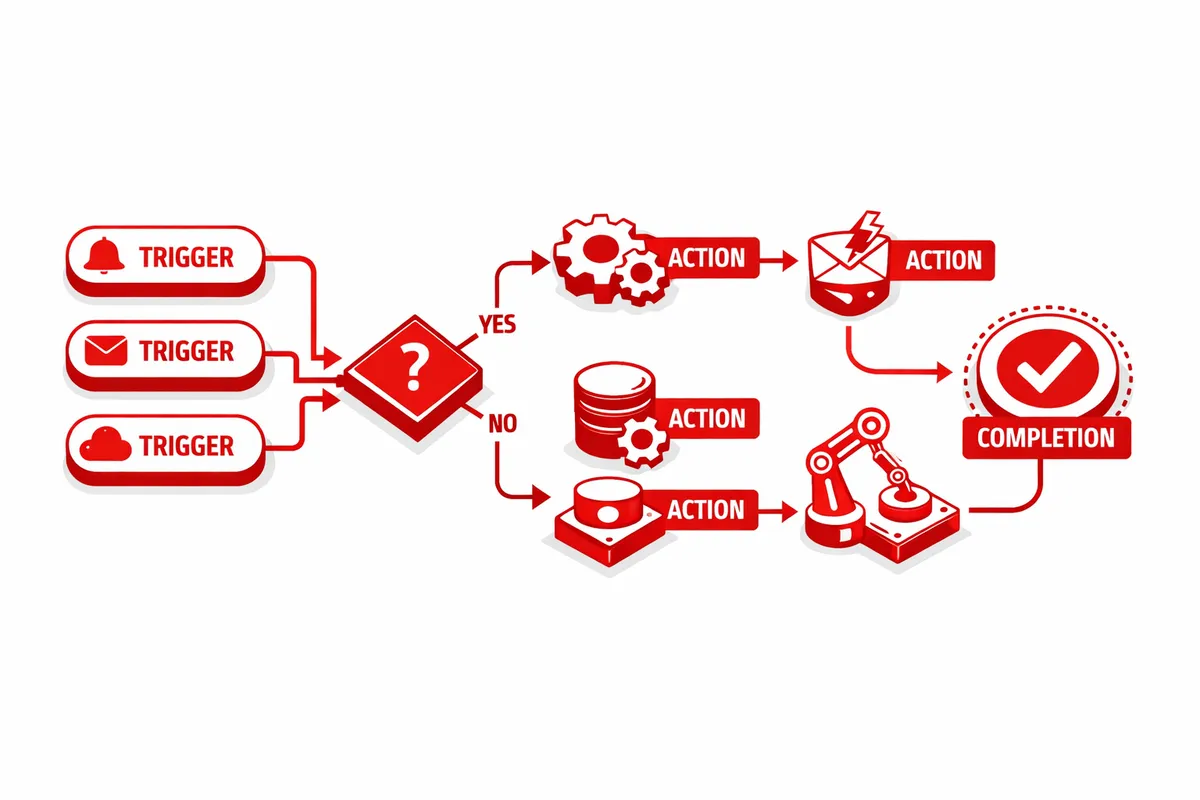
We start with a workflow mapping session: a structured conversation about every repetitive task the business performs, who does it, how often it happens, and what goes wrong when it is missed or done incorrectly. For most Chinatown businesses, this session surfaces three to five workflows that are costing significant time and generating errors.
We prioritize automation projects by time savings, error reduction, and implementation complexity. The goal is to start with the workflow that will produce the most immediate relief, demonstrate that automation works in this business's context, and build confidence for more complex projects.
Implementation uses the tools the business already has whenever possible. Many Chinatown businesses are already using a POS system, an accounting tool, and an email platform. Connecting these existing tools through integration platforms like Zapier or Make is often faster and less disruptive than replacing any of them. When new tools are needed, we select options that work in the languages and on the devices that staff members are already using.
We document every automation we build, provide training for the staff who will use and monitor it, and build in alert mechanisms so that if an automated workflow fails, someone is notified immediately rather than discovering the problem days later.
Industries We Serve in Chinatown
Restaurants and catering operations on Wentworth Avenue benefit most from automated reservation confirmation, catering inquiry routing, and post-visit follow-up messages. We connect the POS system to the marketing platform so that a customer who dines on their birthday receives an automated recognition message without anyone having to remember to send it.
Herbal medicine shops and health product retailers near Pui Tak Center carry products with expiration dates that require systematic rotation and reorder. We build inventory automation that flags products approaching expiration, triggers reorder requests at the right inventory level, and generates the purchase orders without manual data entry.
Acupuncture and wellness clinics waste significant staff time on appointment reminders, intake form collection, and insurance documentation requests. Automating these communication touchpoints typically saves two to four hours per week per practitioner while reducing no-show rates.
Import and export businesses along Cermak Road benefit from automation that handles the routine communication in the purchase-to-shipment cycle: acknowledgment of purchase orders, status updates to customers, customs document request routing, and invoice generation. These are high-volume, low-variation communications that are perfect candidates for automation.
Family-run grocery stores and specialty food shops near 22nd Place can automate inventory reorder alerts, supplier communication, and end-of-day sales reporting. For businesses where the owner is doing the accounting manually after the store closes, automating the data flow from POS to accounting software is often the highest-value first project.
Professional services including accountants and tax preparers serving Chinatown business owners manage seasonal workflows with extreme volume spikes. Automating the client onboarding checklist, document request sequences, and status notifications reduces the overwhelm during tax season without requiring additional staff.
What to Expect Working With Us
1. Workflow mapping and prioritization. We document the repetitive manual tasks in your business and identify which ones have the highest automation potential. You receive a clear priority list with estimated time savings for each automation.
2. Tool selection and integration design. We identify which automation approach best fits your existing tools and data. Where possible, we connect what you have rather than adding new platforms. We design the integration logic before building anything.
3. Build, test, and deploy. We build the automation, test it with real data scenarios including edge cases and error conditions, and deploy it once we are confident it works correctly. We do not deploy automations that have not been tested against your actual business data.
4. Documentation, training, and monitoring. We document every automation in plain language, train your team on how to monitor it, and set up alerts for any failures. You should know immediately if an automation stops working, not a week later when a customer complains.