How We Build Progressive Web Apps for Bucktown
Progressive web app development starts with identifying the specific behaviors you want the app to enable. For a yoga studio near Pulaski Park, that is usually class scheduling, attendance history, and push notifications for availability updates. For a boutique on Milwaukee Avenue, it might be a loyalty dashboard, product browsing with offline caching, and push notifications for new arrivals and sale events. For a coffee shop near The 606 trail, it could be a mobile order-ahead flow with push confirmation. The feature scope determines the architecture.
We build on modern web stack foundations: Next.js or React for the application layer, service workers for offline caching and push notifications, and a web app manifest that enables home screen installation and controls the launch experience. The service worker architecture is where most of the meaningful PWA work happens; it determines what caches locally, how the app behaves offline, and how push notifications are received and displayed. We design the caching strategy around your specific content, caching product and schedule data that changes infrequently while always fetching fresh data for inventory levels and booking availability.
Performance optimization is built into the process, not added at the end. A PWA that scores below 90 on Lighthouse fails the fundamental promise. We optimize images, implement code splitting, and use modern delivery patterns to ensure the app loads at speed on mid-range mobile devices on a moderate connection, not just on the latest iPhone on WiFi. For Bucktown businesses serving customers who are literally walking between stops on Damen Avenue, that real-world performance is the test that matters.
Industries We Serve in Bucktown
Boutique clothing and accessories stores along Damen Avenue use PWAs to put their product catalog, loyalty program, and new-arrival notifications on their best customers' home screens. A member who has installed the app gets a notification when a restocked item comes back. They browse the new drop offline on the train and add to their wishlist. They arrive at the store already knowing what they want. The PWA turns a passive browser into an informed, motivated buyer.
Yoga and fitness studios near Armitage Avenue and The 606 trail deploy PWAs as the mobile scheduling and membership management experience. Members install the app once and use it to book classes, check their attendance records, and receive schedule change notifications. The booking flow needs to work on a variable connection, since The 606 trail and the blocks around Holstein Park are not always well-served by cell coverage. Offline caching means the class schedule loads instantly even when the connection is slow.
Independent coffee shops and specialty cafes near Churchill Field Park use PWAs for mobile order-ahead, loyalty point tracking, and push notifications for daily specials or limited inventory items. A customer who installs the app during their first visit is three times more likely to return within thirty days than one who does not. The home screen icon is a daily reminder that works harder than any email marketing campaign.
Design firms and client-facing service businesses in Bucktown's converted loft spaces build PWAs as client portals with project status visibility, deliverable review interfaces, and messaging threads. A client portal that installs like a native app and sends push notifications for new deliverables gets checked more reliably than an email chain. The PWA format signals professional operation while reducing the friction of logging into a web portal from a mobile browser.
Real estate offices and agents on Western Avenue use PWAs to give buyer and seller clients a mobile-optimized transaction tracking experience. Push notifications when documents are ready to sign, when showings are confirmed, or when offer status changes keep clients informed without requiring constant phone tag. A client on the go near Midtown Athletic Club can check the transaction dashboard and respond to a time-sensitive document request from their phone in the same workflow.
Independent restaurants and private dining venues on North Avenue with reservation-based dining programs use PWAs to manage waitlist communication, reservation confirmations, and post-dining feedback collection. Push notifications for reservation reminders have significantly higher engagement rates than SMS and email reminders. A customer who gets a push notification at 5:45 PM remembering their 7 PM reservation at a restaurant they love responds differently than one who might catch an email three days later.
What to Expect Working With Us
1. Feature scoping and user story mapping. We define exactly what the PWA needs to do and for whom, mapping each feature to a specific customer action or business outcome. For a Bucktown boutique, that means deciding whether the MVP is a loyalty dashboard with push notifications or a full product browsing and order experience, and sequencing the build accordingly.
2. Architecture design and performance budgeting. We define the service worker caching strategy, the offline content model, and the performance targets before writing application code. The performance budget sets the thresholds that the build must meet, not aspire to, before launch.
3. Build, test, and Lighthouse validation. We build in phases, testing each feature against real device conditions rather than development environment ideals. The final build must score above 90 on Lighthouse performance, accessibility, and PWA criteria before it goes live.
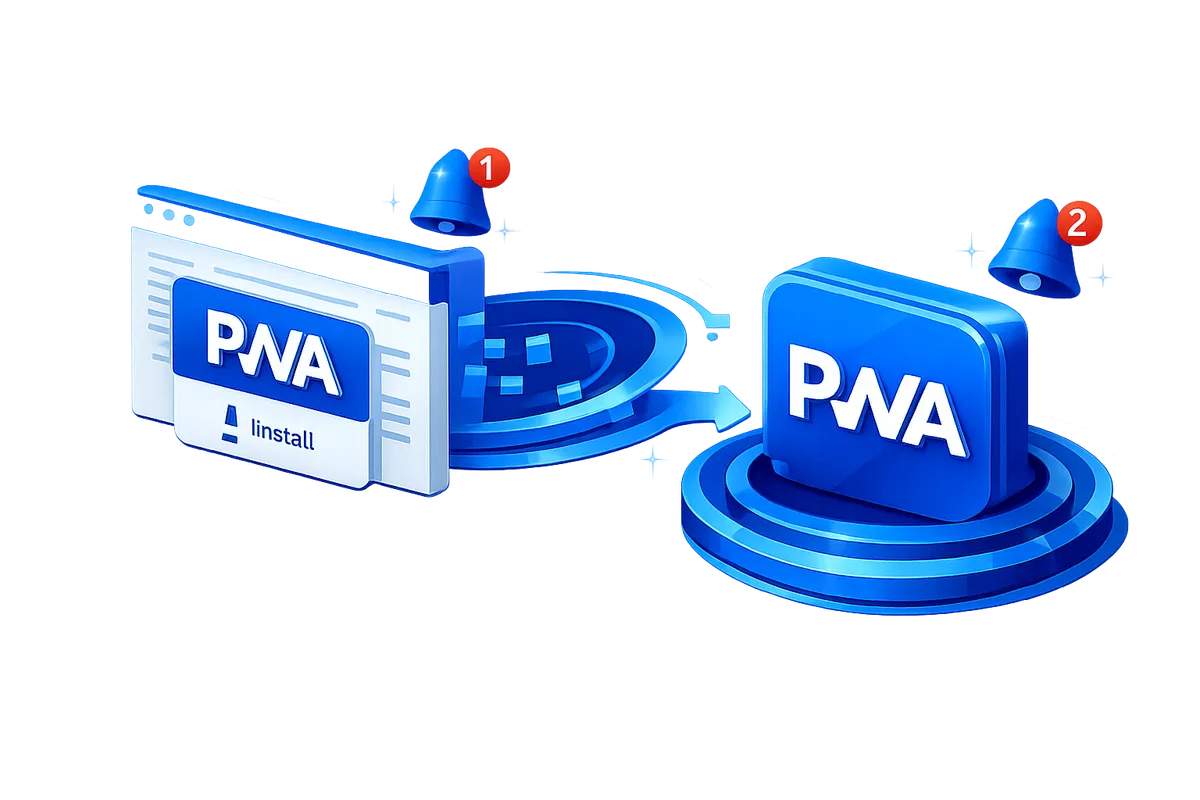
4. Installation and engagement setup. We configure the install prompt, the home screen icon and splash screen, the push notification permissions flow, and the first-run experience so customers who land on the app are guided toward installation and notification opt-in. The best PWA in the world delivers zero value if no one installs it, so the adoption mechanics are built deliberately.