How We Build Document Management Systems for Bucktown
Every document management engagement for a Bucktown business begins with mapping how your work is organized today. For a design firm, that means understanding how client relationships are structured, how projects are tracked, where files live at each stage of production, how versions are managed, and how completed project files are archived when an engagement ends. For a real estate office, that means understanding the transaction lifecycle, what documents are generated at each stage, how they are currently stored, and what the access requirements are for agents, clients, and compliance review. For a boutique retailer, that means understanding the supplier, consignment, and seasonal buying relationship document flows.
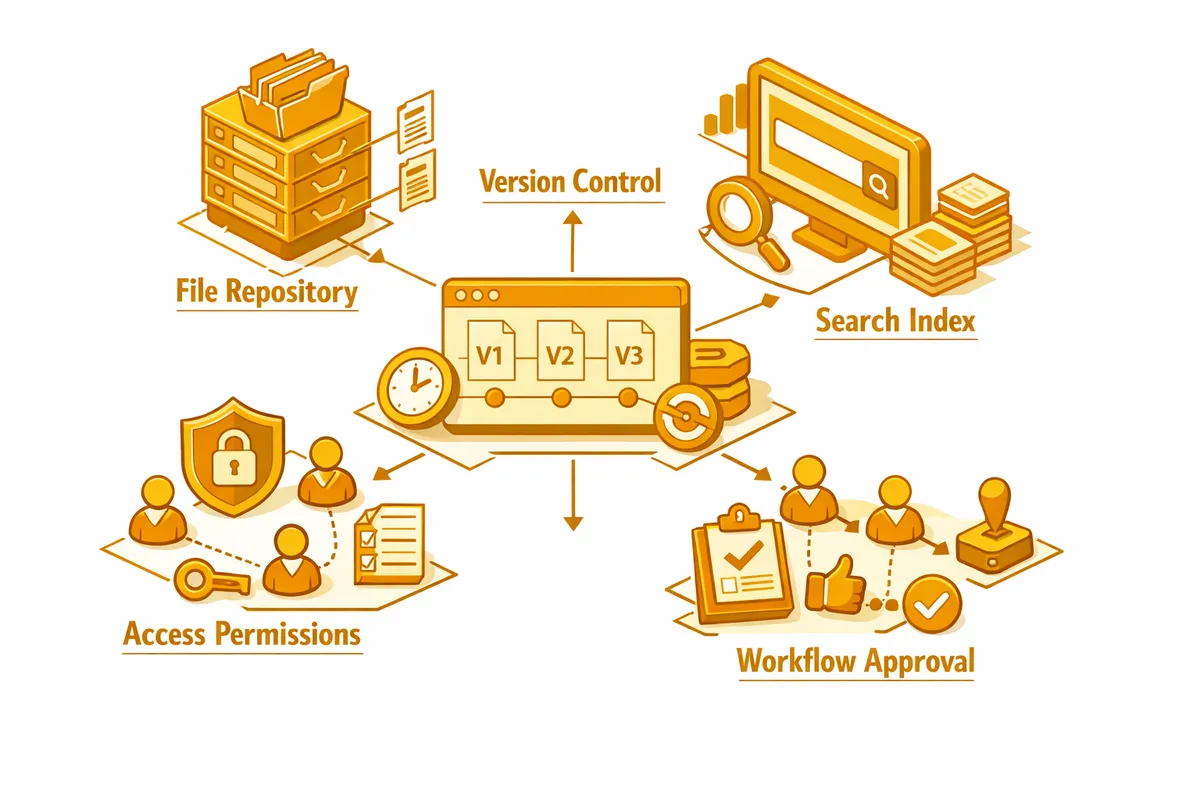
The output of this mapping is a taxonomy designed for your specific operation. A design firm gets a client- and project-centric structure: every client is a container, every project within that client is a sub-container, and every document in every project is tagged by document type, version number, status, and date. The current approved version of any deliverable is marked as such. Every prior version is accessible from the version history. When a client asks what changed between the second and third revision of their logo, you can show them. When a new designer joins a project mid-engagement, they can find every relevant file within minutes.
For Bucktown businesses operating on Microsoft 365 or Google Workspace, we build the document management layer on top of the tools your team already uses. You do not need to learn a new platform. You get consistent structure, version control, and findability within the environment you are already working in.
Industries We Serve in Bucktown
Design firms and creative studios on Damen Avenue and Milwaukee Avenue need project-centric document management with version control for design deliverables, access controls that allow client-facing file sharing without exposing the full project archive, a consistent taxonomy across every engagement, and rapid retrieval for the client revision requests and deliverable questions that arrive without warning.
Boutique clothing and retail stores along Milwaukee Avenue and Armitage Avenue need document management for supplier agreements, consignment contracts, seasonal buying orders, brand license agreements, and the operational documentation covering insurance, lease terms, and employee records. When a supplier dispute arises or a lease renewal requires reviewing prior terms, the documents need to be findable immediately.
Independent restaurants and cafes near The 606 trail and throughout Bucktown need document management for supplier contracts, equipment lease agreements, health department inspection records, liquor license documentation, employee records, and the operational manual documentation that governs how the business runs when the owner is not present.
Real estate offices and independent agents in Bucktown need transaction-centric document management with complete file management for every deal: offer documents, disclosure packets, inspection reports, title documentation, and closing records organized by property address and accessible to agents and compliance review without requiring manual assembly at each step.
Yoga studios and fitness businesses near Holstein Park and Churchill Field Park need document management for member agreements, instructor contracts, class schedule documentation, equipment maintenance records, and liability waiver archives organized so any member record or contractual document is retrievable on demand.
Real estate developers and property investors active in the Bucktown market need document management for acquisition due diligence files, renovation permit and inspection records, subcontractor agreements, tenant lease records, and disposition documentation, all organized so the full history of any property is accessible without relying on the memory of whoever managed the project.
What to Expect Working With Us
1. Document and workflow mapping. We spend two weeks with your team documenting how documents are currently created, stored, accessed, and archived. For Bucktown creative businesses, this includes mapping the full project lifecycle and identifying where documents currently live at each stage. You see the complete picture before we design anything.
2. Taxonomy and architecture design. We design a document classification system, naming convention, metadata schema, version control model, and access control structure specific to your business type and operational requirements. You review and approve the full architecture before implementation.
3. Implementation and migration. We build the system and migrate your existing documents with consistent organization and metadata applied during migration rather than carried forward from the existing structure. Your most critical document categories are live within ten to fourteen weeks.
4. Team training and adoption support. Post-launch training for your Bucktown team, adoption monitoring, and a support period covering any issues with the system as it is put into daily use. For design firms with multiple project teams, we train by team and monitor adoption patterns to ensure consistent use across the organization.