How We Build Employee Portals for Bridgeport
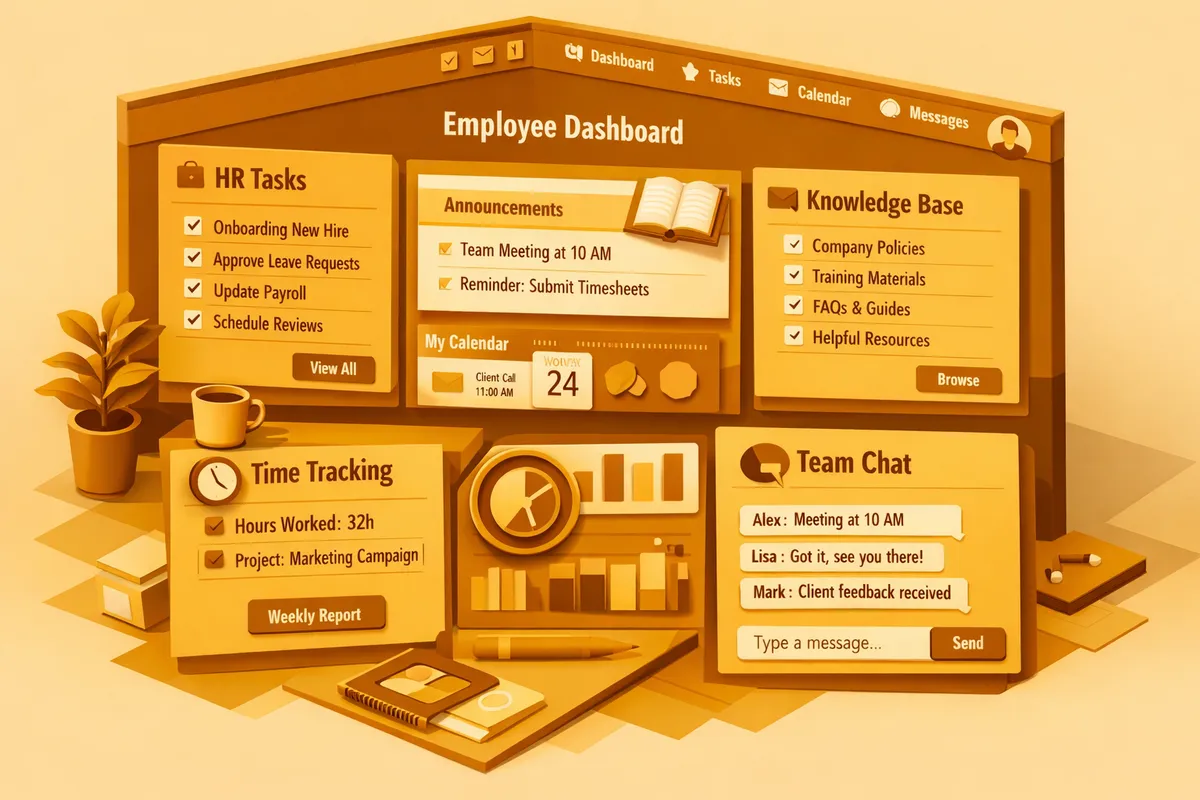
The starting point is understanding your workforce mix. A contractor with a thirty-person crew split between office staff and field workers needs different portal experiences for each group. The project manager needs a scheduling view and document access. The field worker needs a fast time sheet and the ability to pull their pay stubs without calling the office. We design role-based portal experiences so each employee sees exactly what they need without navigating features that are not relevant to them.
Language configuration comes early in the design process. For most Bridgeport businesses, Spanish is the first additional language after English. We configure the portal so employees can select their preferred language at login and the entire interface, all labels, instructions, and form fields, displays in that language from that point forward. Adding language support after the fact is expensive. Building it from the start is not.
Bridgeport's trucking companies along Archer Avenue have a specific employee portal requirement that generic HR tools handle poorly: driver compliance documentation. A driver portal needs to surface CDL expiration dates, medical certificate renewals, hours-of-service thresholds, and vehicle inspection records in a single view. A driver who can check their own compliance status from their phone during a rest stop is a driver who does not call dispatch to ask. We build driver-specific portal modules that reflect the actual compliance calendar of a regional trucking operation, not an enterprise fleet management system stripped down to look simple.
Seasonal workforce management is another area where Bridgeport businesses need portal capabilities that standard HR tools underserve. A restaurant that adds fifteen staff for the April-through-October White Sox season needs onboarding, scheduling, and offboarding flows that activate and deactivate cleanly. The seasonal employee should be in the portal from their first day, processing their own paperwork, receiving their schedule, and submitting their time. When the season ends, their access closes and their records archive cleanly for W-2 generation.
Mobile-first design is not optional for Bridgeport's workforce. We test every portal feature against a phone screen before we consider it complete. If an employee cannot complete a time sheet submission, review their schedule, or access their pay stub in under three minutes on a phone with an average connection, the feature is not ready to ship.
Industries We Serve in Bridgeport
Contractors and construction firms on Morgan Street and across Bridgeport's active job sites use employee portals to manage daily time sheet submission, safety document acknowledgment, and schedule visibility across multiple concurrent projects. A crew member can submit their hours from the job site before they get in their truck. The foreman can see who submitted and who did not without making phone calls.
Restaurants and bars near Guaranteed Rate Field manage shift scheduling, availability submissions, and time-off requests through employee portals that eliminate the scheduling spreadsheet pinned to the kitchen wall. During the baseball season, when scheduling complexity spikes with game-day double shifts and special event staffing, the portal gives the manager a real-time view of who is available and who has submitted conflicts.
Trucking and freight operations along the Archer Avenue corridor use portals for driver document compliance: CDL renewal reminders, hours-of-service logging, and vehicle inspection report submission. Every driver has a portal account where their compliance calendar is visible and every required document has a due date and upload slot.
Butcher shops and specialty food businesses on Halsted Street use employee portals for health certification tracking, food handler license renewals, and scheduling for the small teams that run production and counter service. The portal tracks who holds current certifications and flags upcoming renewals before they become compliance issues.
Art galleries and event venues in the Zhou B Art Center area manage seasonal and contract staff through employee portals that handle onboarding paperwork, event-specific briefings, and post-event hour submission. The gallery director can onboard three gallery assistants for an opening weekend without filing a single paper form.
Small manufacturing and trades shops scattered through Bridgeport's industrial corridors use employee portals for OSHA training acknowledgment, equipment certification tracking, and benefit enrollment. The portal keeps the compliance record that OSHA inspectors ask to see, organized and current.
What to Expect Working With Us
1. Workforce segmentation review. We start by mapping the different employee types in your business and what each group needs from a portal. A Bridgeport contractor with field crews and office staff needs two distinct portal experiences built into one system. We design around the actual diversity of your workforce, not a single generic interface.
2. Language configuration from day one. Every portal we build for Bridgeport businesses includes Spanish interface support as a standard feature. Additional languages are added during the design phase, not retrofitted afterward.
3. Phased rollout with hands-on training. We do not send a link and call it done. We run a training session at your location for each employee group: field crews, kitchen staff, drivers, whoever needs to use the portal. We build the training around their actual portal tasks, not a generic software walkthrough.
4. First-cycle payroll review. The most common point of employee portal failure is the first pay period, when employees discover a feature they needed but could not find. We do a check-in after the first full payroll cycle to address anything that is not working the way employees expected.
Between the first rollout and the payroll review, we also monitor portal adoption by employee group. A crew on Morgan Street where three of eight members have not logged in after the first two weeks tells us something is wrong: either the onboarding message did not land, the login flow has friction, or the portal is not yet doing something they need it to do. We address adoption gaps before they become habits. A portal that half the workforce ignores is not a portal. It is a system that created two parallel processes instead of replacing one.