How We Build Workflow Automation for Beverly
We start with a process audit. We document the administrative workflows that consume the most time in your practice: client intake, appointment confirmation, billing follow-up, document collection, internal approvals, reporting, and communication sequences. We identify which of these are rule-based and repetitive enough to automate and which genuinely require human judgment.
From the audit, we prioritize by impact. The goal is not to automate everything. It is to automate the workflows where the time savings are largest and the reliability improvement is most valuable. A Beverly law firm might save fifteen hours per month by automating client intake, document request sequencing, and billing reminders. That is where we start.
We evaluate the automation tools appropriate for your existing software stack. Zapier, Make, and native automation features within platforms like Clio, Salesforce, or your EHR have different capabilities and costs. We select the right tool for the specific workflow, not the most expensive or most advertised one.
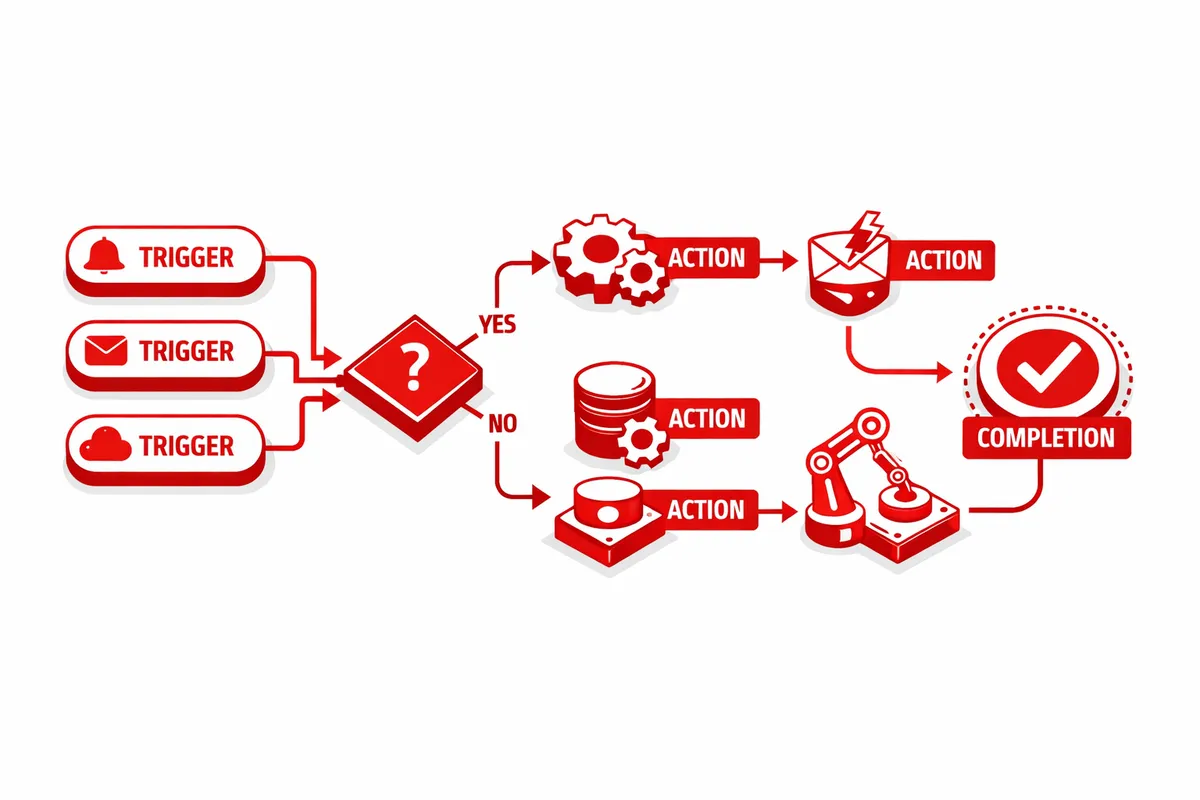
Implementation follows a careful build-test-document cycle. We build the automation, test it with real data in a controlled environment, verify the outputs, and document the logic so your team understands how it works and can identify when something is behaving unexpectedly.
Training ensures your team can monitor, modify, and extend the automations as your practice evolves. We do not build black boxes. We build transparent systems that Beverly's professional teams can manage independently.
Industries We Serve in Beverly
Law firms and solo practitioners benefit from automations that handle client intake sequences, document request workflows, court deadline reminders, billing follow-up sequences, and new client conflict check notifications. A Beverly attorney who automates intake and follow-up can recapture five to ten hours per week for billable work.
Medical and dental practices near Ridge Park and throughout Beverly's residential community benefit from automated appointment reminders, post-visit follow-up sequences, recall notifications for preventive care, and patient communication workflows that reduce no-shows and improve care continuity without adding staff time.
CPA offices and financial advisors have seasonal workflow patterns that are ideal for automation: engagement letter generation and tracking, document request sequences, deadline reminder communications, and the client follow-up workflows that make tax season manageable for lean teams. We build automations that scale with April volume without requiring additional staff.
Insurance agencies on Western Avenue benefit from automated renewal notifications, coverage review scheduling sequences, and the follow-up workflows that ensure no client misses a renewal without hearing from their agent. These automations protect both revenue and the relationship signals that Beverly's independent agencies depend on.
Boutique retail and service businesses in Beverly's commercial corridors benefit from inventory alert automations, order fulfillment workflows, customer follow-up sequences, and the operational connectors that eliminate the manual data transfer between point-of-sale, inventory, and communication systems.
Professional service providers of all disciplines throughout Beverly gain from automations that handle routine administrative communication, scheduling sequences, and the operational workflows that currently consume professional time that would be better spent on clients.
What to Expect Working With Us
1. Process audit and prioritization. We spend time with your team, document the most time-consuming administrative workflows, and identify the top three to five automation opportunities by time savings and reliability improvement. We present the prioritized list with expected impact before any building begins.
2. Automation design and build. We design the logic for each workflow automation, select the appropriate tools, build in a staging environment, and test with real data. Complex workflows are built modularly so individual components can be updated without disrupting the whole system.
3. Testing and validation. Every automation is tested end-to-end with realistic scenarios before deployment. Edge cases, error handling, and failure notifications are built in so the system handles exceptions gracefully rather than silently failing.
4. Documentation and training. We produce clear documentation of every automation: what triggers it, what it does, and how to monitor and modify it. Your team learns the system and can identify problems without needing to call us for every question.