How We Build Document Management for Beverly
Every document management engagement opens with the same question: how should this practice's files be organized so that retrieval depends on structure, not on whoever happened to file the document? For a firm on Western Avenue, the answer is almost always a hierarchy built around the client first, then the matter or engagement, then the document type, with a naming convention that carries date and version so a file is identifiable without folder spelunking.
Next we measure volume and growth. A CPA office near Ridge Park serving hundreds of households generates a different archive than a three-attorney practice on 103rd Street, and the difference decides the platform. We assess scale and workflow before we name a tool, because a system sized wrong is a system the team abandons.
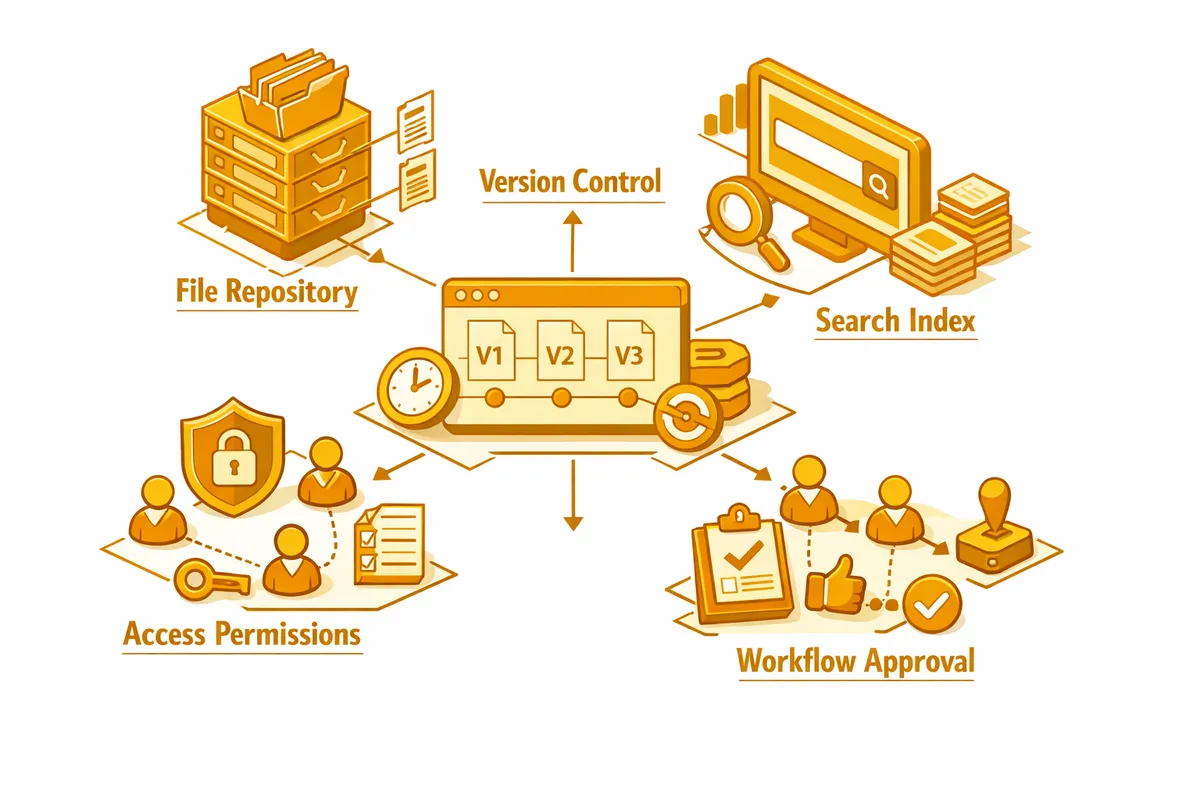
The build configures the platform to your taxonomy and your obligations. Folder structures mirror how the practice actually thinks about its work. Access permissions scope client and matter files to the specific staff who handle them. Retention rules are encoded so a file's clock is tracked by the system rather than by a calendar reminder nobody owns. Version control preserves every prior draft of a contract or plan without anyone manually archiving the old one.
Then we build the part Beverly practices feel first: retrieval. We configure search so any document surfaces by client name, date range, type, or keyword in seconds. For a practice whose entire value rests on knowing a family's history, getting that history back instantly is usually the outcome that pays for the project.
Industries We Serve in Beverly
Law firms and solo legal practices along 103rd Street and Western Avenue need matter-centric document management with strict version control, privileged-access scoping, conflict-check records, and a permanent home for executed originals. A practice handling estates that reopen years later relies on the system to keep a 2010 will, its codicils, and the 2024 administration file in one coherent, auditable matter folder rather than scattered across drives and inboxes.
CPA and accounting offices near Ridge Park accumulate returns, source documents, engagement letters, and correspondence across many tax years per client. We organize the archive by client and year, encode the multi-year retention schedule into the system, and route incoming client documents through a review-and-file workflow instead of letting them stall in a staff inbox during filing season.
Medical and dental practices near St. Xavier University manage charts, intake forms, imaging, billing records, and referral correspondence under HIPAA retention and access rules. A document management system organizes records by patient, enforces retention timelines, scopes access so providers see only their patients, and logs every view, which is exactly the documentation a HIPAA risk assessment expects.
Insurance agencies on Western Avenue carry policy files, declaration pages, claims documentation, and carrier correspondence for households they have covered for decades. Structured document management keeps each client's full policy history in one retrievable place and applies retention rules to claims files so closed matters are kept and purged on schedule rather than indefinitely.
Funeral homes and estate-settlement services near Longwood Drive handle certificates, contracts, benefit paperwork, and family correspondence under time pressure and emotional weight. A document management system gives these businesses fast, organized retrieval and a clean record of a sensitive engagement, so a grieving family is never waiting while staff search for a misfiled document.
Real estate and title-adjacent practices serving the home market around 95th Street and the Beverly Arts Center corridor produce closing files, title documents, disclosures, and inspection records that must stay intact and retrievable long after a sale closes. Version control matters here in a concrete way, because the difference between a draft disclosure and the signed final one has legal consequences the practice has to be able to prove.
What to Expect Working With Us
1. Document inventory and taxonomy design. We audit what you have now: how many files, what types, how they are currently arranged, who needs access to what, and where retrieval breaks down. From that audit we design a taxonomy that matches how your Beverly practice actually thinks about its files, not a generic template imposed from outside.
2. Platform selection sized to your archive. We recommend a platform based on your document volume, your retention obligations, and the software you already run. A law firm near Walker Branch Library may need a purpose-built legal system; a smaller professional office may be well served by a properly configured general platform. We configure structure, permissions, and retention rules before a single document moves.
3. Migration with structure applied. We move your existing archive into the new system with the taxonomy enforced: every file in the right place, naming conventions applied, version conflicts resolved. For the deep archives common to long-running Beverly practices, we stage migration by client or matter so the office keeps working through the transition.
4. Adoption support past launch. A document system only delivers if the team files into it the same way every time. We run role-based training, leave a written filing guide, and stay engaged for 30 days after launch to correct filing habits before they harden. For practices with a spring workload spike, we time go-live so the system is settled before that demand arrives.