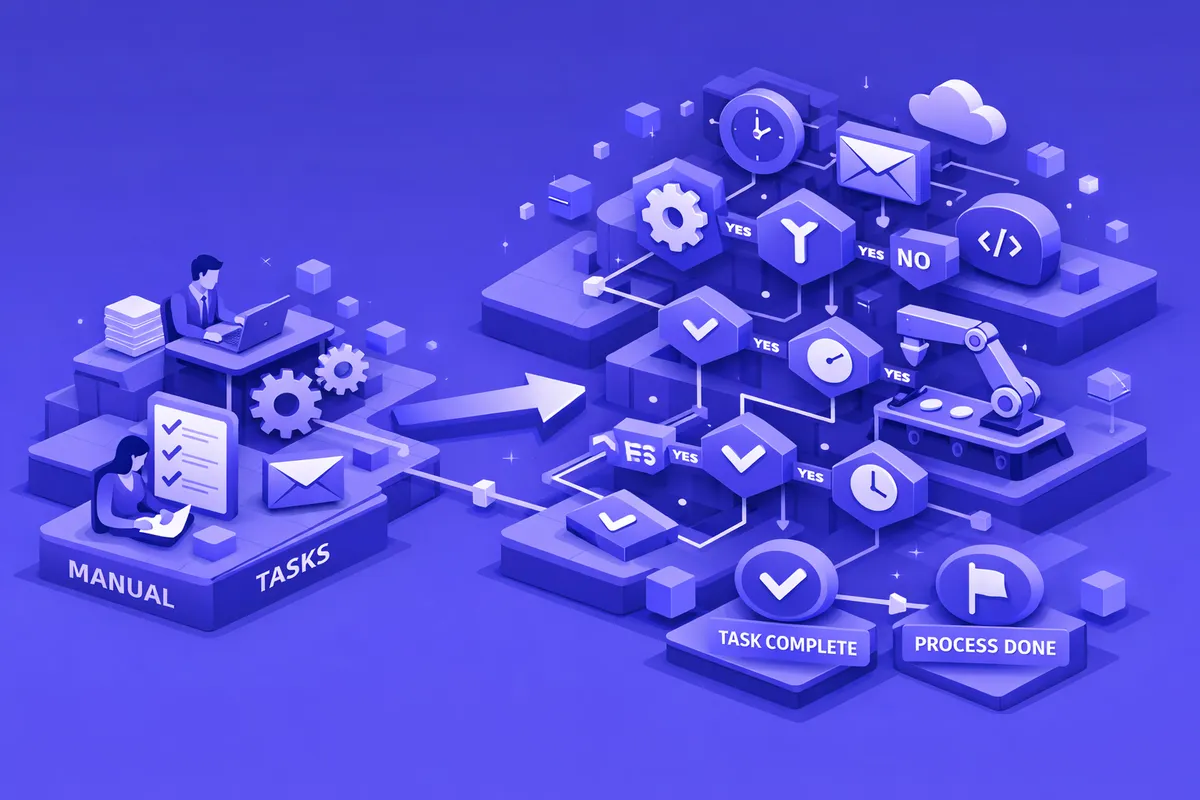
How We Build Business Process Automation for Beverly
Beverly's professional businesses do not need the enterprise automation platforms designed for corporate campuses. They need workflows that are built for their actual scale, connect to the software they already use, and do not require IT staff to maintain. Our approach starts with understanding your current workflow at the ground level.
We interview the people who actually execute the manual processes: the front desk coordinator who does insurance verification for every appointment, the billing manager who runs the monthly close cycle, the office manager who generates the weekly reminder sequence. These are the people who know exactly where the time goes and where the errors come from. Their process knowledge is the foundation of every automation we build.
From those conversations, we document the current workflow and identify the automation candidates. For most Beverly professional practices, the highest-impact automations are the ones that run most frequently: daily or weekly processes where even a thirty-minute time savings per cycle adds up to significant capacity over the course of a year. We build those first, validate them against your actual operations, and deploy them before moving to less frequent processes.
We build automation that works with QuickBooks, practice management software for medical and legal practices, insurance agency management systems, and the scheduling and billing tools common in professional service environments. We do not require software migrations. Beverly's established practices have often used the same core software for years. We build the automation layer on top of what already works.
Industries We Serve in Beverly
Family law and general practice attorneys on Western Avenue and around the Beverly neighborhood use business process automation to handle new client intake workflows, conflict check processing, retainer agreement generation and signature collection, deadline reminder sequences, and billing statement delivery cycles. Solo practitioners and small firms see the most immediate benefit because the administrative load relative to available staff is highest. Automation does not replace legal judgment. It handles everything surrounding that judgment so the attorney can focus on client work.
Family medicine, dental, and specialist practices on 95th Street and 111th Street use business process automation to handle appointment confirmation and reminder sequences, insurance verification workflows, prior authorization request submissions, patient intake form collection, and after-visit follow-up communications. Front desk staff at Beverly medical practices can spend a meaningful portion of every shift on phone-based verification and reminder tasks that automation executes without staff involvement.
CPA and accounting firms serving Beverly's professional families use business process automation to handle client engagement letter generation, tax document collection campaigns, quarterly estimated payment reminder sequences, annual compliance calendar management, and secure document delivery workflows. Tax season creates an intense workflow concentration that automation manages by ensuring every client receives the right communication at the right time without the CPA or their staff manually tracking each engagement.
Insurance agencies along Western Avenue use business process automation to handle policy renewal notification campaigns, carrier submission workflows, client follow-up sequences, certificate of insurance generation, and claims acknowledgment routing. The annual renewal cycle for an agency serving Beverly families involves hundreds of policy reviews happening in parallel. Automation ensures none falls through without requiring staff to maintain manual tracking systems.
Boutique retail and neighborhood service businesses on 103rd Street and along commercial corridors near the Beverly Arts Center use business process automation to handle appointment booking confirmation sequences, customer follow-up campaigns, inventory reorder notifications, and vendor invoice processing. Small retailers and service businesses often have accounting and customer communication processes that run entirely manually and could be substantially automated without any software upgrades.
Contractors and home service businesses serving Beverly's bungalow belt use business process automation to handle estimate follow-up sequences, job scheduling confirmations, material order routing, subcontractor coordination communications, and project completion notifications. Residential contractors working across Beverly and adjacent neighborhoods like Morgan Park deal with high volumes of customer communication that manual methods handle inconsistently.
What to Expect Working With Us
1. Ground-level workflow interviews. We start by talking to the people who execute your current manual processes, not just the business owner. Front desk staff, billing coordinators, and office managers know exactly where the time goes and where errors occur. Their process knowledge shapes every automation we build.
2. Scope defined by your actual bottlenecks. We present a prioritized list of automation opportunities ranked by time savings. You choose where to start based on your staffing situation, your most painful administrative cycles, and your capacity to implement changes. There is no minimum project scope. A single workflow automation that recovers three hours per week for a solo practitioner is a meaningful result.
3. Validation against your actual operations. Every automation runs in parallel with your manual process for two to four weeks before we decommission the manual version. You see the automation outputs side by side with what you would have produced manually. The parallel run builds confidence and catches any edge cases specific to your client mix or workflow.
4. Documentation written for non-technical staff. The documentation we provide is written for office managers and practice administrators, not software engineers. Every workflow is documented with plain descriptions of what triggers it, what it does, what it does with exceptions, and how to read its outputs. Your staff can manage and monitor the automations without technical assistance.