What Claude, ChatGPT, and Gemini Are Actually Good At (for Small Business)
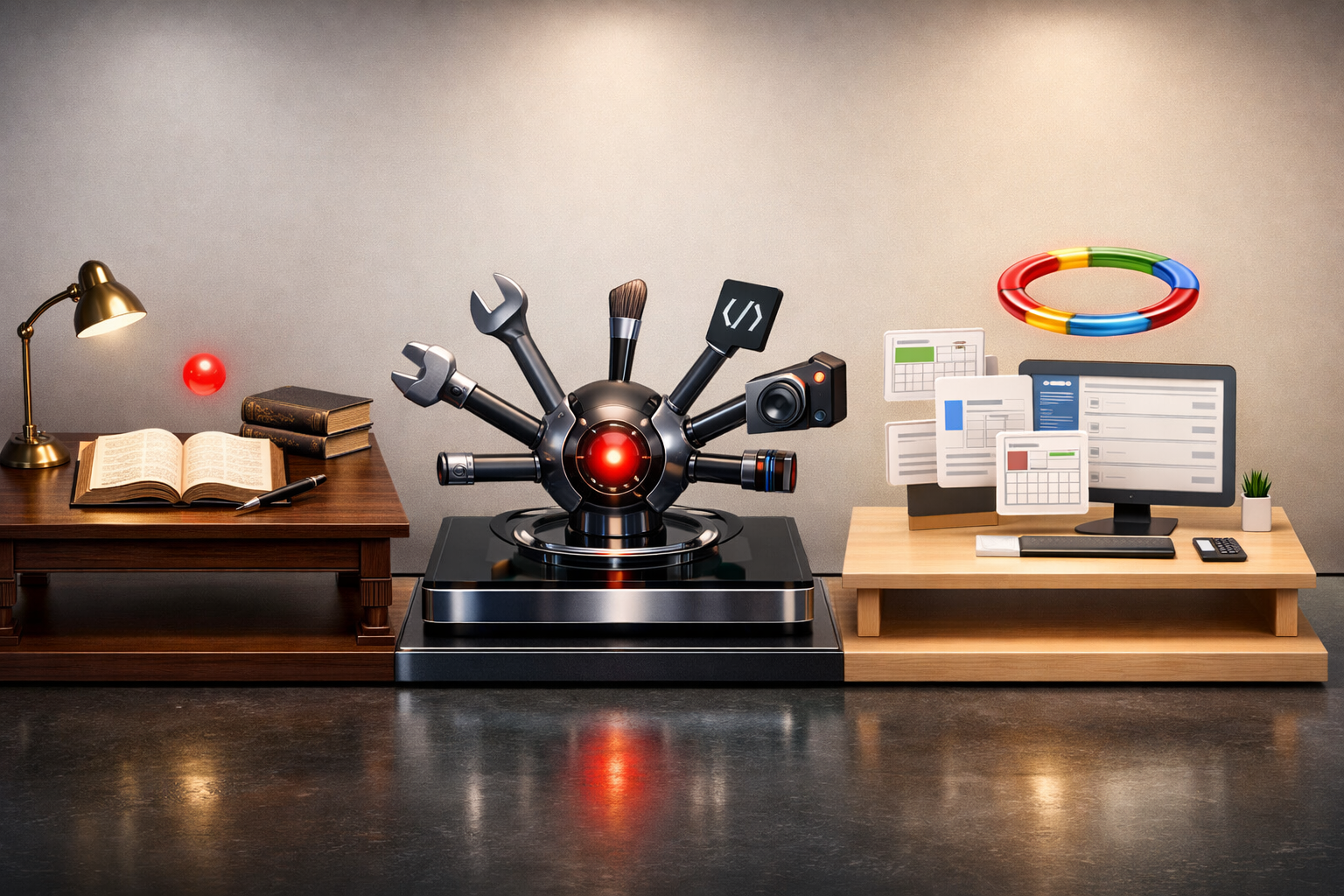
The question we get most often in 2026 is: "Which AI should I subscribe to?" The honest answer is that each of the three major assistants has distinct strengths, and for some businesses, the right answer is all three. But if you are picking one, the choice depends on what you are trying to do.
Here is an honest comparison based on daily use of all three across real small business work. No affiliate links. No preference for any vendor. Just what we have learned from building with them and watching clients use them.
The three assistants
Claude (Anthropic): Widely regarded as the best writing and reasoning model. Strong at following complex instructions and maintaining long context. Tends to produce more thoughtful, less generic output. Monthly price: $20 for Claude Pro. ChatGPT (OpenAI): The most widely used and most app-connected. Has the largest ecosystem of plugins, custom GPTs, and integrations. Strong for varied use cases. Monthly price: $20 for Plus. Gemini (Google): Deeply integrated with Google Workspace (Docs, Gmail, Sheets, Drive). Strong at tasks that need to reference your own documents. Monthly price: bundled with Google Workspace at most tiers.All three are extremely capable for most tasks. The differences matter when you get into specific use cases.
What each one is best at
Claude wins for long-form writing and complex reasoning
If you need to produce a 1,500-word blog post, a detailed case study, a thoughtful proposal, or any content where the quality of the prose matters, Claude is our default.
Specifically, Claude excels at:
- Producing writing that reads like a thoughtful person wrote it rather than an AI
- Following complex style guides (e.g., "write in this voice, avoid these patterns, emphasize these themes")
- Reasoning through multi-step problems where each step builds on the last
- Summarizing long documents with accuracy and specificity
- Technical writing and documentation
The cases where Claude is not our first choice: real-time web information (Claude's knowledge cutoff means it cannot tell you about events from the last few months with confidence), image generation (we use OpenAI for that), and spreadsheet work (Gemini handles Google Sheets natively).
ChatGPT wins for versatility and ecosystem
ChatGPT is the Swiss army knife. For small business owners who want one tool that handles many kinds of tasks, ChatGPT is probably the right first subscription.
Specifically, ChatGPT excels at:
- Built-in image generation (DALL-E, now moving to newer models)
- Browsing the web for current information
- Running code (data analysis, simple scripts)
- Custom GPTs (specialized assistants you can build without coding)
- Large plugin and integration ecosystem
- Voice mode (useful for drivers and people who prefer to talk)
The cases where ChatGPT is not our first choice: anywhere the writing quality matters significantly, anywhere we need deep reasoning through complex problems, and anywhere we need to reference documents we have (which Gemini handles better because of Workspace integration).
Gemini wins for Google Workspace integration
If your business runs on Google Workspace (Gmail, Docs, Sheets, Drive, Calendar), Gemini is included in many Workspace tiers and integrates deeply with those products.
Specifically, Gemini excels at:
- Summarizing long email threads
- Drafting email replies based on context
- Analyzing and working with Google Sheets data
- Referencing documents you have stored in Drive
- Live integration with Google Calendar and Gmail
- Translation and multilingual work
The cases where Gemini is not our first choice: creative writing, complex reasoning, technical work. Gemini is serviceable at these. It is not usually our first pick.
Real use cases: which one to use
Here is how we actually divide work across all three.
Writing a blog post or newsletter
Claude. The writing quality gap is large enough to be noticeable in finished work.Drafting a client proposal
Claude for the body text (the analysis, the recommendations, the strategic framing). ChatGPT if you need browsing for recent industry information. Gemini if it needs to pull from your existing documents (past proposals, case studies on file in Drive).Responding to a long email thread
Gemini if the thread is in Gmail. It can read the full thread and draft a contextual response. Claude if you are working outside Gmail and need to paste in the thread.Analyzing a spreadsheet of data
Gemini if the spreadsheet is in Google Sheets. ChatGPT's advanced data analysis if you have a CSV and need actual computation and charts.Brainstorming ideas or strategies
Claude for strategic brainstorms where the quality of the thinking matters. ChatGPT for rapid-fire idea generation where volume matters more than depth.Writing social media posts
ChatGPT. All three are comparable for short-form social writing, but ChatGPT is fast and has a built-in image generator if you need a visual to pair with the post.Technical research and coding
Claude for complex technical reasoning. ChatGPT for code execution and testing. Many developers use Claude for thinking through problems and ChatGPT for running snippets.Customer support responses
Gemini if the customer context is in Gmail. Claude if you need thoughtful, specific, brand-voice responses. Generic customer support auto-responders can use any of them, but thoughtful responses should use Claude.Image generation
ChatGPT (DALL-E or successor). Gemini's image generation has improved but is not at the same level. Claude does not generate images. For production marketing images, we still use gpt-image-1.5 directly via API for consistency, but for ad hoc image ideation, ChatGPT is fine.Research that requires current information
ChatGPT or Gemini. Both can browse the web. Gemini tends to produce more cautious, cited results. ChatGPT tends to produce more confident, synthesis-style results.The honest recommendation for small business owners
If you can only afford one subscription ($20 per month), the right choice depends on your business:
You write or produce content as part of your business (marketing, consulting, professional services): Claude Pro. You run on Google Workspace and do most work in Gmail and Docs: Gemini (often bundled). You want a general-purpose assistant for varied tasks and occasional image generation: ChatGPT Plus.If you can afford two subscriptions ($40 per month total), we recommend:
Claude + Gemini: excellent writing plus Workspace integration. Claude + ChatGPT: excellent writing plus ecosystem breadth.Very few small businesses benefit from all three. The overlap is substantial enough that the marginal value of the third subscription is low unless you are heavily using all of them.
What we actually use at Running Start Digital
Our internal workflow:
- Claude Pro for all long-form writing, strategic thinking, and complex work
- ChatGPT Plus for ad hoc tasks, image generation, and code execution
- Gemini Business (included with Workspace) for email summarization, document work, and Workspace-native tasks
The capabilities that matter for small business
Regardless of which assistant you pick, the real value for small businesses comes from a few specific capabilities:
Writing drafts quickly. Any first draft in 5 minutes is faster than the same draft from scratch in 30 minutes. All three assistants accelerate drafting. Summarizing long content. Meeting notes, long emails, long documents. The time saved on summarization is real and recurring. Research. Background research on a topic, company, or industry in minutes instead of hours. Structured thinking. Frameworks, checklists, decision trees. The assistants are all good at producing structured output when prompted well. Content repurposing. Converting a long article into social posts, email sequences, or talking points. Hours of work compressed to minutes.These five use cases alone justify a $20 monthly subscription for most small business owners. The question is not whether AI assistants are worth using. It is which one you use.
Where AI assistants still fall short
None of them replace:
- Deep expertise. The assistant does not know your business, your customers, or your industry the way you do. It is a thinking partner, not a decision maker.
- Judgment on edge cases. When something important requires nuanced judgment, the AI will not get it right reliably. The assistants are good at typical cases, mediocre at edge cases.
- Real-time responsibility. You cannot delegate customer-facing work fully to an AI assistant. Human review remains important for anything that represents the business.
- Creative originality. The assistants synthesize; they do not originate. Genuinely new ideas still come from you.
The honest summary
In 2026, you should be using at least one of these three assistants daily. If you are not, you are working harder than you need to. The productivity gap between people using AI well and people not using it is substantial and growing.
The question is which one to use for what. The answer depends on your business. For most small service businesses, the right starting point is one subscription, used every day, for the five use cases above.
Once the habit is established and the marginal value of additional capability is clear, adding a second subscription makes sense.
If you want to talk through which AI tools to deploy for your specific business workflow, that is one of the most common conversations we have with clients right now. It costs 30 minutes and results in a clear recommendation.