turn customer question into content small business
The easiest content calendar a service business can build starts with the questions customers ask every week. Not brainstorming. Not a content strategy agency. Just the actual questions from actual customers.
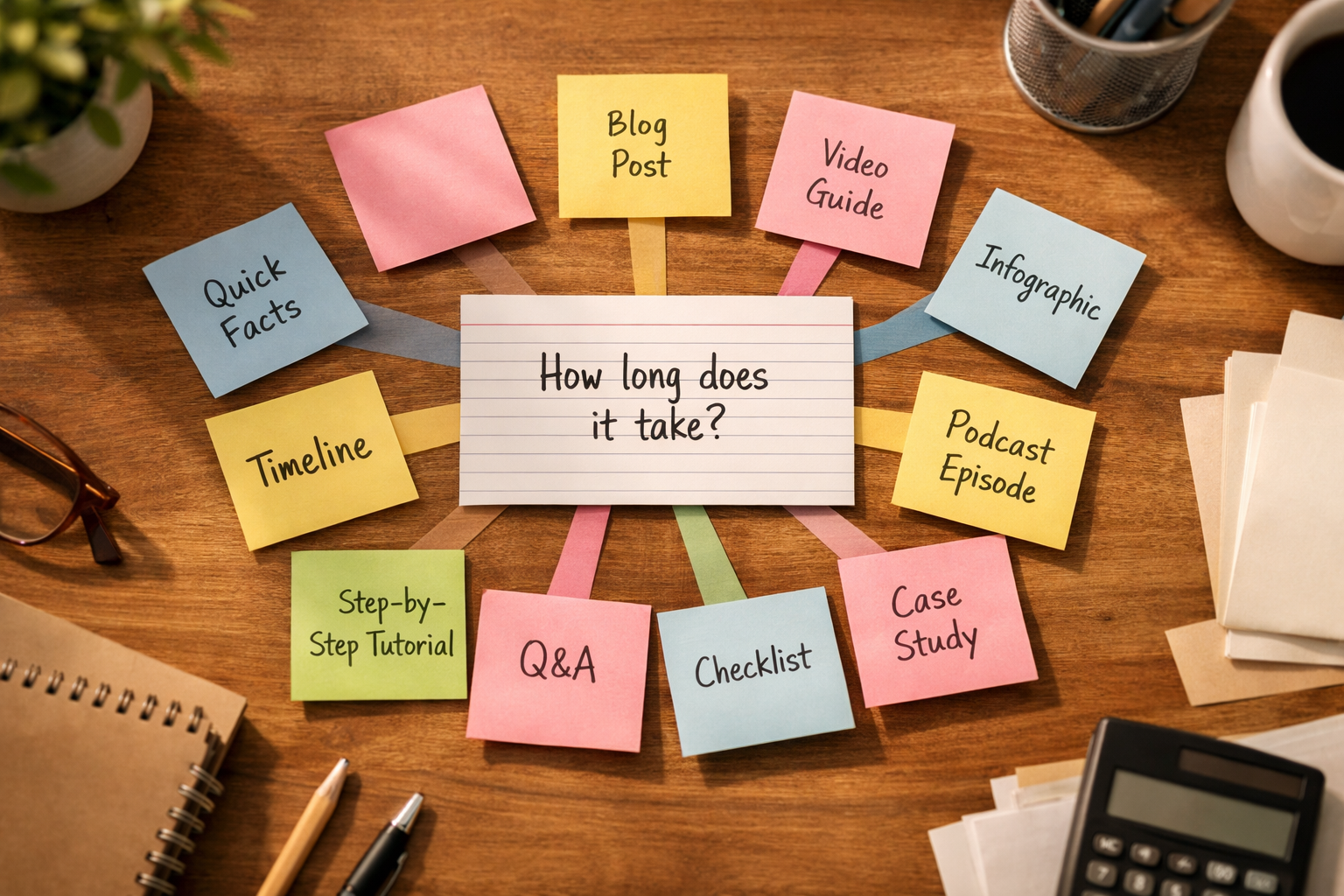
A HVAC company gets asked: "How often should I change my air filter?" A bookkeeper hears: "What do I need to bring to my first tax appointment?" A fence installer fields: "How long does installation take?" Every one of those questions is a month of content waiting to be used.
Here is how to do it systematically.
Start With the Question Exactly as Asked
The mistake most businesses make is cleaning up the question before using it. They turn "how often should I change my air filter" into "Air Filter Maintenance Best Practices." One of those is what a real person types into Google. The other sounds like a manufacturer's manual.
Write the question down exactly how the customer said it. That is your title, your search keyword, and your opening line.
The Core Content Asset: A Blog Post or Service Page Answer
Start with a 500 to 800 word answer on your website. This is the anchor. Everything else derives from it.
The blog post should:
- Answer the question directly in the first two sentences
- Explain why the answer is what it is (the context customers actually need)
- Address one or two follow-up questions that naturally come with the main one
- End with a clear next step or call to action
The AI Content Engine can draft this kind of answer from your input in minutes. You provide the question, some context about your business, and the AI produces a first draft you edit for accuracy and voice.
Break the Blog Post Into Four Other Formats
Once you have the core answer, you have raw material. Here is what to pull from it:
Google Business Profile post. Pull the one-sentence answer and two key points. Add a photo from a relevant job or your shop. That is a GBP post. The Google Business Profile Content System is built around exactly this kind of regular, question-based posting. Short social post. Take the most surprising or counterintuitive point from the blog post. That is your Instagram caption, LinkedIn post, or Facebook update. "Most homeowners change their air filter once a year. The actual recommendation is every 90 days for a 1-inch filter, 6 to 12 months for a 4-inch filter. Yours is probably overdue." Done. Email newsletter snippet. If you send a monthly or biweekly email, this question answer is a natural section. "One question we got a lot this month..." is a reliable email intro that reads as personal rather than promotional. A short FAQ entry on your service page. The question and a condensed two or three sentence answer belong in the FAQ section of your relevant service page. This improves the page's keyword coverage and helps visitors who are close to booking but still have hesitation.One Question, Four Weeks of Posts
If you publish the blog post in week one, here is a simple four-week schedule built from that single question:
Four pieces of published content from one question. And you probably have ten questions like that sitting in your inbox or voicemail right now.
Where to Find the Questions
You do not need to guess. The questions are already coming to you.
- Text messages and voicemails. The questions customers ask before they book are almost always content ideas.
- The conversation at the job site or initial appointment. What does the customer want to understand before work starts?
- Google reviews. Read your reviews and your competitors' reviews. What did customers mention they were initially unsure about?
- Google Search Console. If you have it set up, you can see the actual search queries that are bringing people to your site. These are real questions real people typed.
- The question asked most often. Ask your front-line person or think about your own experience. One question comes up more than any other. Start there.
Scaling This Without Burning Out
The trap is trying to do all of this manually, every week, forever. That is not sustainable for a small business owner who is also doing the actual work.
A few things that keep the system running:
Batch the writing. Answer three questions in one sitting, then schedule the posts across the next six weeks. You are not "doing content" every day. You are producing in batches. Keep a running question list. When a customer asks something interesting, write it down. A note in your phone is enough. Over time you build a backlog of topics. Use AI for the first draft. You know the answer. You do not need to also be a writer. Describe the question and your answer in plain language, and let AI produce the formatted draft. You edit for accuracy. That is a ten-minute process instead of an hour.If you are losing leads because you are not visible online for the questions your customers are asking, that is a measurable cost. The Missed Lead Cost Calculator can help you put a number on what that absence is actually costing your business each month.
The content is already there. It is in the questions your customers are asking you right now.
Sound familiar? Book the $500 AI Workflow Audit to map your current lead and admin process and identify the first workflows worth automating.