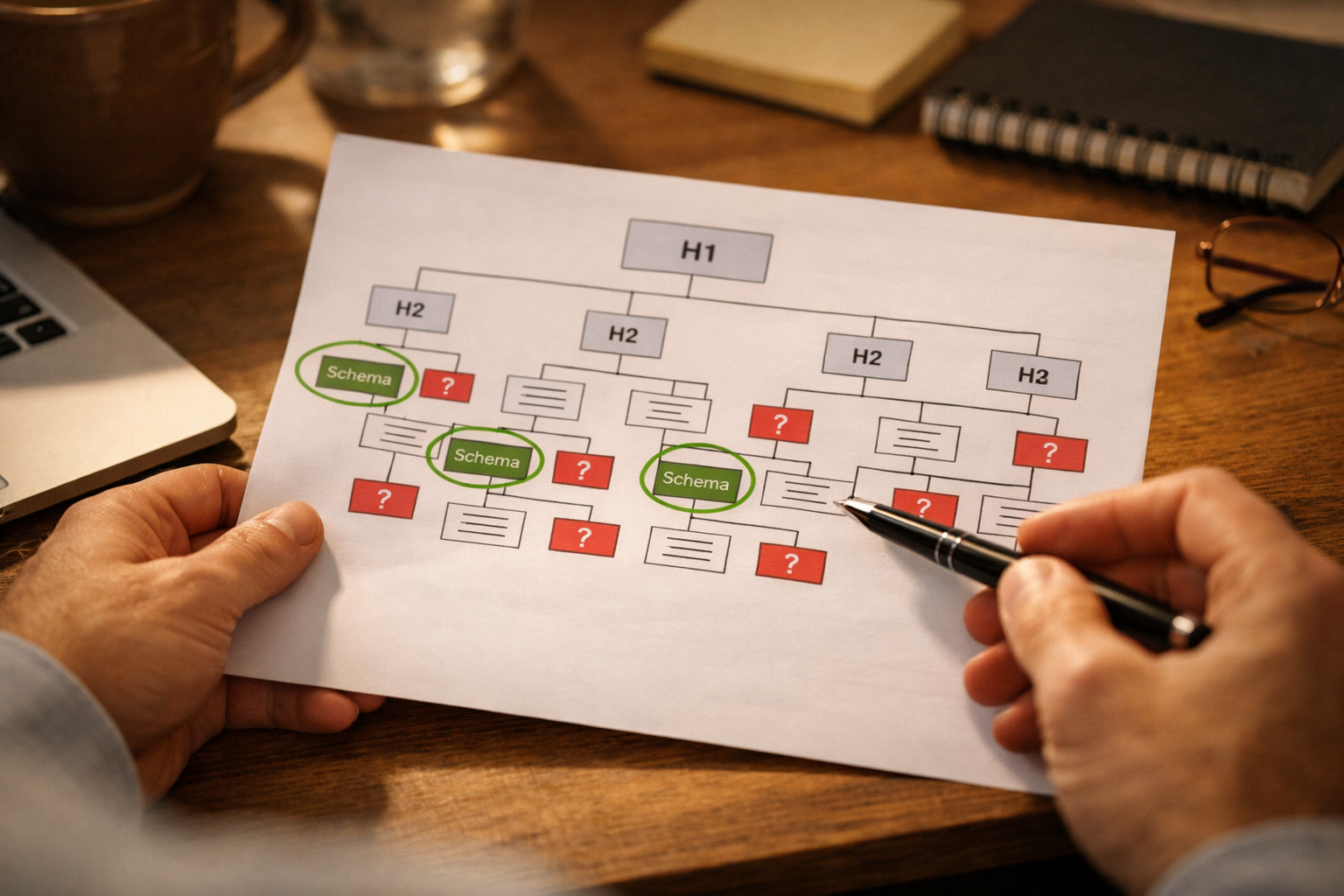
make website easier for Google AI to understand
Your website might look perfectly clear to a human visitor. That does not mean Google or an AI system can extract what it needs from it.
Search systems and AI answer engines process your website differently than a person does. They do not appreciate good design. They cannot infer meaning from layout. They read text, follow links, and parse structured data. If your content is buried in images, structured ambiguously, or written in vague generalities, the system simply moves on to a competitor whose site is easier to read.
This is fixable. Most of the improvements are not technical. They are about being more explicit in how you present information about your business.
Start With the Basics: Can the Site Be Crawled?
Before any content improvements matter, the site has to be accessible to search crawlers.
Check for:
- A sitemap.xml file that lists your pages. Most website platforms generate this automatically. Confirm it exists and is submitted to Google Search Console.
- No noindex tags on important pages. Occasionally a developer marks pages as noindex during development and forgets to remove it. Search Console will show you if any indexed pages are accidentally blocked.
- Fast load time. Google uses page speed as a ranking factor and also as an indicator of site quality. A site that takes 6 seconds to load on mobile is at a disadvantage. Google's PageSpeed Insights tool is free and shows you exactly what to fix.
- Mobile responsiveness. Google indexes the mobile version of your site first. If your site does not work well on a phone, that is a problem.
Make Your Business Information Explicit
AI systems and search engines are trying to answer questions about your business: what do you do, where are you, who do you serve, how do people reach you?
If the answers to those questions are not explicit on your website, the systems have to guess or skip you.
Your homepage should clearly state:
- What type of business you are (not just your brand name)
- The city or neighborhoods you serve
- The main services you offer
- How to contact you
Each service page should clearly state:
- The specific service being described (in the page title, URL, and H1)
- Who the service is for
- What is included
- Where you do this work
- How to book or get a quote
Use Descriptive Page Titles and URLs
Page titles (the text that appears in the browser tab and in search results) are one of the strongest signals you can give a search system. They should be specific.
Bad: "Services | Lakeview Electrical" Better: "Electrical Panel Upgrades | Lakeview Electrical | Chicago"
Bad: yourdomain.com/services/p?id=4
Better: yourdomain.com/electrical-panel-upgrades-chicago
Clean, descriptive URLs and titles make your pages significantly easier for both Google and AI systems to categorize and surface for relevant queries.
Add Schema Markup
Schema markup is code that explicitly labels the type of content on your page. Without it, search systems make educated guesses about what they are reading. With it, there is no guessing.
For a local business, the most impactful schema types to implement:
LocalBusiness schema on your homepage and contact page:- Business name
- Address
- Phone number
- Hours of operation
- Geographic area served
- Business category
- Makes your FAQ eligible to appear directly in search results
- Gives AI systems a clearly labeled set of questions and answers to pull from
- Names the service, describes it, and optionally includes pricing
- Helps AI systems understand your service catalog precisely
Write Content That Answers Questions Directly
AI systems are very good at finding content that answers a specific question clearly and concisely. They are not good at extracting information buried in long, meandering paragraphs.
Look at each page on your site and ask: what is the main question this page answers? Then make sure the answer is stated explicitly, near the top of the page, in clear language.
For a water damage restoration company, the question on the main service page might be: "Can you restore my home after a flood?" The answer should appear in the first two sentences: "Yes. We handle residential and commercial water damage cleanup in Chicago's North Shore, same-day availability for emergencies."
That directness is what AI systems are looking for. It is also what converts human visitors better.
Create a Complete Contact Page
Your contact page is often where search systems look to confirm your business's location, service area, and contact details. A minimal contact page with just a form is a missed opportunity.
A complete contact page should include:
- Full business address (or service area if you are mobile-based)
- Phone number as clickable text (not an image)
- Email address
- Hours of operation
- A note about your service area with specific neighborhoods or cities named
- Embedded Google Map if you have a physical location
The Audit You Can Do in an Hour
Here is a practical checklist to run against your website today:
- [ ] Submit your sitemap to Google Search Console if you have not already
- [ ] Check PageSpeed Insights on your homepage and top service page
- [ ] Confirm your homepage states your business type, location, and main services in the first screen
- [ ] Check that each service has its own page with a descriptive title, URL, and H1
- [ ] Confirm your contact page has your full address or service area, phone, and hours
- [ ] Check whether any schema markup exists on your site (Search Console's Rich Results Test tool can check this)
- [ ] Verify your NAP (name, address, phone) exactly matches your Google Business Profile
Sound familiar? Book the $500 AI Workflow Audit to map your current lead and admin process and identify the first workflows worth automating.