automate quote follow-up small business
You sent the quote. Three days have passed. You want to follow up, but you do not want to write another email from scratch, and you do not want to send something that reads like it came out of a template library.
Automating quote follow-up is possible without producing messages that make the prospect feel like a number in a queue. The difference is in how you write the automation, not whether you use it.
Why Quote Follow-Up Gets Dropped
Most small businesses have a quote problem that falls into one of two categories:
They follow up too late. The quote went out Tuesday. They follow up the following Monday. By then, the prospect has already made a decision, possibly with someone else. They follow up inconsistently. Sometimes the follow-up happens the next day. Sometimes it happens in two weeks. Sometimes it does not happen at all because the owner got busy and forgot.Both problems have the same root cause: the follow-up depends on someone remembering to do it, at the right time, with the right message. Manual processes fail under load. When you are busy, the follow-up does not happen. Which means you tend to lose business precisely when your schedule is already full.
What Makes Automated Follow-Up Sound Like a Person
The difference between an automated message that sounds human and one that sounds like a robot is mostly in four areas:
1. Specificity
Generic automation says: "Hi, just following up on your quote."
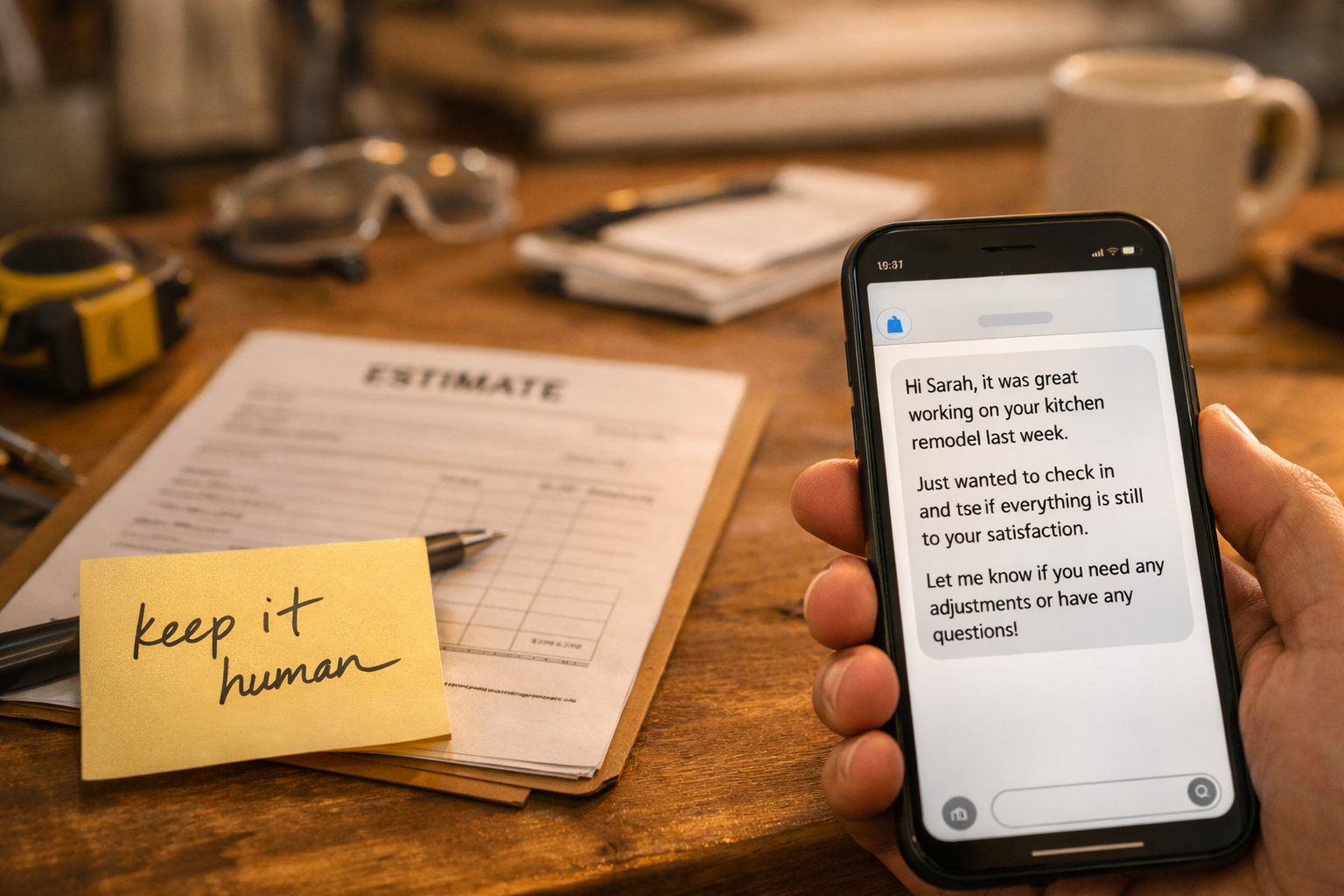
Specific automation says: "Hi Michael, following up on the quote I sent for the kitchen remodel on Tuesday. Happy to answer any questions about the timeline or materials."
The specificity comes from pulling data from your CRM into the message: the prospect's name, the job type, the date the quote was sent. Every modern CRM and most quoting tools can do this through merge fields or dynamic tokens.
2. Tone That Matches Your Business
The message should sound like you. If you run a two-person landscaping business and you normally text customers, an automated email that starts with "Dear Michael, I hope this message finds you well" is immediately recognizable as a template. It works against you.
Write your automation scripts the same way you would write a quick personal text. Shorter is usually better. Contractions are fine. Starting with the person's first name instead of "Dear [Name]" sounds more natural.
3. One Clear Next Step
Every follow-up message should have exactly one thing the prospect can do. Not three options. Not a menu. One clear next step: reply with questions, call a specific number, or click a link to schedule a call.
More options create friction. A single action makes it easy to respond.
4. Timing That Feels Considered
Automated messages that fire at exactly 9:00 AM every three days feel mechanical. Stagger your sequences slightly (day 2, day 5, day 9 rather than day 3, day 6, day 9) and aim to send during business hours, preferably mid-morning or early afternoon. Avoid Friday afternoons and Mondays before noon.
A Basic Quote Follow-Up Sequence
Here is a simple three-touch sequence for quote follow-up. Adjust the timing and content to fit your business.
Message 1 (Day 2 after quote sent): "Hi [First Name], just wanted to make sure the quote came through okay. Let me know if you have questions about any of the line items or want to talk through the timeline. Happy to adjust if something does not work." Message 2 (Day 5 after quote sent): "[First Name], following up on the [job type] quote from [date]. We have some availability in [month] that would fit your schedule. Want to get a quick call on the calendar to talk through next steps?" Message 3 (Day 10 after quote sent): "Hi [First Name], last check-in on the quote. If the timing is not right or you have gone in a different direction, totally fine. If you still need [service] and want to revisit the numbers, I am happy to talk."That third message closes the loop without pressuring. Many prospects respond to this one specifically because it removes the expectation of a sale.
The Mechanics: How to Set This Up
If you use quoting software: Tools like Jobber, ServiceTitan, HouseCall Pro, or Proposify have built-in follow-up reminder features. Turn them on and customize the default messages. Do not leave the default text. If you use a CRM: Build a workflow that triggers when a deal moves to "Quote Sent" status. The workflow fires the message sequence based on the date the deal entered that stage. Platforms like HubSpot, Go High Level, and Pipedrive all support this with minimal technical setup. If you are using a mix of tools: A business texting platform like Podium or SimpleTexting can handle the SMS follow-up even if your quoting and CRM tools are separate. Connect them with a tool like Zapier if you need to automate the trigger.Stopping the Sequence When the Job Is Closed (or Lost)
Automated follow-up that continues after a deal is closed is one of the fastest ways to annoy a customer. Build a stop condition into every sequence: when the deal stage moves to "Accepted" or "Closed Lost," the automation stops immediately.
This sounds obvious but is frequently misconfigured. Test your stop conditions before running the sequence on real prospects.
Where AI Fits In
The AI Lead Follow-Up System we build for small businesses includes quote follow-up as part of the broader pipeline. Once the quote is sent, the sequence runs automatically, uses the prospect's specific details in every message, and stops the moment the deal is resolved.
The AI CRM Automation layer handles the connection between your quoting tool, CRM, and texting platform so all of this runs without anyone managing it manually.
Use the Missed Lead Cost Calculator to see how many quotes are likely going cold in your current pipeline and what that costs annually.
Sound familiar? Book the $500 AI Workflow Audit to map your current lead and admin process and identify the first workflows worth automating.